Technical Specifications Breakdown
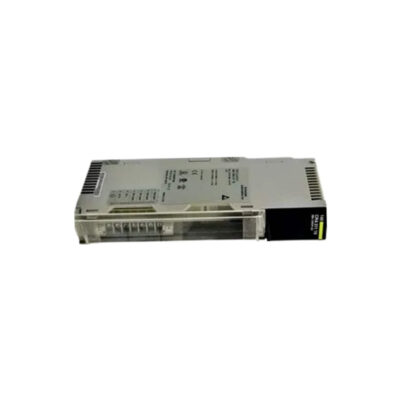
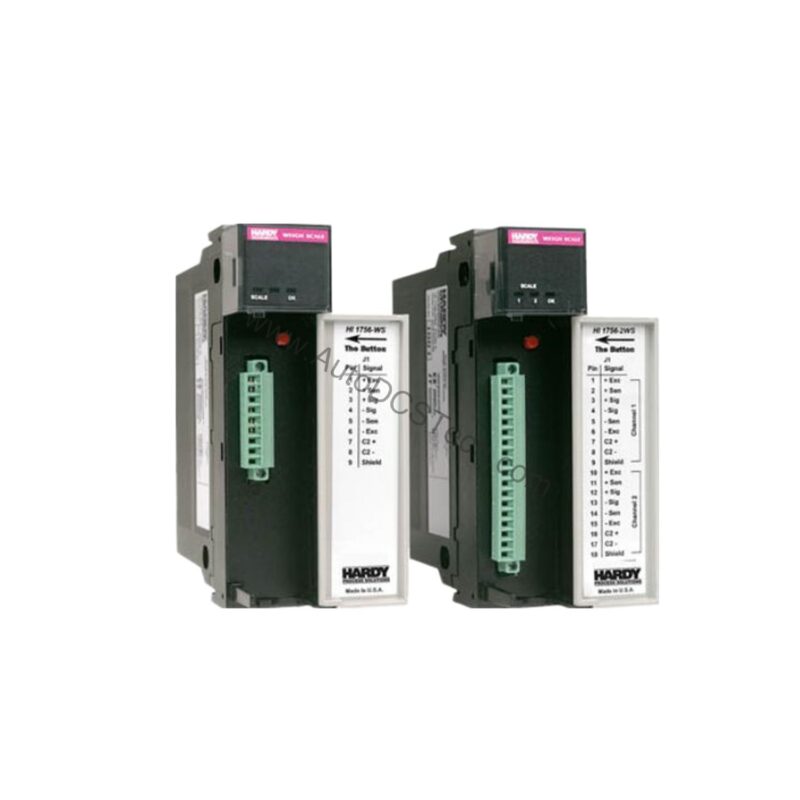
Key parameters for the 1756-MVI are listed below for quick reference:
| Feature | Specification |
|---|---|
| Manufacturer | Rockwell Automation |
| Brand | Allen-Bradley |
| Part Number | 1756-MVI |
| Series | ControlLogix |
| Module Type | Multi Vendor Interface Module |
| Communication Rate | Configurable |
| Communications | RS-232, RS-422, RS-485 |
| Backplane Current (5 Volts) | 800 milliamps |
| Backplane Current (24 Volts) | 3 milliamps |
| Power Dissipation | 6.2 Watts |
| SERCOS Data Rate | 4 or 8 Megabits-Second |
| Current Draw (5.1 Volts) | 1.2 amps |
| Thermal Dissipation | 21.2 BTU-hour |
| Isolation Voltage | 50 Volts Continuous |
| Enclosure | None |
Industry Applications
Discrete Manufacturing Integration
In automotive assembly lines, the 1756-MVI connects ControlLogix controllers to robotic welders or vision systems using RS-232. The configurable communication rate allows engineers to match the baud rate of the external device, ensuring error-free data transfer. This reduces downtime during changeovers and simplifies troubleshooting.
Process Control with Legacy Equipment
Many process plants still rely on older analyzers or flow computers with RS-422 or RS-485 interfaces. The 1756-MVI provides a direct serial link, eliminating the need for costly protocol converters. Its 50 Volts continuous isolation voltage protects the ControlLogix backplane from ground loops, enhancing system reliability.
Installation & Setup Guidance
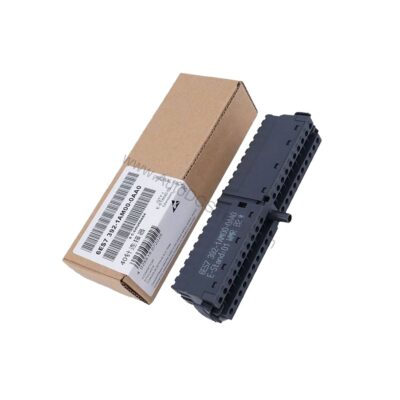
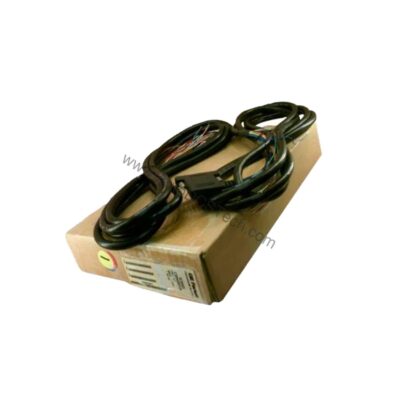
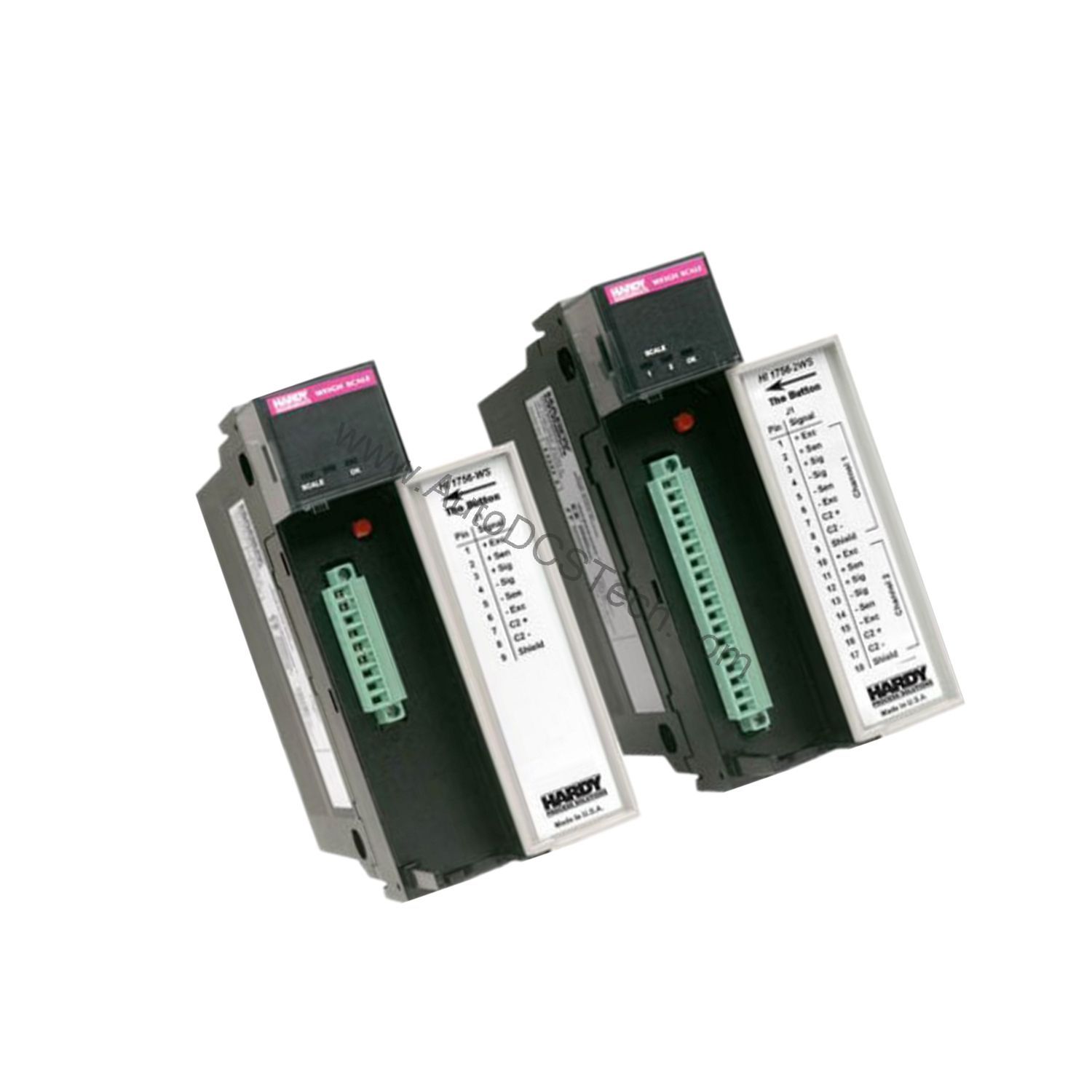
Install the 1756-MVI into any slot of a ControlLogix chassis. The module ships with three serial adapter cables and an installation booklet. Before powering up, verify the Setup jumper is correctly positioned for your desired protocol (RS-232, RS-422, or RS-485). Connect the appropriate cable to one of the three DJ% communication ports on the front panel. After insertion, the embedded BIOS/DOS operating system will boot; if no messages appear on the connected terminal, inspect the jumper and cable connections.
Maintenance & Reliability
The 1756-MVI has no enclosure, so it relies on the chassis for physical protection. Periodically inspect the front panel LEDs to confirm channel and module status. Keep the chassis slot clean and free of debris. The module dissipates 21.2 BTU/hour, so ensure adequate airflow within the cabinet to maintain operating temperatures within safe limits.
Overcoming Integration Challenges with the Allen-Bradley 1756-MVI
In complex industrial automation environments, connecting a ControlLogix system to diverse third-party devices often presents a significant engineering hurdle. This module enables reliable data exchange between the Rockwell Automation ControlLogix platform and equipment from various manufacturers, simplifying system architecture and reducing integration time.
Compatibility & Integration
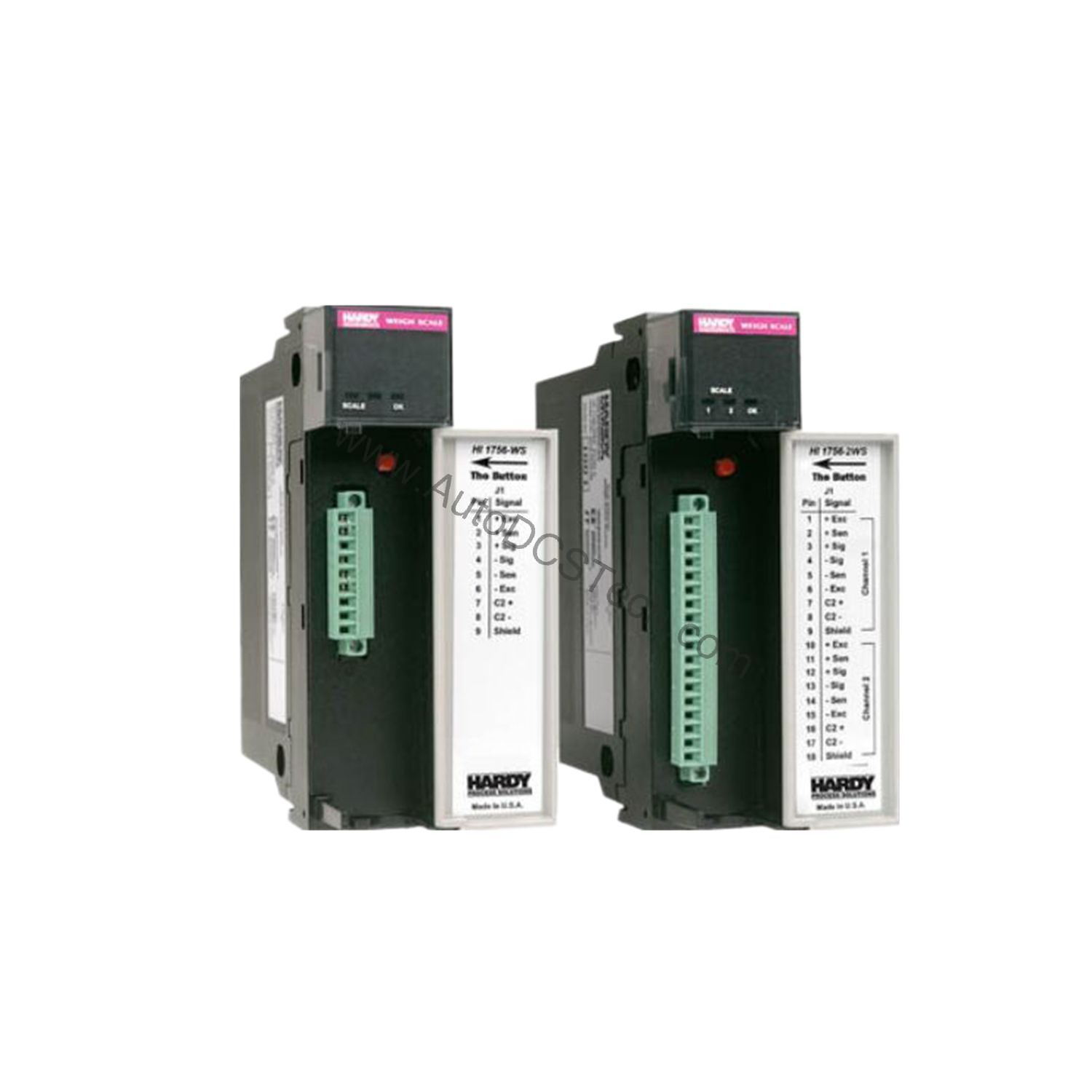
This module is designed for the Allen-Bradley ControlLogix series and can be placed in any chassis slot. It supports RS-232, RS-422, and RS-485 communications, with protocol selection via an on-board jumper. The SERCOS data rate can be set to 4 or 8 Megabits-Second, offering flexibility for high-speed motion control applications.
Selection Guide & Purchasing Advice
When selecting a multi-vendor interface module, verify that the communication protocol and baud rate of your external device match the capabilities of the 1756-MVI. At AutoDCSTech, we stock this module and can help you confirm compatibility with your existing ControlLogix system. Please verify current lifecycle status and availability with AutoDCSTech before ordering.
Troubleshooting & Common Issues
If the module fails to communicate, first check that the Setup jumper is correctly installed for the intended protocol. Confirm that the serial cable connections are secure and that the external device is powered and configured with matching settings. The front panel LEDs provide immediate visual feedback; refer to the installation booklet for LED pattern meanings. If boot messages do not appear, recheck the jumper and cable integrity.
Availability & Condition at AutoDCSTech
| Part Number | 1756-MVI |
|---|---|
| Availability | In Stock |
| Condition | New |
| Warranty | One Year |
| Origin | US |