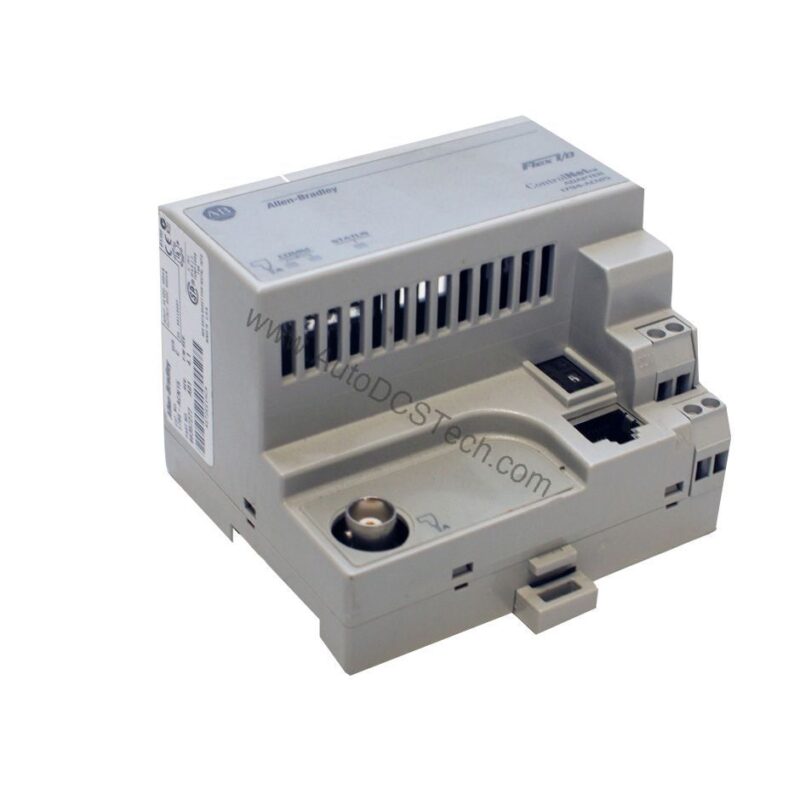
Product Overview
The Allen-Bradley 1794-ASB is a Remote I/O communication adapter from the Flex I/O 1794 series. Designed for distributed I/O architectures, this module connects Flex I/O racks to RIO-capable controllers, including legacy Allen-Bradley PLC2, PLC3, PLC5, and SLC500 platforms. It also works with modern Logix controllers and third-party systems via partner modules. The adapter uses Block Transfer Read (BTR) and Block Transfer Write (BTW) instructions for data exchange, offering flexible packet handling.
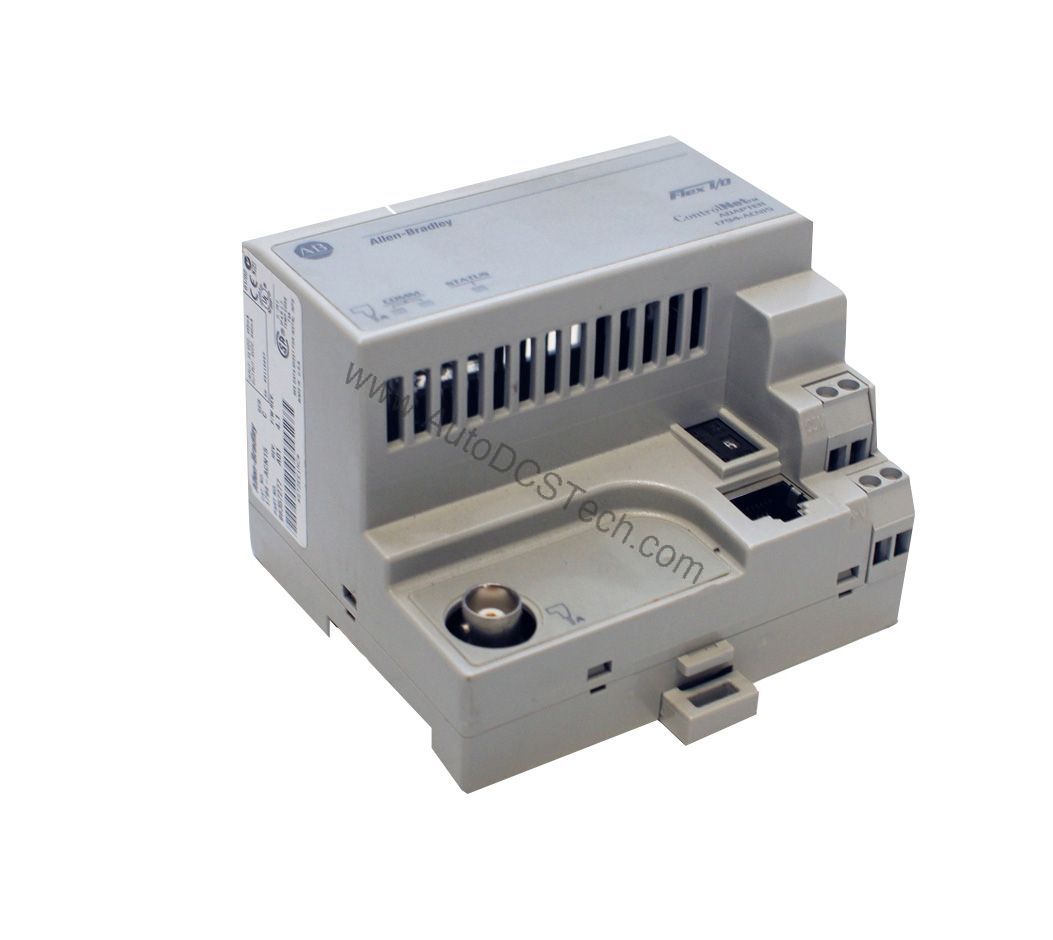
Technical Specifications Breakdown
Key parameters for the 1794-ASB are listed below for quick reference:
| Feature | Specification |
|---|---|
| Manufacturer | Allen Bradley |
| Product Type | Remote IO Adapter |
| Part Number | 1794-ASB |
| Weight | 0.38 lbs (0.17 kg) |
| Power Dissipation | 4.6 W @ 31.2V DC |
| Communication Port | One (1) RIO port |
| Data Transfer Speed | 57.6Kbps, 115.2Kbps, and 230.4kbps |
| Operating Temperature | 0 to 55 C (32 to 131 F) |
| Storage Temperature | -40 to 85 C (-40 to 185 F) |
| Power Consumption | 330 mA @ 24V DC |
| Module Capacity | 8 Modules |
| Mount | DIN Rail |
| Enclosure | IP20, Open Type |
| Voltage | 24 Volts DC |
Industry Applications
Legacy System Integration
Its RIO protocol allows seamless connection to existing I/O racks, extending the life of legacy equipment without a full migration. This approach reduces capital expenditure and minimizes downtime during transitions.
Distributed I/O in Harsh Environments
With an IP20 open-type enclosure, this adapter requires installation inside a protective cabinet. It is well-suited for factory floors where centralized controllers are remote from I/O points. The module supports daisy-chain topology, simplifying wiring in large installations.
Mixed-Platform Compatibility
Beyond Allen-Bradley controllers, the 1794-ASB works with third-party systems through partner modules. This flexibility makes it a cost-effective choice for multi-vendor plants, enabling standardized I/O architecture across different control platforms.
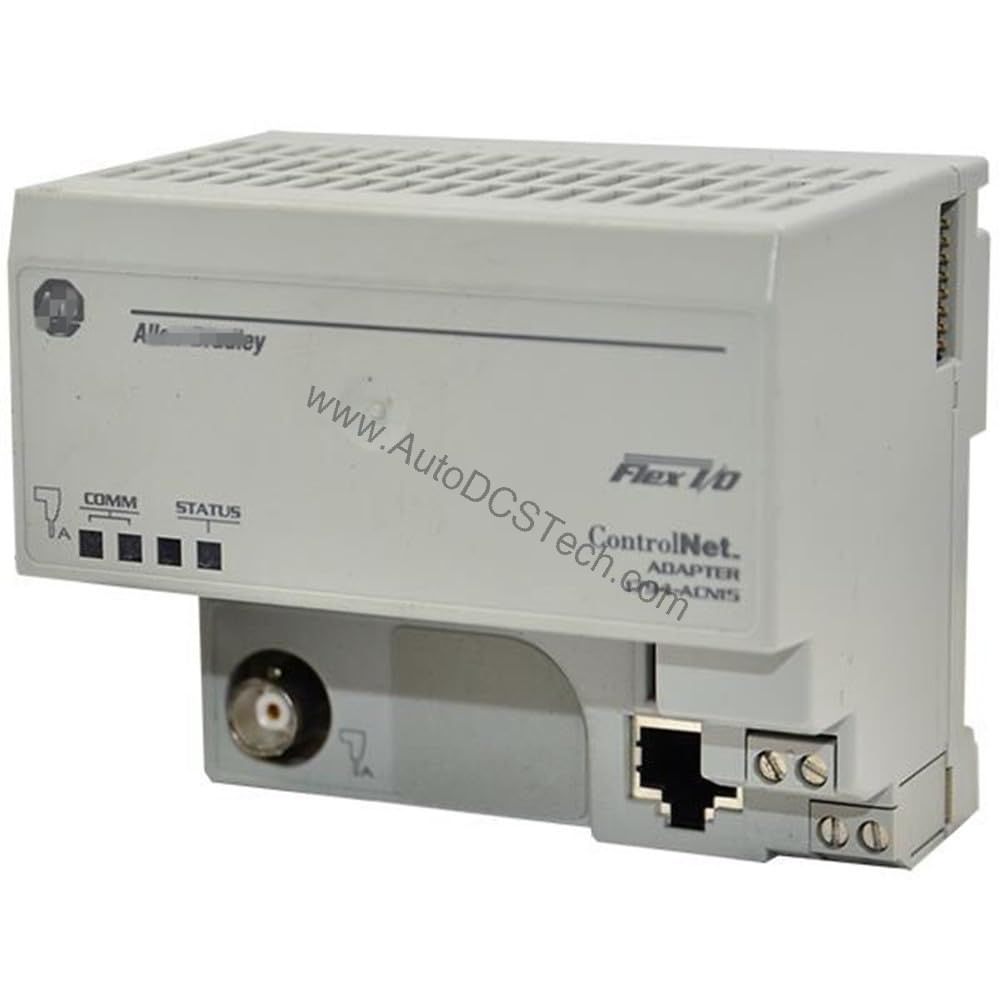
Installation & Setup Guidance
Mount the 1794-ASB on a standard DIN rail inside an appropriate enclosure (IP20 rating). Connect the RIO port to the scanner using Belden 9463 or equivalent cable. Ensure the external power supply provides 450 mA at 24 Volts DC (19.2-31.2 VDC range). The adapter powers the backplane with 5 VDC for up to eight Flex I/O modules. Configure communication rates (57.6, 115.2, or 230.4 Kbps) via the scanner. Use BTR/BTW instructions in the controller program for data transfer. For analog modules, use Series D or later of the 1794-ASB.
Maintenance & Reliability
Inspect the unit periodically for dust accumulation and ensure the enclosure maintains proper airflow. The module is tested for vibration (5 g @ 10-500Hz per IEC 68-2-6) and shock (30 g peak acceleration). Verify power supply stability to avoid voltage fluctuations. Storage temperature range is -40 to 85 C; operating range is 0 to 55 C. No user-serviceable parts inside; contact AutoDCSTech for replacement if faults persist.
Compatibility & Integration
The 1794-ASB communicates via the RIO protocol using a single port. It is compatible with Allen-Bradley legacy controllers (PLC2, PLC3, PLC5, SLC500) and modern Logix platforms. The adapter supports daisy-chain topology and can integrate with third-party systems via partner modules. Use Belden 9463 cable for reliable connections. The module works with up to eight Flex I/O modules, including discrete and analog types (with Series D or later for analog).
Selection Guide & Purchasing Advice
When selecting the 1794-ASB, confirm your controller supports RIO protocol and that the communication rate matches your network. For new installations, verify lifecycle status with AutoDCSTech before ordering, as this module is considered obsolete. AutoDCSTech offers genuine Allen-Bradley parts with expert support to ensure compatibility. Contact us for current availability and pricing.
Troubleshooting & Common Issues
If the Adapter Fault LED is lit, check the RIO cable connection and ensure the scanner is online. A Local Fault LED may indicate a module configuration error—verify that all eight Flex I/O modules are properly seated and addressed. Power LED off suggests a supply issue: measure voltage at the adapter terminals (should be 19.2-31.2 VDC). For communication errors, confirm the baud rate matches the scanner setting. If problems persist, consult the user manual or contact AutoDCSTech for assistance.
Availability & Condition at AutoDCSTech
| Part Number | 1794-ASB |
|---|---|
| Availability | In Stock |
| Condition | New |
| Warranty | One Year |
| Origin | US |