Technical Specifications Breakdown
Key parameters for the 2711P-B6C20A8 are listed below for quick reference:
| Feature | Specification |
|---|---|
| Manufacturer | Rockwell Automation |
| Product Family | PanelView Plus 6 Operator Terminal |
| Product Type | PanelView Plus 6 600 Standard Terminals |
| Operator Input | Keypad / Touch |
| Display Type | Color active matrix, thin-film transistor (TFT) with liquid crystal display (LCD) |
| Display Area | 115 x 86 mm (4.5 x 3.4 in.) |
| Resolution | 320 x 240, 18-bit color graphics |
| Keypad | 1 million presses |
| Keypad Function Keys | F1-F10 function keys (F1…F10), Numeric input, navigation |
| Touch | Analog Resistive |
| Internal Memory | 512MB Flash Memory / 512 MB Random Access Memory |
| Integrated Ports | Ethernet, RS-232, 2 USB host |
| Input Voltage Range | 100-240VAC |
| Input Frequency | 50-60 Hz |
Industry Applications
This HMI suits many industrial settings. Use it to monitor and control PLC-based machinery, packaging lines, or material handling systems. The 5.7-inch color display provides clear process feedback. The keypad and touch input allow operators to enter data and navigate screens even with gloved hands. The Ethernet port supports EtherNet/IP for real-time I/O messaging and controller integration.
Installation & Setup Guidance
Mount the terminal flush into an enclosure rated for your environment. Ensure the mounting surface is flat. Consider climate control devices like fans or heaters to maintain a stable operating temperature. Connect the AC power supply within the 100-240VAC range and 50-60 Hz frequency. Use the Ethernet port for networked architecture; use the RS-232 port for direct controller connections. The USB host ports accept a mouse, keyboard, or USB drive for data transfer and configuration.
Maintenance & Reliability
Regularly inspect the unit for dust buildup on the display and ventilation areas. Clean the touchscreen with a soft, dry cloth. Periodically verify that all cable connections remain secure. Because the backlight has a rated life of 50,000 hours, plan for eventual replacement. The keypad is rated for 1 million presses, so it will last many years under normal use. Always follow your facility's safety procedures when working with electrical equipment.
The Allen-Bradley 2711P-B6C20A8: A Reliable HMI for Legacy Automation
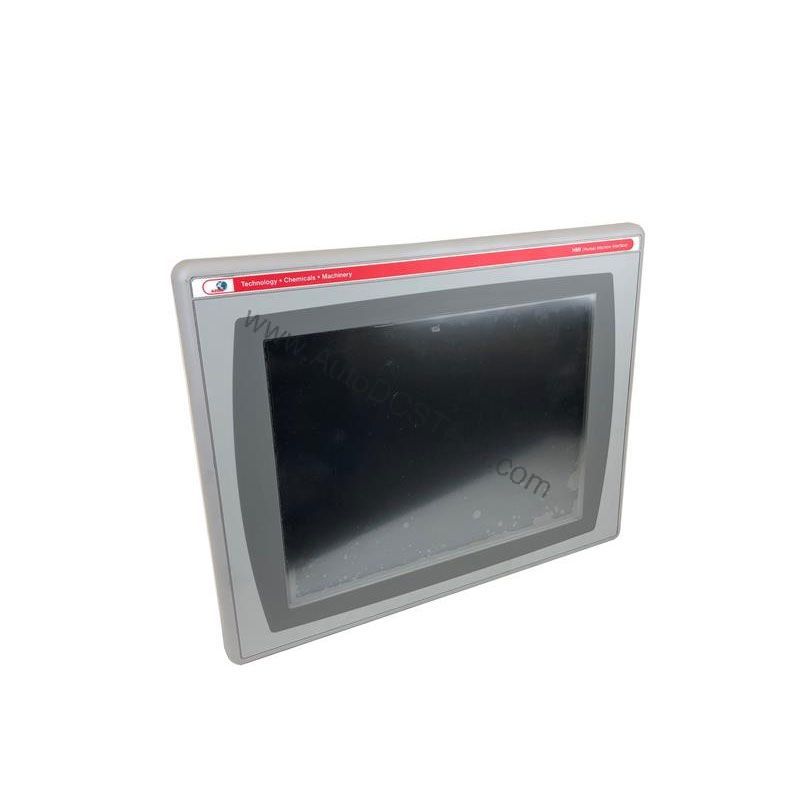
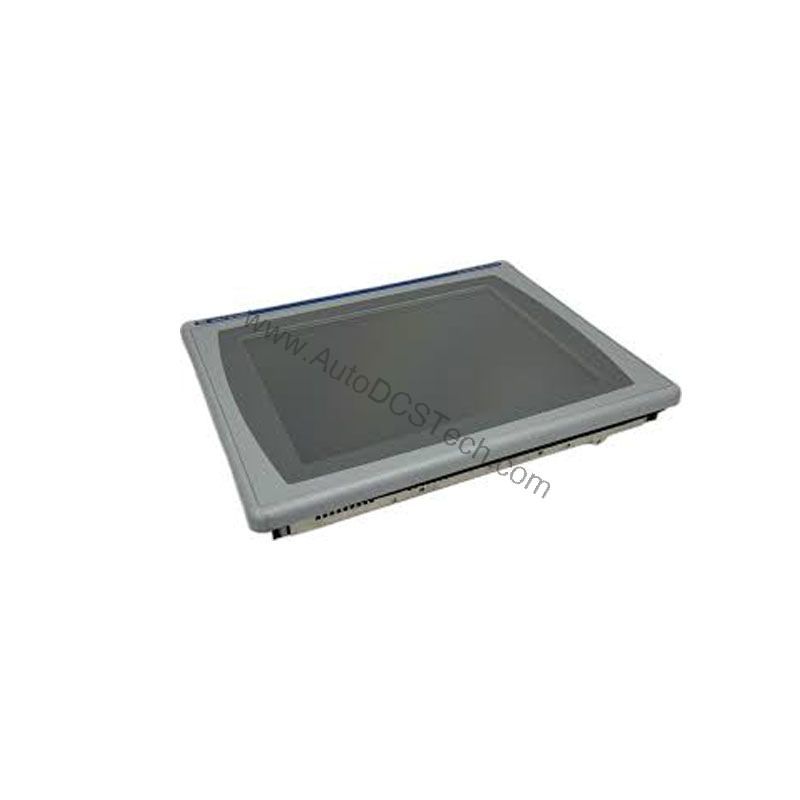
The Allen-Bradley 2711P-B6C20A8 is a PanelView Plus 6 600 Operator Terminal designed to keep your line running. It offers a proven interface for machine control, data entry, and process visualization. This unit is part of the PanelView Plus 6 family from Rockwell Automation. It is now end-of-life, but AutoDCSTech supplies this model for replacement and maintenance needs.
Compatibility & Integration
The 2711P-B6C20A8 integrates with Allen-Bradley controllers and third-party devices. The Ethernet port supports EtherNet/IP, enabling real-time I/O messaging and message exchange. The RS-232 port supports DF1 and point-to-point DH485. The USB ports support standard peripherals. This flexibility makes it a valuable bridge between legacy and modern systems.
Selection Guide & Purchasing Advice
This model is end-of-life, so availability is limited. AutoDCSTech stocks the 2711P-B6C20A8 for customers needing a drop-in replacement. Before ordering, verify your exact part number and revision. Check the input voltage and communication requirements against your existing system. Contact AutoDCSTech to confirm lifecycle status and availability. We help you keep legacy automation running without costly system overhauls.
Troubleshooting & Common Issues
If the display is blank, check the input power and fuses. If the touchscreen is unresponsive, recalibrate it through the configuration menu. For communication errors, verify the Ethernet cable and IP settings. For RS-232 issues, confirm baud rate and protocol settings match the connected device. If the unit fails to boot, try a factory reset using the built-in diagnostics. For persistent problems, consult the user manual or contact AutoDCSTech for support.
Availability & Condition at AutoDCSTech
| Part Number | 2711P-B6C20A8 |
|---|---|
| Availability | In Stock |
| Condition | New |
| Warranty | One Year |
| Origin | US |