Technical Specifications Breakdown
Key parameters for the 2711P-B6M3D are listed below for quick reference:
| Feature | Specification |
|---|---|
| Manufacturer | Rockwell Automation |
| Brand | Allen-Bradley |
| Part Number/Catalog No. | 2711P-B6M3D |
| Series | PanelView Plus 600 |
| Module Type | Operator Interface Terminal |
| Input Type | Keypad/Touchscreen |
| Power Supply | 24 Volts DC |
| Communication | RS-232, USB, Ethernet, DH-486 |
| Display | 5.7-inch Monochrome |
| Product Lifecycle Status | Discontinued/Obsolete |
Why the 2711P-B6M3D Remains a Reliable Choice for HMI Applications
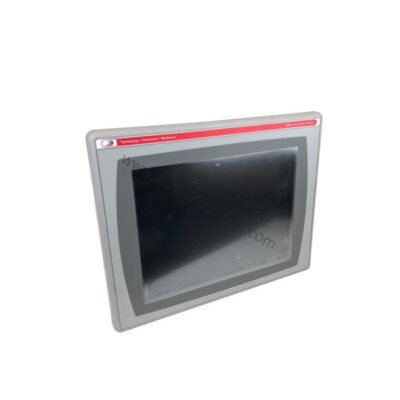
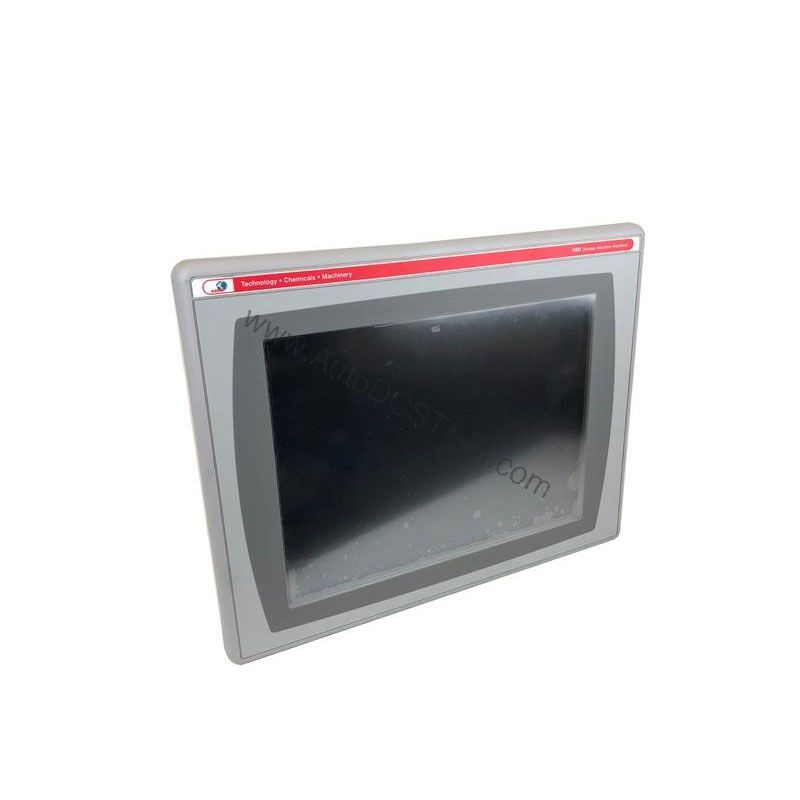
This operator interface terminal combines a 5.7-inch monochrome display with both keypad and touchscreen input, giving operators flexible control in demanding industrial environments. Although the 2711P-B6M3D is now discontinued, it remains a cost-effective solution for existing installations that require a proven HMI. AutoDCSTech can help you source this model or recommend a suitable replacement.
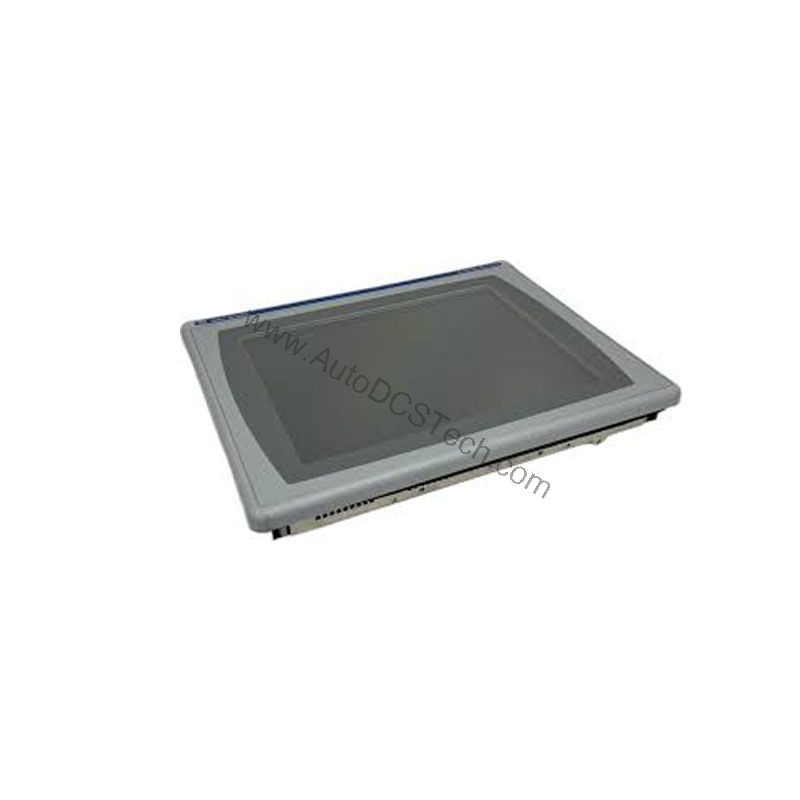
Its keypad and touchscreen allow for quick navigation through screens, even with gloved hands. In a packaging line, the terminal can display machine status, alarm history, and production counts, while the function keys (F1-F10) provide one-touch access to common actions. In a material handling system, the RS-232 and Ethernet ports enable seamless connection to PLCs for data exchange and remote monitoring. The monochrome display, though not color, offers contrast for text and graphics, making it suitable for environments where color is not essential.
Installation & Setup Guidance
When installing the 2711P-B6M3D, ensure the power supply provides a stable 24V DC input. The terminal accepts a wide input voltage range, but always verify that your supply matches the specified 24V DC nominal. Mount the unit in a panel that meets the NEMA 12, 13, 4X, IP54, or IP65 enclosure rating to protect against dust and moisture. For communication, use the built-in RS-232 or Ethernet ports for initial setup; the optional communication module can expand network capabilities. Configure the IP address, baud rate, and protocol settings via the terminal's setup menu to match your network.
Maintenance & Reliability
The 2711P-B6M3D is built to withstand industrial shock and vibration. The touchscreen has a 1-million press actuation rating and can withstand shock from 10 to 110G, while the keypad is rated for 1-million presses and 340G shock. To maintain reliability, inspect the terminal periodically for dust accumulation on the screen and keypad. Clean the display with a soft, dry cloth. Avoid using harsh solvents. Check cable connections and ensure the enclosure gaskets remain intact to preserve the IP rating. The backlight has a 50,000-hour half-life, so plan for eventual replacement if the display dims.
Compatibility & Integration
The 2711P-B6M3D supports RS-232, USB, Ethernet, and DH-486 communication protocols, making it compatible with a wide range of Rockwell Automation controllers and third-party devices. The USB port can be used for data logging or firmware updates. The optional communication module can add additional protocols, such as ControlNet or DeviceNet, to suit your specific network architecture.
Selection Guide & Purchasing Advice
Because the 2711P-B6M3D is discontinued, it is essential to verify availability and lifecycle status before ordering. AutoDCSTech specializes in sourcing hard-to-find industrial automation parts, including legacy Allen-Bradley components. Contact AutoDCSTech to check stock, pricing, and lead times. If you are planning a new installation, consider the current PanelView Plus 7 series as a modern alternative, but for replacement or expansion of an existing system, the 2711P-B6M3D remains a practical choice.
Troubleshooting & Common Issues
If the display is blank, first check the power supply voltage and connections. If the touchscreen is unresponsive, recalibrate it via the setup menu. For communication issues, verify the IP address and baud rate settings. If the keypad does not respond, ensure no debris is stuck under the keys. For persistent problems, consult the user manual or contact AutoDCSTech for technical support. Always follow proper ESD precautions when handling the terminal.
Availability & Condition at AutoDCSTech
| Part Number | 2711P-B6M3D |
|---|---|
| Availability | In Stock |
| Condition | New |
| Warranty | One Year |
| Origin | US |