Technical Specifications Breakdown
Key parameters for the 2711P-B6M8D are listed below for quick reference:
| Feature | Specification |
|---|---|
| Manufacturer | Rockwell Automation |
| Brand | Allen-Bradley |
| Part Number/Catalog No. | 2711P-B6M8D |
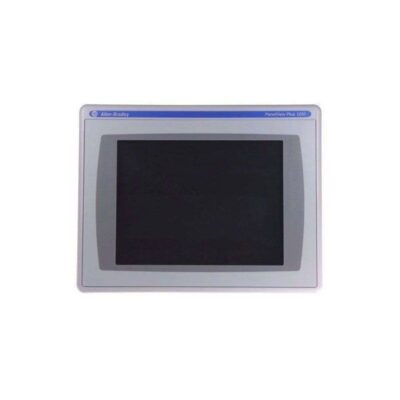
| Series | PanelView Plus 600 |
| Module Type | Operator Interface Terminal |
| Input Type | Keypad/Touchscreen |
| Power Supply | 24 Volts DC |
| Communication | RS-232, USB, Ethernet, DH+ |
| Display | 5.7-inch Monochrome |
| Product Lifecycle Status | Discontinued/Obsolete |
Industry Applications: Solving Real-World Control Challenges
Problem: In manufacturing plants, machine downtime often stems from operators lacking a clear view of process status. Solution: The 2711P-B6M8D provides a 5.7-inch monochrome display that presents critical data in a readable format, enabling quick decision-making. Its keypad and touchscreen input allow operators to navigate screens and enter commands even while wearing gloves, reducing errors and improving response times.
Problem: Many facilities rely on legacy equipment that uses DH+ networks, making integration with modern HMIs difficult. Solution: This terminal includes DH+ communication, allowing it to connect directly to existing DH+ networks without additional converters. This simplifies retrofits and reduces installation costs.
Problem: Remote monitoring and data logging are essential for optimizing production. Solution: With Ethernet and USB ports, the 2711P-B6M8D can connect to plant networks and external storage devices, facilitating data collection and remote access. This enables engineers to analyze trends and adjust processes for better efficiency.
Installation & Setup Guidance
When installing the 2711P-B6M8D, follow these practical steps to ensure reliable operation:
- Mounting: Choose a location that allows easy viewing and access to the keypad/touchscreen. Ensure adequate clearance for ventilation and cable routing.
- Power Supply: Connect a stable 24 Volts DC power source to the pre-installed power terminal block. Verify polarity and use appropriate fusing as per local codes.
- Communication Wiring: For RS-232, use shielded cables to minimize interference. For Ethernet, use CAT5 or better cabling. For DH+, follow standard DH+ wiring practices. USB connections can be used for programming or data transfer.
- Configuration: Use the RS-232 Ethernet port (as mentioned in the description) to configure the terminal. The modular communication interface allows for easy add-on capabilities. Refer to the user manual for specific software settings.
- Grounding: Ensure proper grounding of the terminal and connected equipment to prevent electrical noise issues.
Maintenance & Reliability
To maintain the reliability of the 2711P-B6M8D, perform regular inspections:
- Visual Checks: Periodically inspect the display, keypad, and enclosure for signs of wear, cracks, or contamination.
- Cleaning: Use a soft, dry cloth to clean the screen and keypad. Avoid abrasive cleaners that could damage the surface.
- Connections: Check all communication and power connections for tightness and corrosion. Re-tighten if necessary.
- Environmental Conditions: The terminal is designed for stringent environmental conditions, but avoid exposing it to extreme temperatures, humidity, or vibration beyond specified limits.
- Firmware Updates: If possible, keep the firmware updated to benefit from bug fixes and improvements. However, verify compatibility before updating.
The Allen-Bradley 2711P-B6M8D: A Reliable HMI for Industrial Control
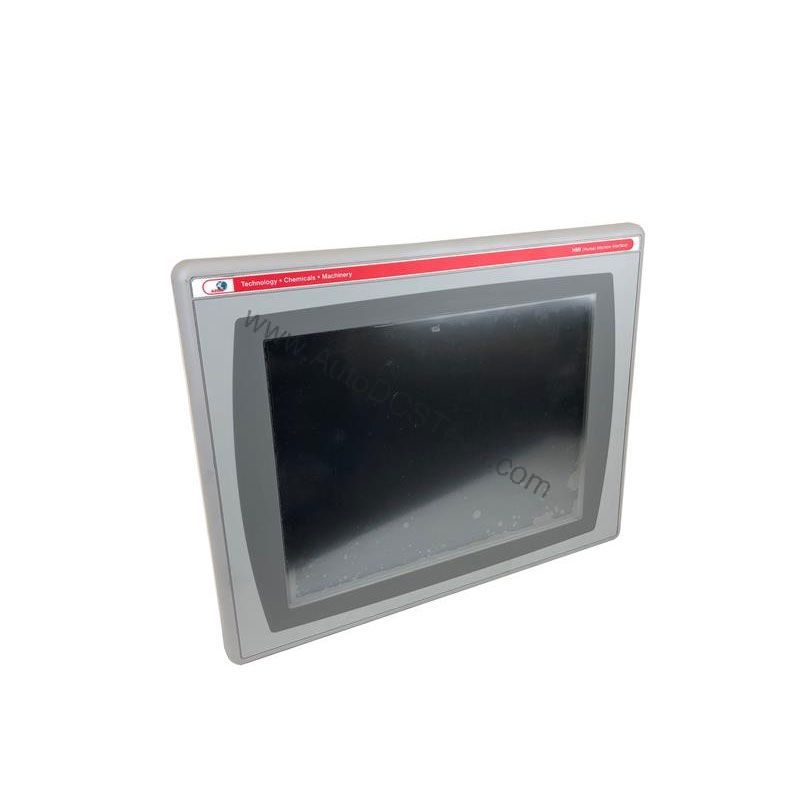
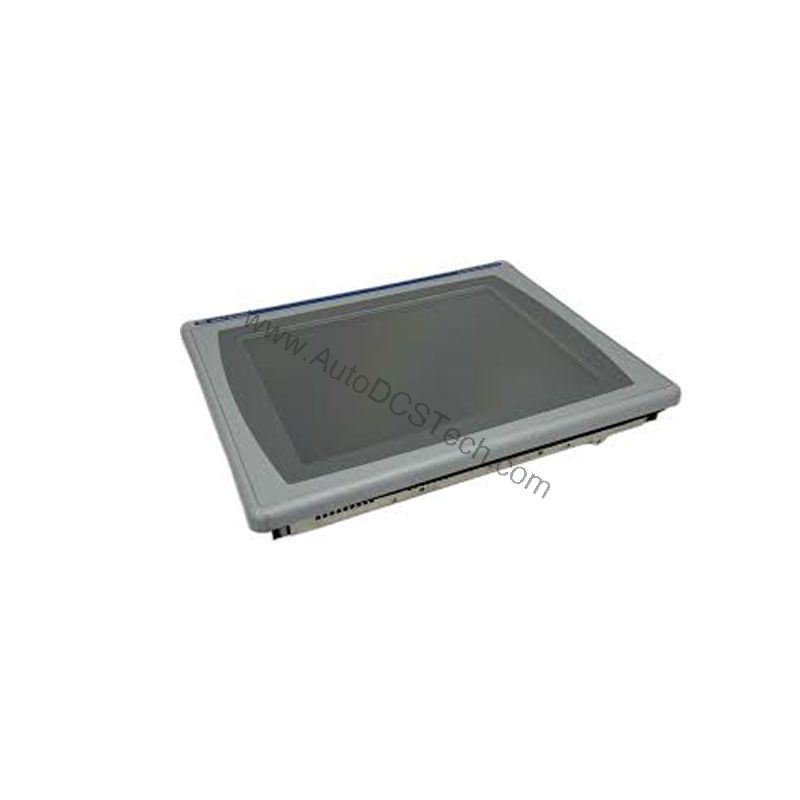
Industrial environments demand operator interfaces that can withstand harsh conditions while providing clear machine control and monitoring. The Allen-Bradley 2711P-B6M8D, part of the PanelView Plus 600 series, is designed to meet these challenges. This DC-powered terminal allows operators to control industrial machines and monitor application progress in real time. With its robust construction and flexible communication options, it remains a trusted choice for many automation systems.
Compatibility & Integration
The 2711P-B6M8D offers multiple communication options, making it versatile for various control systems:
- USB: Useful for programming, data logging, and connecting peripherals like keyboards or barcode scanners.
- Ethernet: Enables network connectivity for remote monitoring, data exchange, and integration with SCADA systems.
- DH+: Allows direct connection to legacy Allen-Bradley PLCs and DH+ networks, preserving existing infrastructure.
This flexibility ensures the terminal can fit into both modern and legacy automation architectures.
Selection Guide & Purchasing Advice
When selecting an operator interface terminal, consider factors such as display size, input method, communication requirements, and power supply. The 2711P-B6M8D is well-suited for applications needing a compact, monochrome display with multiple communication options. However, since it is discontinued/obsolete, it is crucial to verify availability and lifecycle status before ordering.
At AutoDCSTech, we specialize in supplying industrial automation parts, including legacy and hard-to-find components. Contact us to check current stock and ensure the 2711P-B6M8D meets your specific needs. Our team can also suggest alternative products if this model is no longer available.
Troubleshooting & Common Issues
Issue: Display is blank or unreadable.
- Check the power supply voltage (24 Volts DC) and connections.
- Inspect the display backlight and contrast settings.
- Ensure the terminal is not in a sleep mode.
Issue: Communication failures.
- Verify cable connections and pinouts for RS-232, Ethernet, or DH+.
- Check network settings (IP address, baud rate) for Ethernet and DH+.
- Test with a known-good cable to rule out cable damage.
Issue: Touchscreen or keypad unresponsive.
- Clean the screen and keypad to remove dirt or debris.
- Calibrate the touchscreen if the option is available.
- Check for physical damage that may require replacement.
Issue: Unexpected reboots or freezes.
- Ensure the power supply is stable and within specifications.
- Check for loose connections or intermittent power interruptions.
- Review application logic for memory leaks or excessive data logging.
If problems persist, consult the user manual or contact a qualified technician. Do not attempt internal repairs, as this may void any remaining warranty and risk damage.
Please verify current lifecycle status and availability with AutoDCSTech before ordering.
Availability & Condition at AutoDCSTech
| Part Number | 2711P-B6M8D |
|---|---|
| Availability | In Stock |
| Condition | New |
| Warranty | One Year |
| Origin | US |