Technical Specifications Breakdown
Key parameters for the 2711P-B7C4A9 are listed below for quick reference:
| Feature | Specification |
|---|---|
| Manufacturer | Rockwell Automation |
| Brand | Allen-Bradley |
| Part Number | 2711P-B7C4A9 |
| Product Line | PanelView 6 Plus |
| Display Size | 6.5 in. |
| Display Color | Color |
| Input Type | Keypad/Touchscreen |
| Communication | Ethernet and RS-232 |
| Input Power | 100-240 VAC |
| Memory | 512 MB RAM |
| Backlight | 2711P-RL7C2 |
| Communication Cable | 2711-NC14 |
| Shipping Weight | 8 lbs. |
| Shipping Dimensions | 14 x 11 x 8 in |
| Series | Series A and Series B |
Industry Applications and Operational ROI
For example, in a packaging line, the color display can show machine status, production counts, and alarm messages clearly. The keypad and touchscreen allow quick navigation through screens, reducing response time to faults. In a food and beverage plant, the Ethernet port enables connection to a PLC over EtherNet/IP, facilitating recipe changes and data logging. The robust design and reliable performance help minimize downtime, directly improving operational ROI.
Installation and Setup Guidance
Before mounting the terminal, verify that the input power source matches the 100-240 VAC rating. Ensure the panel cutout is sized correctly for the 6.5-inch display. Connect the communication cable (2711-NC14) for RS-232 or use an Ethernet cable with an RJ45 connector for network communication. The Ethernet port supports MDI/MDI-X connections, so standard straight-through or crossover cables work. After power-up, configure the IP address via the EtherNet/IP screen to match your network. Download the application using the provided software.
Maintenance and Reliability
Regularly inspect the display for scratches or damage that could obscure visibility. Clean the touchscreen with a soft, dry cloth to remove dust and fingerprints. Check all cable connections periodically to ensure they are secure. The backlight, part number 2711P-RL7C2, may need replacement after extended use; follow manufacturer guidelines for replacement. Keep the unit in a clean, dry environment within the specified operating conditions.
The Allen-Bradley 2711P-B7C4A9: A Reliable Operator Interface for Modern Machines
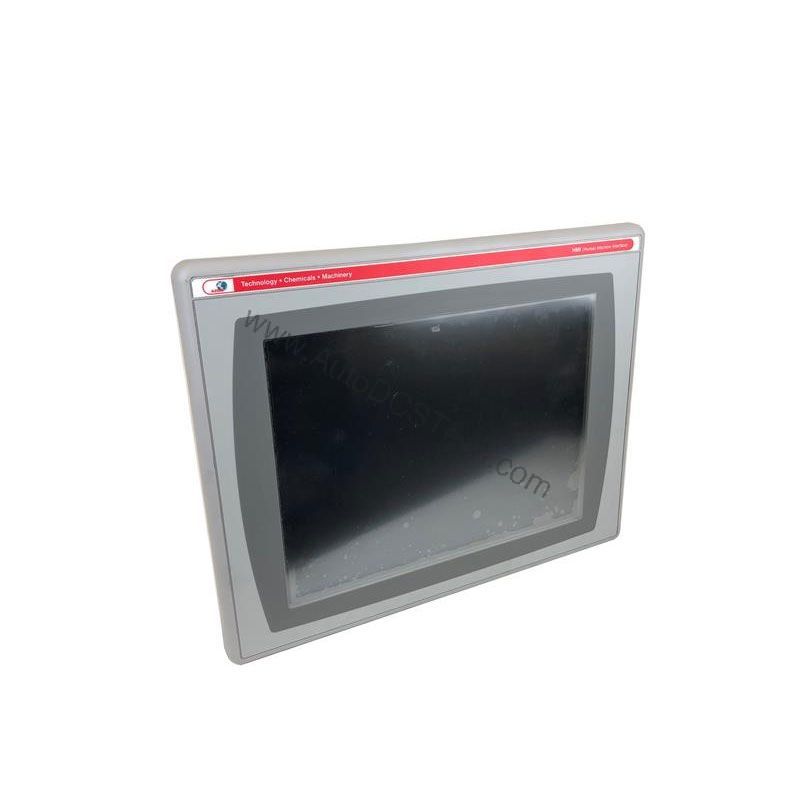
The Allen-Bradley 2711P-B7C4A9 operator interface terminal solves this by providing a clear, interactive window into your automation process. Built as part of the PanelView Plus 6 series by Rockwell Automation, this HMI is designed for demanding industrial environments.
Key Features at a Glance
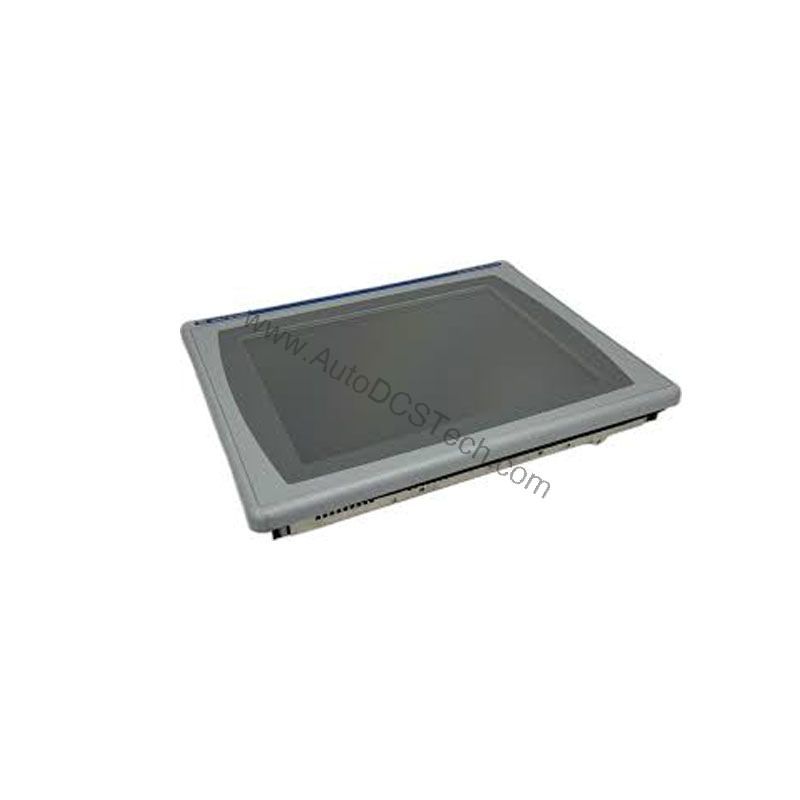
This unit combines a 6.5-inch color display with both keypad and touchscreen input, giving operators flexible control. It is AC-powered with an input voltage range of 100 to 240 VAC, making it suitable for global installations. The terminal includes 512 MB RAM for responsive application performance. Communication is handled via Ethernet and RS-232, allowing integration with modern control networks.
Compatibility and Integration
The 2711P-B7C4A9 supports Ethernet and RS-232 communication. The Ethernet port connects to a controller on an EtherNet/IP network, allowing real-time I/O messaging and message exchange. This port also supports application transfers and printing. For terminals requiring an additional Ethernet port, the 2711P-RN20 module is available for 700 to 1500 series terminals. Each module has its own unique IP address, simplifying network management.
Selection Guide and Purchasing Advice
When selecting an HMI, consider display size, input method, and communication requirements. The 2711P-B7C4A9 is a versatile choice for many applications. At AutoDCSTech, we stock this model and can advise on availability and lifecycle status. Contact our team to confirm the current lifecycle status and availability before ordering. We are committed to helping you find the right part for your automation needs.
Troubleshooting and Common Issues
If the display does not power on, check the input power supply and connections. If the touchscreen is unresponsive, ensure the protective film is removed and the screen is clean. For communication issues, verify the IP address settings and cable integrity. If the backlight dims or fails, replace it with the 2711P-RL7C2. Always refer to the user manual for detailed troubleshooting steps.
Availability & Condition at AutoDCSTech
| Part Number | 2711P-B7C4A9 |
|---|---|
| Availability | In Stock |
| Condition | New |
| Warranty | One Year |
| Origin | US |
Datasheet & Downloads
Specification sheet for 2711P-B7C4A9. For lead time, condition and price, contact our team.