Technical Specifications Breakdown
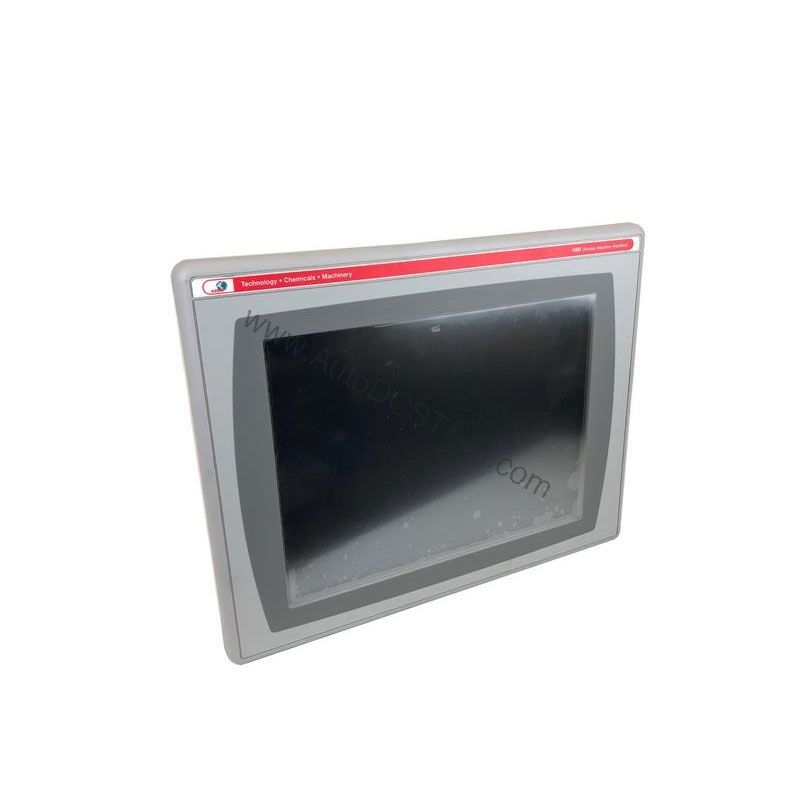
Key parameters for the 2711P-K6M8A are listed below for quick reference:
| Feature | Specification |
|---|---|
| Manufacturer | Rockwell Automation |
| Product Family | PanelView Plus Operator Terminals |
| Product Type | PanelView Plus 600 Operator Terminals |
| Display Type | Grayscale passive matrix, film compensated super-twist nematic (FSTN) |
| Backlight | Grayscale passive matrix, film compensated super-twist nematic (FSTN) |
| Display Size | 5.5 inches |
| Display Area | 112 x 84 mm (4.4 x 3.3 in.) |
| Resolution | 320 x 240 |
| Keypad | 1 million presses |
| Keypad Function Keys | F1-F10 function keys (F1…F10), Numeric input, navigation |
| Internal Memory | 32 MB Flash/64 MB RAM |
| Integrated Ports | DH+, Ethernet, RS-232 |
| Input Voltage Range | 18-32VDC |
Industry Applications
This operator terminal is well-suited for applications that require a compact, reliable interface for machine control. In packaging lines, the keypad allows operators to enter batch parameters and navigate screens quickly. In material handling systems, the terminal provides real-time status updates and alarm notifications. The DH+ and Ethernet ports enable seamless integration with existing Rockwell Automation PLCs, making it an ideal drop-in replacement for older PanelView units.
Installation & Setup Guidance
Mount the terminal in a panel with adequate clearance for ventilation. Connect the DC power supply within the specified 18-32VDC range. Use the RS-232 port for programming and the Ethernet port for network communication. Attach any communication modules to the logic module on the back of the unit to expand connectivity. For initial configuration, connect a PC via USB or RS-232 and use the appropriate configuration software.
Maintenance & Reliability
The keypad is rated for 1 million presses, ensuring long-term durability. The FSTN display provides clear visibility in various lighting conditions. Periodically inspect the terminal for dust accumulation and ensure the enclosure remains sealed to maintain NEMA/UL type 12/13, 4X protection. Check the backlight for consistent illumination and replace the unit if the display becomes dim.
Why Upgrade to a Proven HMI Platform?
When legacy operator interfaces begin to fail, production lines stall. The Allen-Bradley 2711P-K6M8A from the PanelView Plus 600 series offers a dependable solution for replacing aging terminals without redesigning your control system. Built by Rockwell Automation, this operator terminal delivers reliable performance for machine control, process monitoring, and data entry in demanding industrial environments.
Compatibility & Integration
The 2711P-K6M8A supports DH+, Ethernet, and RS-232 communication protocols. The integrated USB port allows connection of external input devices such as a mouse and keyboard. The terminal is compatible with PanelView Plus software, including Machine Edition and Site Edition, enabling flexible application development.
Selection Guide & Purchasing Advice
Before ordering, verify the current lifecycle status and availability with AutoDCSTech. Although this model is discontinued, AutoDCSTech stocks new and refurbished units to support existing installations. Contact their team to confirm compatibility with your control system and to discuss warranty options.
Troubleshooting & Common Issues
If the display remains blank, check the power supply voltage and connections. If communication fails, verify the network settings and cable integrity. For keypad unresponsiveness, clean the keypad surface and ensure no debris is obstructing the keys. If the terminal does not boot, check the internal memory and reload the application if necessary.
Availability & Condition at AutoDCSTech
| Part Number | 2711P-K6M8A |
|---|---|
| Availability | In Stock |
| Condition | New |
| Warranty | One Year |
| Origin | US |