Technical Specifications Breakdown
Key parameters for the 2711P-K7C4D8 are listed below for quick reference:
| Feature | Specification |
|---|---|
| Product Family | PanelView Plus 6 700 Operator Terminals |
| Product Type | Operator Terminals |
| Keypad Function Keys | 22 function keys (F1…F10; K1…K12) |
| Actuation | 1 million presses |
| Display Type | Color Active Matrix |
| Lifecycle Status | Active |
| Display Area | 132 x 99 mm (5.2 x 3.9 in.) |
| Resolution | 640 x 480, 18-bit color graphics |
| Internal Memory | 512 MB RAM, 512 MB nonvolatile memory (approx. 79 MB free user memory) |
| Integrated Ports | Ethernet, RS-232, 2 USB host |
| Input Voltage Range | 18-32VDC |
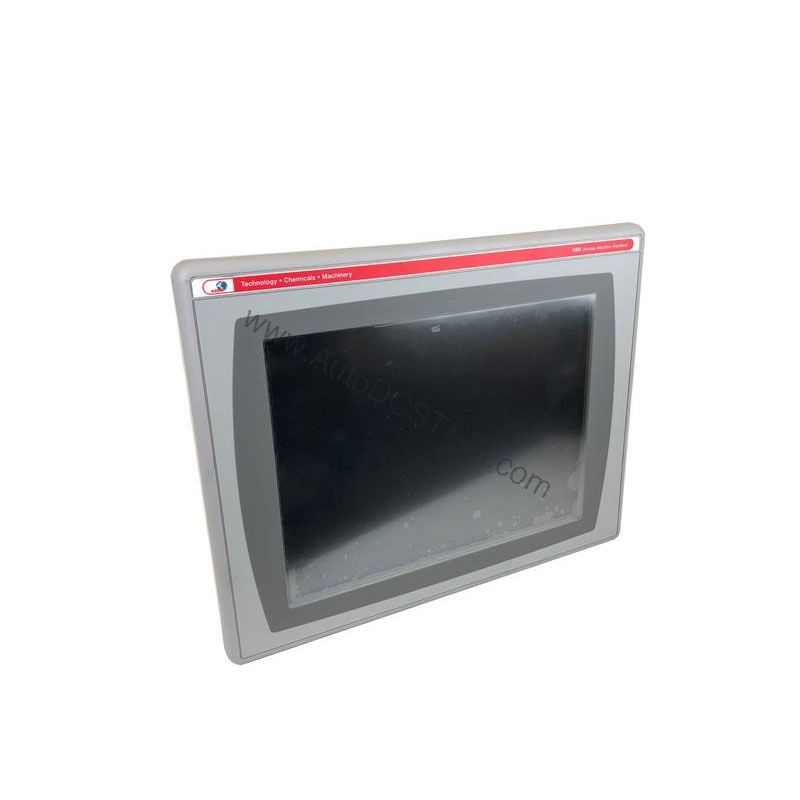
This operator terminal is a versatile solution for various industries. In a packaging line, the 6.5-inch color display and keypad allow operators to monitor machine status, adjust parameters, and acknowledge alarms without needing a PC. The 22 function keys (F1…F10; K1…K12) can be programmed for shortcuts, speeding up repetitive tasks. In a material handling system, the Ethernet port enables seamless integration with PLCs over EtherNet/IP, providing real-time I/O messaging and data exchange. The RS-232 port offers a reliable backup for legacy controllers, ensuring compatibility across mixed-vintage equipment.
Installation & Setup Guidance: Getting the Most from Your HMI
Proper installation is key to reliable operation. Mount the 2711P-K7C4D8 in a panel cutout that provides adequate clearance for ventilation. The unit accepts 18-32VDC input power; ensure your power supply is within this range and properly fused. Connect the Ethernet cable to an RJ45 port (10/100Base-T) for network communication. The RS-232 port can be used for serial communication with controllers or peripheral devices. Two USB host ports allow you to connect a mouse, keyboard, or USB drive for data transfer and application updates. When downloading applications, use the appropriate communication cable (e.g., 2711-NC13) and follow Rockwell Automation's guidelines.
Maintenance & Reliability: Keeping Your HMI Running Smoothly
With an active lifecycle status, the 2711P-K7C4D8 is a current product, but regular maintenance is still essential. Periodically inspect the keypad for wear; the actuation rating is 1 million presses, so heavy use may require eventual replacement. Clean the display with a soft, dry cloth to avoid scratching the screen. Ensure the enclosure remains free of dust and moisture, as these can affect the internal electronics. The LED backlight has a rated life of 50,000 hours, which translates to years of continuous operation. For long-term reliability, verify that the ambient temperature stays within the specified operating range (refer to the user manual).
Compatibility & Integration: Building a Connected System
The 2711P-K7C4D8 is designed to integrate into modern industrial networks. Its Ethernet port supports EtherNet/IP, an open industrial network that enables real-time I/O messaging and message exchange. This allows the HMI to communicate directly with controllers and other devices on the same network. The RS-232 port provides a point-to-point serial connection, useful for connecting to older equipment or for debugging. The two USB host ports expand connectivity options, allowing you to connect peripherals or transfer data via USB drives. For applications requiring an additional Ethernet port, the 2711P-RN20 Ethernet communication module is available for 700 to 1500 terminals; this module has its own unique IP address.
Selection Guide & Purchasing Advice
When selecting an operator terminal, consider your application's specific needs: display size, input type, memory, and communication requirements. The 2711P-K7C4D8 offers a balanced feature set for many industrial applications. If you need a larger display or touch input, other models in the PanelView Plus 6 series may be more suitable. For this model, ensure your power supply matches the 18-32VDC input range. At AutoDCSTech, we stock this terminal and can provide expert advice on compatibility and availability. Contact us to verify current lifecycle status and availability before ordering.
Troubleshooting & Common Issues: Quick Fixes for Common Problems
If the display is blank, check the input power (18-32VDC) and ensure the unit is properly grounded. If the keypad is unresponsive, verify that the application is running and that no lockout is active. For communication issues, confirm the Ethernet cable is connected and the IP address is configured correctly. If the screen shows garbled graphics, reload the application from an USB drive or via the network. For persistent issues, consult the user manual or contact AutoDCSTech for technical support.
Availability & Condition at AutoDCSTech
| Part Number | 2711P-K7C4D8 |
|---|---|
| Availability | In Stock |
| Condition | New |
| Warranty | One Year |
| Origin | US |