Technical Specifications Breakdown
Key parameters for the 2711P-T10C1D2 are listed below for quick reference:
| Feature | Specification |
|---|---|
| Manufacturer | Allen Bradley |
| Series | PanelView Plus 7 |
| Part Number | 2711P-T10C1D2 |
| Product Type | Interface Terminal |
| Input Voltage | 24V DC |
| Power Rating | 50 W |
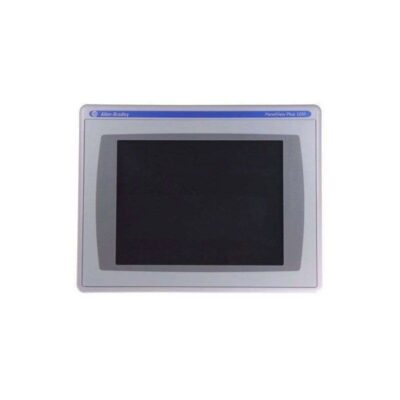
| Display Size | 10.4-inch |
| Resolution | 800 x 600 VGA |
| Screen Type | Touch Screen |
| RAM | 512 MB |
| Number of USB Ports | 2 USB Ports |
| Operating Temperature Range | 0 to 40°C |
| Storage Temperature Range | 0 to 40°C |
| Humidity Level | 95% max. (Non-Condensing) |
| Maximum Operating Altitude | 1000m above sea level |
Real-World Applications
This interface terminal fits naturally into several industrial settings:
- Machine Control Panels: Mount it on a control panel for CNC machines, packaging equipment, or assembly lines. The 24V DC input simplifies integration with standard industrial power supplies.
- Process Monitoring: Use it to display real-time sensor data, trend graphs, and alarm summaries. The 800 x 600 resolution makes text and graphics easy to read, even from a distance.
- Data Entry Stations: The two USB ports allow connection of a keyboard, mouse, or barcode scanner for quick data entry, reducing manual errors.
Installation & Setup Guidance
Proper installation ensures reliable operation. Follow these practical steps:
- Mounting: Install the terminal in a panel cutout that provides adequate support. Ensure the rear of the unit has clearance for cables and airflow.
- Power Supply: Connect a stable 24V DC source that can supply the 50 W power rating. Use a dedicated power supply to avoid voltage dips from other equipment.
- USB Connectivity: Use the two USB ports for peripherals. For best results, use shielded USB cables to minimize electromagnetic interference.
- Environment: Keep the terminal within the 0 to 40°C operating range. If the panel is exposed to higher temperatures, add ventilation or cooling.
Maintenance & Reliability Tips
Regular maintenance extends the life of your interface terminal and prevents unexpected failures.
- Inspect Periodically: Check the touch screen for cracks or unresponsive areas. Look for loose connections on the power and USB ports.
- Clean the Screen: Use a soft, dry cloth to remove dust and fingerprints. Avoid abrasive cleaners that can damage the touch surface.
- Monitor Environmental Conditions: The terminal is rated for humidity up to 95% non-condensing. If condensation is a risk, use a panel heater or desiccant to keep moisture away.
- Firmware Updates: Keep the PanelView Plus 7 firmware up to date to benefit from bug fixes and performance improvements. Always back up your application files before updating.
Reliable Operator Interface for Demanding Industrial Environments
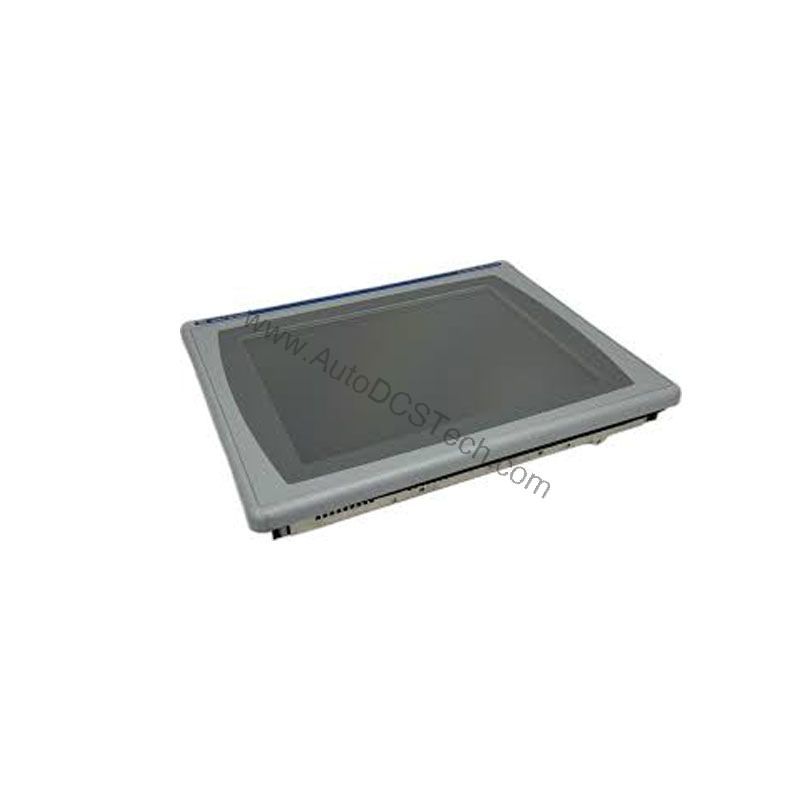
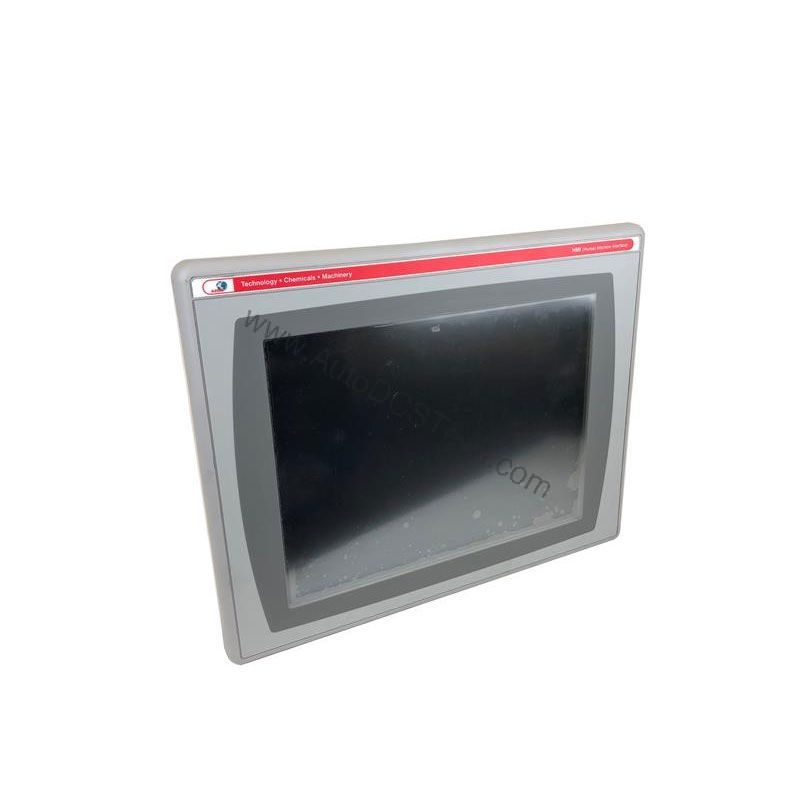
Industrial operators need a clear, responsive interface to monitor and control processes efficiently. The Allen-Bradley 2711P-T10C1D2 from the PanelView Plus 7 series delivers a dependable touch screen experience in a compact 10.4-inch form factor. This interface terminal is engineered for applications where clarity and durability matter, providing a straightforward way to visualize machine status, enter commands, and respond to alarms.
Compatibility and Integration
The 2711P-T10C1D2 is part of the PanelView Plus 7 series, which is designed to work with Allen-Bradley controllers and software. While specific communication protocols are not listed in the provided data, the terminal's USB ports allow easy file transfer and peripheral connection. For detailed integration guidance, consult the official Rockwell Automation documentation or contact AutoDCSTech for expert advice.
Selection Guide & Purchasing Advice
Choosing the right HMI is critical for operator efficiency and system reliability. The 2711P-T10C1D2 offers a balanced combination of screen size, resolution, and memory for many mid-range applications. Before ordering, verify that the 24V DC input matches your control panel's power supply. Also, check the operating temperature range to ensure it suits your facility's environment.
At AutoDCSTech, we stock genuine Allen-Bradley parts and provide competitive pricing. Our team can help you confirm that this model meets your requirements. Contact us for availability and lead times. Please verify current lifecycle status and availability with AutoDCSTech before ordering.
Troubleshooting Common Issues
Even reliable equipment can encounter issues. Here are some common problems and how to address them:
- Touch Screen Not Responding: Calibrate the screen via the terminal's setup menu. If the issue persists, check for a damaged touch layer.
- Display Flickers or Goes Blank: Verify that the 24V DC supply is stable and within the required range. Check for loose wiring or a failing power supply.
- USB Devices Not Recognized: Try a different USB port. Ensure the device is compatible and the cable is not damaged.
- Slow Performance: If the terminal becomes sluggish, close unused applications or reduce the number of active screens. Consider increasing available memory if your application demands more.
For persistent issues, consult the Allen-Bradley technical support or contact AutoDCSTech for repair or replacement options.
Availability & Condition at AutoDCSTech
| Part Number | 2711P-T10C1D2 |
|---|---|
| Availability | In Stock |
| Condition | New |
| Warranty | One Year |
| Origin | US |