Technical Specifications Breakdown
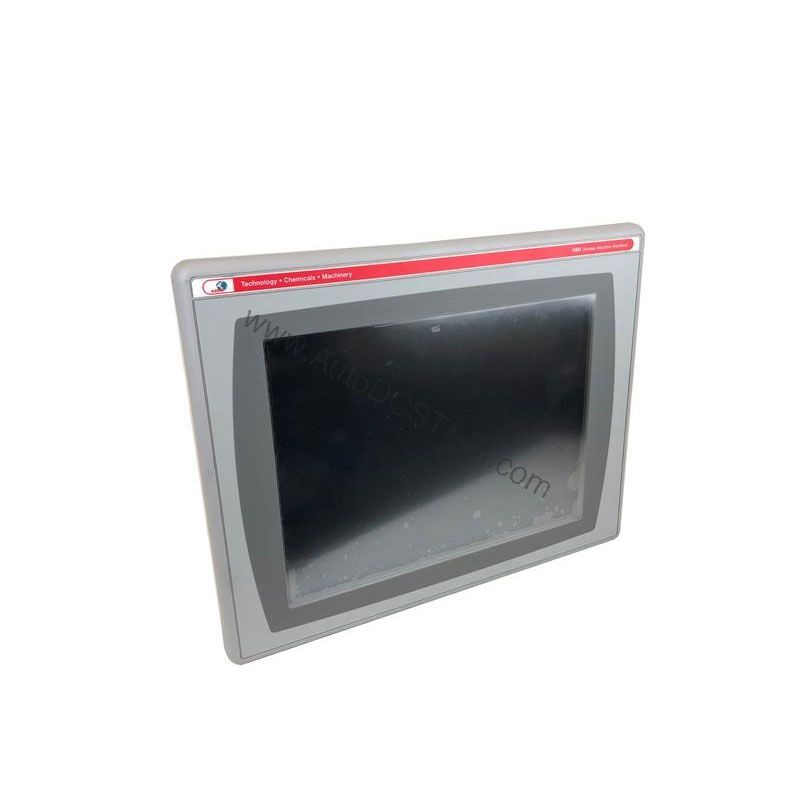
Key parameters for the 2711P-T10C4A8 are listed below for quick reference:
| Feature | Specification |
|---|---|
| Manufacturer | Rockwell Automation |
| Product Family | PanelView Plus 6 Operator Terminals |
| Operator Input | Touch |
| Display Type | Color active-matrix TFT |
| Display Size | 10.4 inches |
| Display Area | 211 x 158 mm (8.3 x 6.2 in.) |
| Resolution | 640 x 480, 18-bit color graphics |
| Touch Technology | Analog Resistive |
| Internal Memory | 512MB Flash Memory / 512 MB Random Access Memory |
| Integrated Ports | Ethernet, RS-232, 2 USB host |
| Input Voltage Range | 100-240VAC |
| Input Frequency | 50-60 Hz |
| Lifecycle Status | End of life |
Real-World Applications for the PanelView Plus 6 Terminal
In a packaging line, the 10.4-inch color display provides clear machine status, while the analog resistive touchscreen allows gloved operators to navigate screens effortlessly. In a water treatment facility, the Ethernet port enables seamless data exchange with PLCs, and the RS-232 port connects to legacy instruments. The two USB host ports simplify data logging by allowing operators to plug in a flash drive for recipe transfers or trend exports.
Installation and Setup Guidance
When installing this operator terminal, mount it in a panel that provides adequate clearance for ventilation and cable routing. Connect the power supply to a source that matches the 100-240VAC range and 50-60 Hz frequency. Verify the frequency matches your local grid (50 or 60 Hz) before energizing. Use the embedded Ethernet port for network integration, and the RS-232 port for point-to-point serial communication. The two USB host ports accept standard peripherals, but avoid using them for high-power devices. Always follow the manufacturer's wiring diagrams to prevent damage.
Maintenance and Reliability Tips
The backlight, rated for a minimum of 50,000 hours at 25 °C (77 °F), is field replaceable. To maximize its lifespan, keep the ambient temperature within the specified range and ensure proper airflow around the unit. Periodically inspect the touchscreen for cracks or wear, and clean it with a soft, dry cloth. Check that all communication cables are securely seated to avoid intermittent faults. Because this model is end-of-life, proactive maintenance is essential to extend its operational life.
Why the 2711P-T10C4A8 Remains a Reliable HMI Choice
Industrial operators often face a common dilemma: how to maintain a proven automation platform when newer models flood the market. The Allen-Bradley 2711P-T10C4A8, part of the PanelView Plus 6 family, offers a rugged and cost-effective Human Machine Interface (HMI) solution that bridges legacy systems with modern demands. This operator terminal delivers real-time process visibility and control, making it a practical choice for facilities that value stability and proven performance.
Compatibility and Integration Options
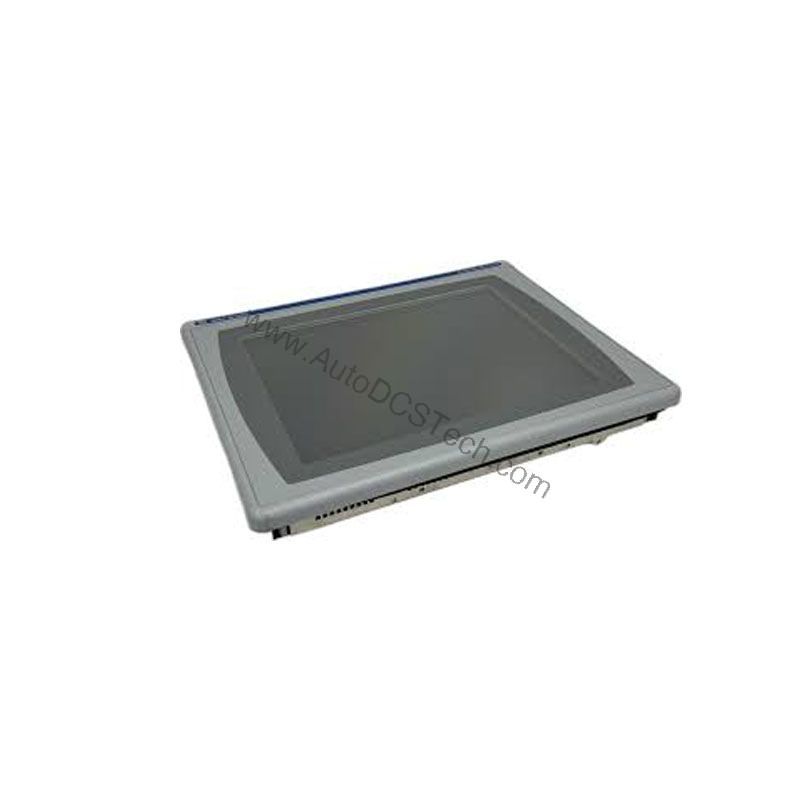
The 2711P-T10C4A8 integrates easily into existing Rockwell Automation architectures. The built-in Ethernet port supports standard industrial protocols, while the RS-232 port connects to legacy devices. The two USB host ports allow connection of a keyboard, mouse, or flash drive. For applications requiring additional networks, optional modules (such as DH-485, DH+, or ControlNet) can be added, though these are not included with the base unit. Always verify compatibility with your control system before ordering.
Selection Guide and Purchasing Advice
Before purchasing, confirm that the 2711P-T10C4A8 meets your application requirements. Consider the display size, resolution, and memory capacity against your HMI needs. Since this model is end-of-life, check current availability and lifecycle status with AutoDCSTech. AutoDCSTech offers a reliable source for this operator terminal, helping you maintain your existing systems without a full upgrade. Contact their team to verify stock and lead times.
Troubleshooting Common Issues
If the display remains blank, check the input power supply and ensure it is within the 100-240VAC range. If the touchscreen does not respond, verify that the analog resistive layer is not damaged and that the screen is clean. For communication failures, inspect the Ethernet or RS-232 cables and confirm the correct port settings. If the unit fails to boot, try removing any USB devices, as a faulty peripheral can prevent startup. For persistent issues, consult the Rockwell Automation manual or contact AutoDCSTech for technical support.
Availability & Condition at AutoDCSTech
| Part Number | 2711P-T10C4A8 |
|---|---|
| Availability | In Stock |
| Condition | New |
| Warranty | One Year |
| Origin | US |