Technical Specifications Breakdown
Key parameters for the 2711P-T15C10D6 are listed below for quick reference:
| Feature | Specification |
|---|---|
| Manufacturer | Allen Bradley |
| Series | PanelView Plus 1500 |
| Part Number | 2711P-T15C10D6 |
| Product Type | Graphic Terminal |
| Display Size | 15 inches |
| Input Type | Touch |
| Display Type | LCD |
| Protection Class | IP20 |
| Enclosure Rating | NEMA 1 |
| Maximum Ambient Temperature | 40 degrees Celsius |
| Minimum Ambient Temperature | 0 degrees Celsius |
| Operating Humidity Range | 5 to 95% (non-condensing) |
| Storage Humidity Range | 5 to 95% (non-condensing) |
| Maximum Operating Altitude | 1000 meters above sea level |
| Mount Type | Clips |
Applications Across Industries
Process Monitoring and Control – In manufacturing plants, operators use the 15-inch touch screen to view real-time production data, adjust setpoints, and acknowledge alarms. The intuitive touch interface reduces the learning curve for new operators.
Machine Control Panels – The compact mounting with clips simplifies panel integration. The NEMA 1 rating makes it appropriate for indoor, non-hazardous locations where the terminal is protected from direct exposure to water or heavy dust.
Material Handling Systems – The terminal's robust design and clear LCD display allow operators to monitor conveyor status, track inventory, and intervene quickly when needed. Its reliable operation in temperatures up to 40 degrees Celsius supports continuous duty in busy logistics centers.
Installation and Setup Guidance
Mounting the 2711P-T15C10D6 is straightforward thanks to the clip mounting type. Ensure the panel cutout is clean and free of burrs to avoid damaging the gasket. Position the terminal so that the display is easily visible and the touchscreen is accessible. When securing the clips, tighten them evenly to maintain a consistent seal. Avoid over-tightening, which could stress the enclosure. For optimal readability, install the terminal away from direct sunlight or bright reflections. Verify that the ambient temperature around the unit stays within the 0 to 40 degrees Celsius range to prevent overheating.
Maintenance and Reliability
Regular inspection of the terminal's enclosure and mounting clips is recommended to ensure they remain secure. Clean the touchscreen with a soft, dry cloth to remove dust and fingerprints. Do not use abrasive cleaners or solvents. Check that the ventilation openings are not blocked, as restricted airflow can raise internal temperatures beyond the rated maximum. Periodically verify that the humidity in the operating area stays within the 5 to 95% non-condensing range to avoid moisture-related issues. Following these simple practices helps maintain reliable operation over the long term.
Why the 2711P-T15C10D6 Fits Your HMI Needs
This 15-inch graphic terminal is engineered for applications where operators must monitor processes and input commands reliably, day after day. Its touch input and LCD display provide an intuitive experience that reduces training time and minimizes errors. For engineers evaluating HMI options, this unit offers a balanced feature set that aligns with common industrial requirements.
Built for Real-World Industrial Environments
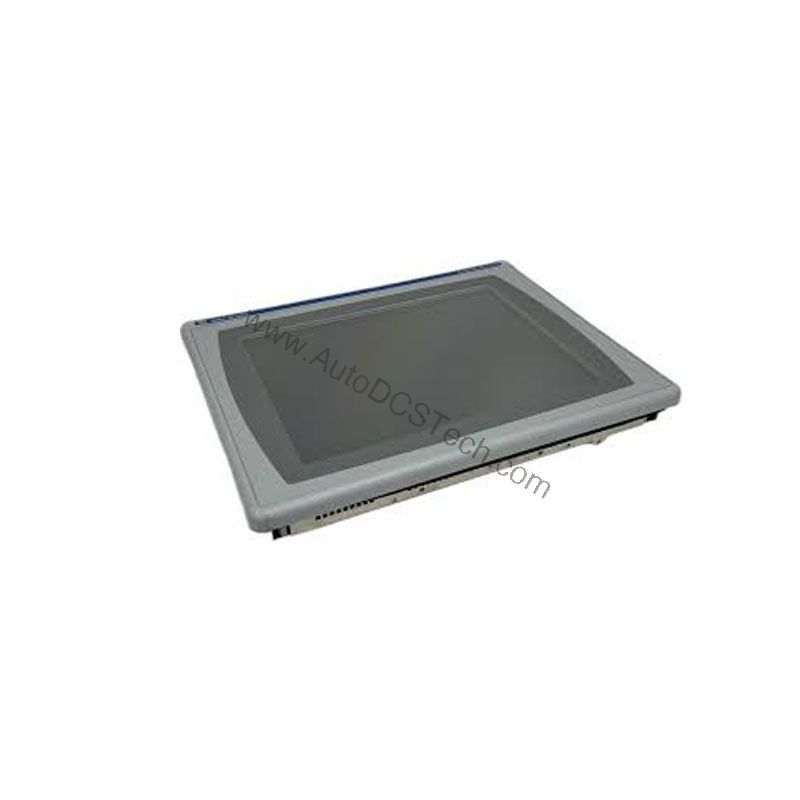
The 2711P-T15C10D6 is rated to operate in ambient temperatures from 0 to 40 degrees Celsius, making it suitable for typical factory floors and control rooms. Its IP20 protection class and NEMA 1 enclosure rating guard against dust and solid objects, while the operating humidity range of 5 to 95% (non-condensing) ensures stable performance in humid conditions. The terminal can operate effectively at altitudes up to 1000 meters above sea level, which covers most industrial installations. These specifications mean you can rely on this graphic terminal in environments where temperature and humidity fluctuate within reasonable bounds.
Compatibility and Integration
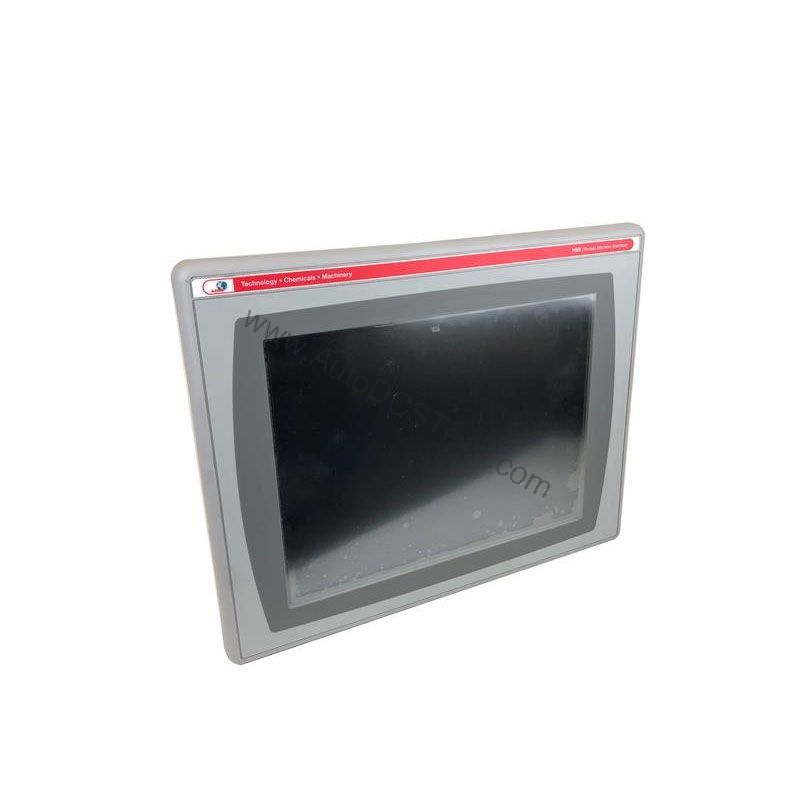
As part of the PanelView Plus 1500 series, the 2711P-T15C10D6 is designed to integrate into Allen-Bradley control systems. It supports communication with Logix controllers and other industrial networks, though specific protocol details are not listed here. For integration guidance, consult the product documentation or contact AutoDCSTech for expert advice. The terminal's touch input and LCD display make it a versatile choice for various HMI applications.
Selection Guide and Purchasing Advice
When selecting a graphic terminal, consider your application's environmental conditions and operator requirements. The 2711P-T15C10D6 offers a 15-inch display, touch input, and robust environmental ratings, making it a solid choice for many industrial settings. Before ordering, verify the current lifecycle status and availability with AutoDCSTech. Our team can confirm that this model meets your needs and provide information on alternatives if necessary. AutoDCSTech is your reliable source for industrial automation parts, offering genuine products and expert support.
Troubleshooting and Common Issues
If the display appears dim or unresponsive, first check the power supply and connections. Ensure the terminal is within the specified temperature range, as extreme cold or heat can affect LCD performance. If the touchscreen does not respond accurately, clean the screen and recalibrate it according to the user manual. In case of persistent issues, consult the technical documentation or contact AutoDCSTech for assistance. Always follow safety guidelines when working with electrical equipment.
Availability & Condition at AutoDCSTech
| Part Number | 2711P-T15C10D6 |
|---|---|
| Availability | In Stock |
| Condition | New |
| Warranty | One Year |
| Origin | US |