Technical Specifications Breakdown
Key parameters for the 2711P-T6C8A are listed below for quick reference:
| Feature | Specification |
|---|---|
| Manufacturer | Rockwell Automation |
| Brand | Allen-Bradley |
| Part Number | 2711P-T6C8A |
| Series | PanelView Plus 600 |
| Module Type | Operator Interface Terminal |
| Input Type | Touchscreen |
| Power Supply | 120 Volts AC |
| Communication | RS-232, USB, Ethernet, DH+ |
| Display | 5.7-inch Color |
| Product Lifecycle Status | Discontinued/Obsolete |
Industry Applications and Real-World Use Cases
For example, in a packaging line, the 2711P-T6C8A can display real-time production counts and alarm messages, allowing operators to address jams or quality issues immediately. In a water treatment facility, the terminal can show pump status and flow rates, helping technicians maintain process stability. Its Ethernet port enables web-based monitoring, so supervisors can view performance from a remote location, reducing downtime and improving overall equipment effectiveness.
Installation and Setup Guidance
When installing the 2711P-T6C8A, ensure the power supply matches the 120 Volts AC rating. Mount the terminal in a location that allows easy access to the touchscreen and maintains the recommended ambient operating temperature range of 0 to 55 degrees Celsius. Use the RS-232, USB, Ethernet, or DH+ ports to connect to your control system. For Ethernet communication, configure the IP address to match your network. Always follow the manufacturer's manual for wiring and grounding to avoid electrical noise issues.
Maintenance and Reliability
To keep the touchscreen responsive, clean it regularly with a soft, dry cloth. Avoid using abrasive cleaners. The terminal's non-operating temperature range is -25 to 70 degrees Celsius, so protect it from extreme conditions when not in use. The relative humidity range is 5 to 95% non-condensing, so avoid installing in areas with excessive moisture. Periodically inspect the terminal for loose connections or signs of wear, especially in high-vibration environments. The vibration resistance is 10 to 57 Hertz, so ensure the mounting is secure.
The Allen-Bradley 2711P-T6C8A Operator Interface Terminal
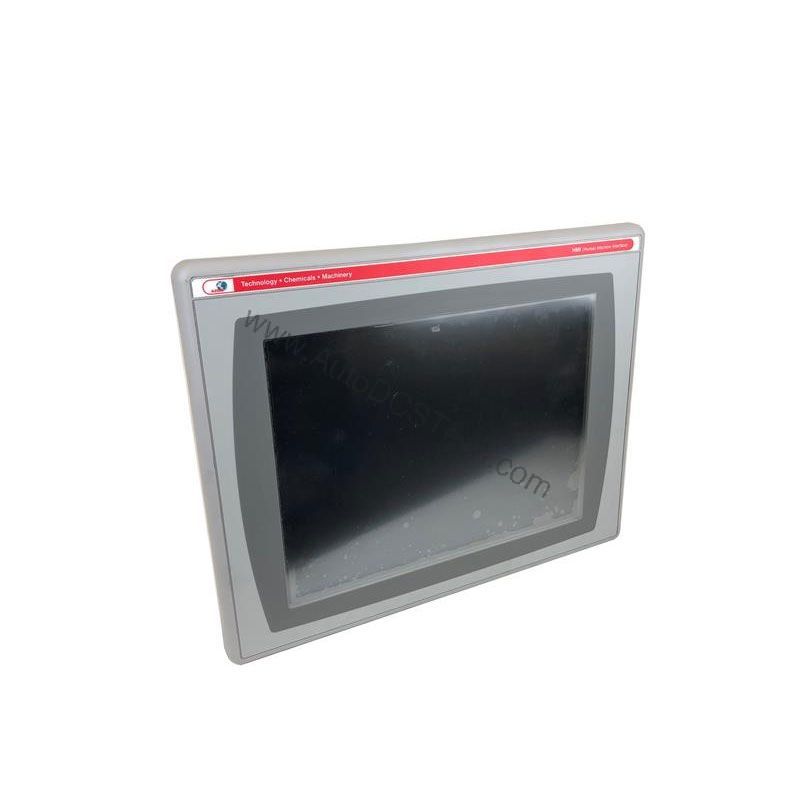
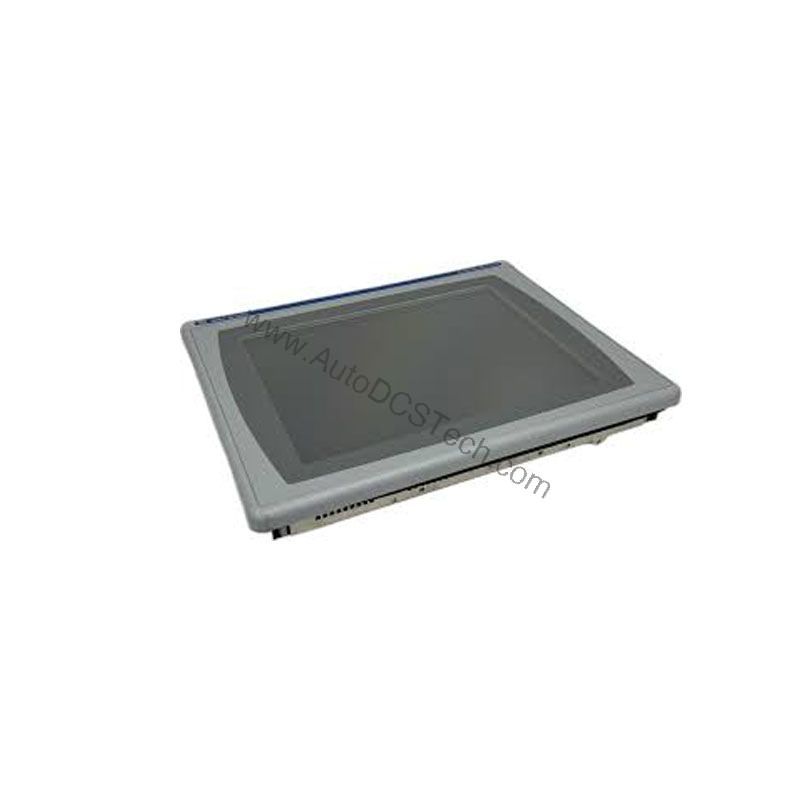
When production lines demand real-time visibility and reliable operator control, the Allen-Bradley 2711P-T6C8A delivers a proven solution. This operator interface terminal belongs to the PanelView Plus 600 series and is designed for monitoring and controlling industrial applications. With a 5.7-inch color display and touchscreen input, it provides a compact yet powerful HMI platform for machine builders and end users alike.
Compatibility and Integration
The 2711P-T6C8A supports multiple communication protocols, including RS-232, USB, Ethernet, and DH+. This flexibility allows it to integrate with a wide range of PLCs and controllers. The USB port supports high-speed connectivity through USB 2.0 host ports, and external storage can be added via USB or a secure digital card. This makes it easy to log data or transfer recipes. The DH+ port enables legacy system connectivity, making this terminal a versatile choice for upgrading older lines.
Selection Guide and Purchasing Advice
Because the 2711P-T6C8A is discontinued/obsolete, it is essential to verify availability and lifecycle status before ordering. AutoDCSTech specializes in sourcing hard-to-find industrial automation parts. Contact AutoDCSTech to check stock, pricing, and lead times. When selecting a replacement, consider your application's communication needs and display size.
Troubleshooting and Common Issues
If the touchscreen becomes unresponsive, first check the power supply and connections. Ensure the terminal is within the operating temperature range. If the display is dim, adjust the brightness settings. For communication issues, verify the network settings and cable connections. If the terminal fails to boot, try a factory reset (refer to the manual). For persistent problems, consult a qualified technician. Always use a plastic stylus to protect the touchscreen, as recommended by the manufacturer.
Availability & Condition at AutoDCSTech
| Part Number | 2711P-T6C8A |
|---|---|
| Availability | In Stock |
| Condition | New |
| Warranty | One Year |
| Origin | US |