Operator Interface Terminal Overview
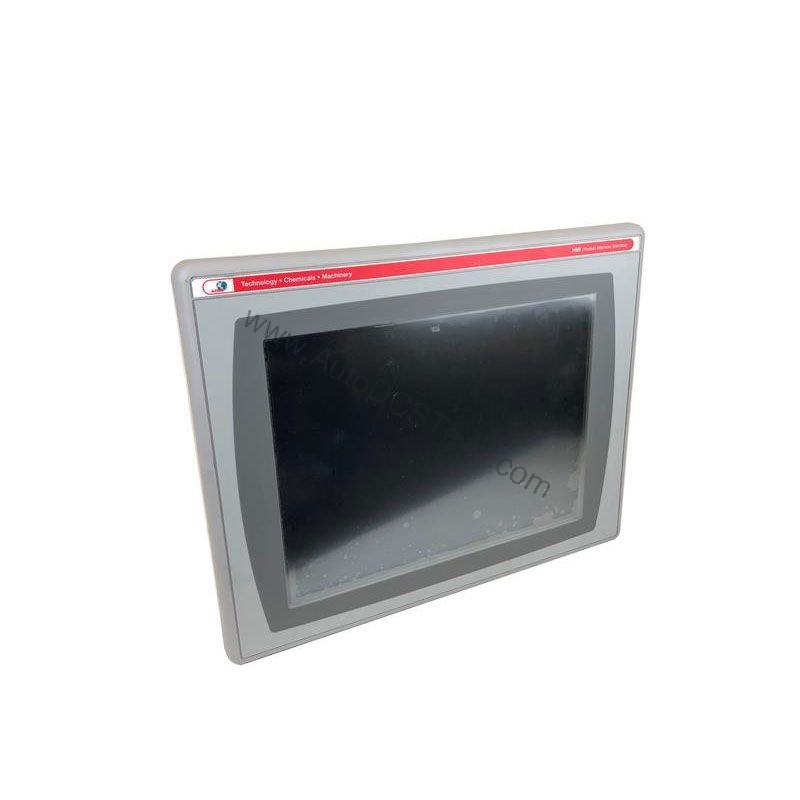
The Allen-Bradley 2711P-T6M1A is a legacy operator interface terminal from the PanelView Plus 600 series, designed for industrial environments where reliable monitoring and control are essential. This terminal features a 5.7-inch monochrome touchscreen that supports grayscale graphics, providing a cost-effective solution for applications that do not require color displays. With its compact footprint and robust communication options, the 2711P-T6M1A helps operators oversee machine processes efficiently, reducing downtime and improving operational ROI.
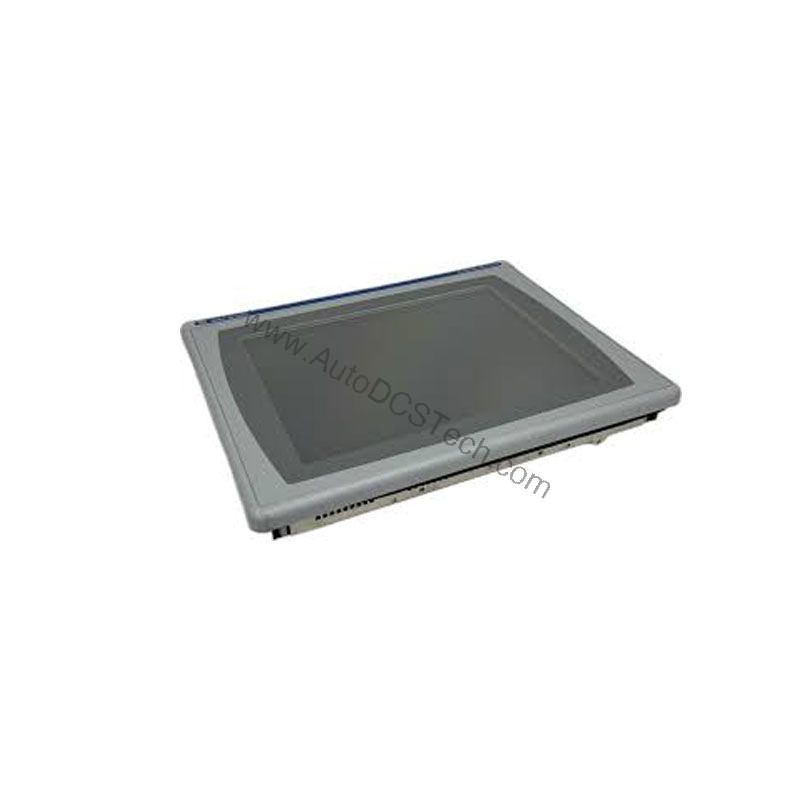
Technical Specifications Breakdown
Key parameters for the 2711P-T6M1A are listed below for quick reference:
| Feature | Specification |
|---|---|
| Manufacturer | Rockwell Automation |
| Brand | Allen-Bradley |
| Part Number | 2711P-T6M1A |
| Series | PanelView Plus 600 |
| Module Type | Operator Interface Terminal |
| Input Type | Touchscreen |
| Power Supply | 120 Volts AC |
| Communication | RS-232, USB, Ethernet, RIO |
| Display | 5.7-inch Monochrome |
| Product Lifecycle Status | Discontinued/Obsolete |
Industry Applications and Cost Efficiency
The 2711P-T6M1A is well-suited for applications in manufacturing, processing, and material handling where operators need to monitor and control machinery. Its monochrome touchscreen reduces initial capital expenditure compared to color units, making it an economical choice for budget-conscious projects. The terminal's support for RS-232 and Ethernet communication enables seamless integration with existing PLCs, minimizing retrofit costs and preserving legacy investments. By providing reliable operator feedback and control, this terminal helps reduce production errors and improve overall equipment effectiveness (OEE).
Installation and Setup Guidance
When installing the 2711P-T6M1A, ensure the power supply matches the specified 120 Volts AC. Connect the RS-232 (DH-485) port to compatible controllers like the SLC 5/03, and use the Ethernet port for EtherNet/IP network access. For applications using MicroLogix controllers, employ an AIC+ Link Coupler to connect the serial port. Verify all communication settings before power-up to avoid configuration errors. The terminal's function keys (F1-F10) can be customized for specific operations, enhancing operator efficiency.
Maintenance and Reliability
To maintain reliable operation, inspect the terminal periodically for dust accumulation on the touchscreen and enclosure. Operate the device within its specified temperature range of 0 to 55 degrees Celsius to prevent overheating. For storage, keep the terminal in a dry environment between 25 to 70 degrees Celsius. Regular visual checks and cleaning with a soft, dry cloth can extend the lifespan of the display and touchscreen.
Compatibility and Integration
The 2711P-T6M1A supports multiple communication protocols, including RS-232, USB, Ethernet, and RIO, enabling flexible integration with various control systems. The built-in RS-232 port connects directly to SLC 5/03 controllers, while the Ethernet port facilitates connection to PLC-5E controllers and EtherNet/IP networks. This versatility allows the terminal to serve as a central HMI in mixed-vendor environments, reducing the need for additional gateways and lowering integration costs.
Selection Guide and Purchasing Advice
Since the 2711P-T6M1A is discontinued, verify availability and lifecycle status with AutoDCSTech before ordering. AutoDCSTech specializes in supplying legacy industrial automation parts, ensuring you can source this terminal for maintenance or replacement needs. Consider the total cost of ownership, including potential upgrades to newer PanelView models if long-term support is required. For immediate needs, AutoDCSTech offers a reliable supply chain for obsolete components.
Troubleshooting and Common Issues
If the touchscreen becomes unresponsive, first check the power supply and connections. Ensure the terminal is within the operating temperature range to prevent display issues. For communication problems, verify that the RS-232 and Ethernet cables are properly seated and that network settings match the controller configuration. If the screen shows garbled graphics, reset the terminal to factory defaults and reload the application. For persistent issues, consult the user manual or contact AutoDCSTech for technical support.
Availability & Condition at AutoDCSTech
| Part Number | 2711P-T6M1A |
|---|---|
| Availability | In Stock |
| Condition | New |
| Warranty | One Year |
| Origin | US |