Technical Specifications Breakdown
Key parameters for the 2711P-T6M1D are listed below for quick reference:
| Feature | Specification |
|---|---|
| Manufacturer | Rockwell Automation |
| Brand | Allen-Bradley |
| Part Number | 2711P-T6M1D |
| Series | PanelView Plus 600 |
| Module Type | Operator Interface Terminal |
| Input Type | Touchscreen |
| Power Supply | 24 Volts DC |
| Communication | RS-232, USB, Ethernet, RIO |
| Display | 5.7-inch Monochrome |
| Product Lifecycle Status | Discontinued/Obsolete |
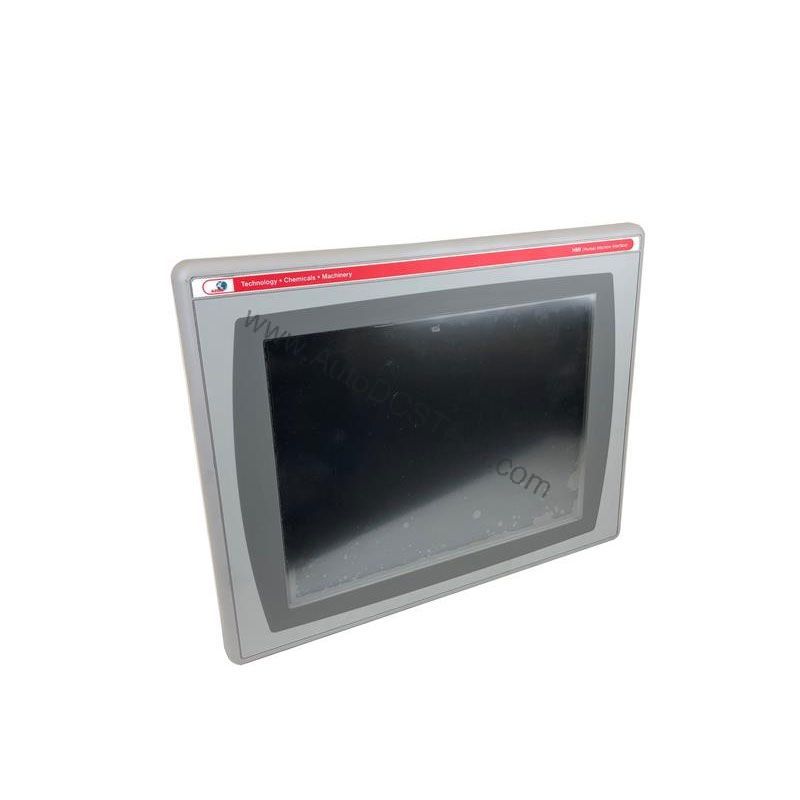
This operator interface terminal fits well in environments where reliable, basic HMI functionality is essential. For example, in a packaging line, the 5.7-inch monochrome screen can display machine status and alarm messages, while the touchscreen allows operators to acknowledge faults or change simple parameters. The RS-232 and Ethernet ports enable connection to PLCs or plant networks, supporting data exchange and remote monitoring.
In a water treatment facility, the terminal can be mounted on a control panel to show pump status and flow rates. Its DC power input (24V DC nominal) makes it suitable for installations with existing DC control power. The RIO port offers compatibility with remote I/O networks, which is beneficial in older distributed control architectures.
From a cost-benefit perspective, using a discontinued but functional terminal like this can extend the life of existing equipment without a full system upgrade. It provides a familiar interface for operators, reducing training time and minimizing production disruptions.
Installation & Setup Guidance
When installing the 2711P-T6M1D, ensure the power supply meets the 24V DC nominal requirement. The terminal can also accept 18-30V DC input power, or 100-240V AC input at 50-60 Hz when using an AC power module (as per the product description). Verify the voltage before connecting to avoid damage.
The unit has 4 mounting slots for attaching to a panel or enclosure. Use these slots to secure the terminal firmly. For touchscreen operation, use a bare finger, a gloved finger, or a plastic stylus with a tip radius of 0.051 inch or larger. Never use sharp tools, as they can scratch or puncture the screen.
After mounting, connect the communication cables to the appropriate ports: RS-232, USB, Ethernet, or RIO. Ensure proper grounding and shielding according to standard industrial practices. The terminal includes a reset switch for rebooting without power cycling, and a default switch to restore factory settings or access the settings menu.
Maintenance & Reliability
Periodic inspection is key to maintaining reliable operation. Check the touchscreen for any signs of damage, such as cracks or scratches. Clean the screen with a soft, dry cloth to remove dust and debris. Avoid using harsh chemicals or abrasive materials.
Inspect the mounting slots and enclosure seals to ensure they remain intact. Verify that all communication cables are securely connected and free from wear. The indicator lights on the terminal can help diagnose faults or show communication status; monitor them during routine checks.
Because the product is discontinued, consider stocking a spare unit to minimize downtime. AutoDCSTech can help you source this model or suggest alternatives.
The Allen-Bradley 2711P-T6M1D: A Reliable Operator Interface for Legacy Systems
Industrial facilities often face a common challenge: keeping older automation lines running efficiently while newer equipment enters the market. The Allen-Bradley 2711P-T6M1D from the PanelView Plus 600 series offers a practical solution for those who need a proven operator interface terminal. This touchscreen device provides a straightforward way to monitor and control machinery, making it a valuable asset for maintenance teams and plant engineers.
Compatibility & Integration
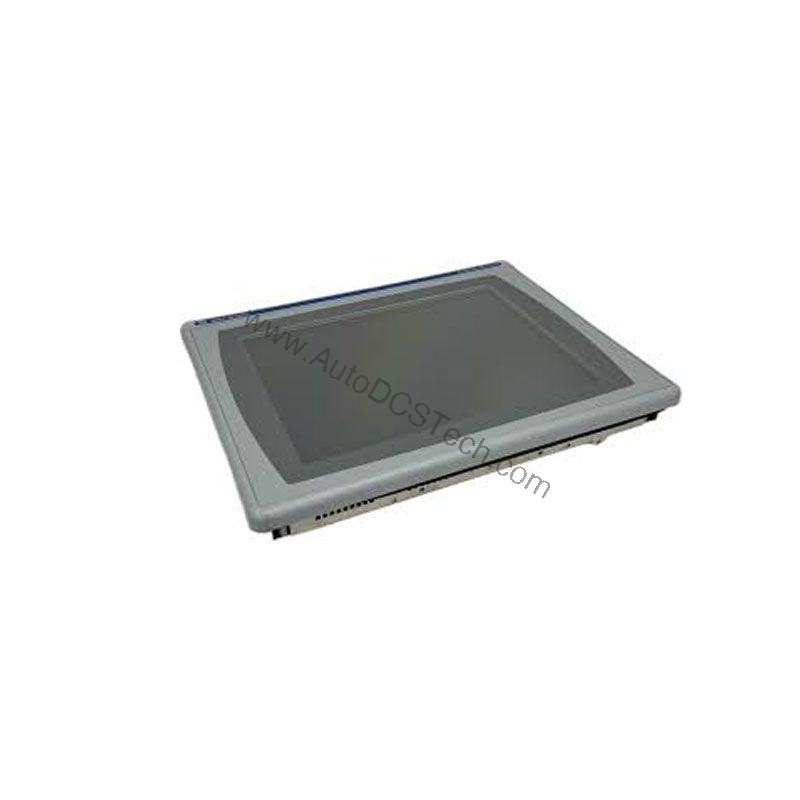
The 2711P-T6M1D supports multiple communication protocols, including RS-232, USB, Ethernet, and RIO. This versatility allows integration into various control systems. For instance, Ethernet enables connection to modern plant networks, while RIO can interface with legacy remote I/O racks. RS-232 is useful for connecting to serial devices, and USB is convenient for data transfer or peripheral connection.
Before integrating, verify that your PLC or network supports these protocols. The terminal is part of the PanelView Plus 600 series, which is designed to work with Rockwell Automation controllers, but it can also communicate with other brands using standard protocols.
Selection Guide & Purchasing Advice
When selecting an operator interface terminal, consider your application requirements, including display size, input method, and communication needs. The 2711P-T6M1D offers a 5.7-inch monochrome touchscreen, which is adequate for basic HMI tasks. If you need color or a larger display, consider other PanelView Plus models.
Since this product is discontinued, availability may be limited. AutoDCSTech specializes in industrial automation parts and can provide this unit or offer alternatives. Contact AutoDCSTech to check current stock and lifecycle status before ordering. They can also assist with cross-referencing to find a suitable replacement if needed.
Troubleshooting & Common Issues
If the touchscreen does not respond, first check that the power supply is within the specified range (24V DC nominal). Verify that the terminal is properly grounded. If the screen is unresponsive, try using a plastic stylus with a tip radius of 0.051 inch or larger, as some gloves may not work.
If communication fails, inspect the cable connections and ensure the correct port is used. Check the indicator lights for fault codes. If the terminal does not boot, use the reset switch to reboot. To restore factory settings, use the default switch. If issues persist, consult the user manual or contact AutoDCSTech for technical support.
Please verify current lifecycle status and availability with AutoDCSTech before ordering.
Availability & Condition at AutoDCSTech
| Part Number | 2711P-T6M1D |
|---|---|
| Availability | In Stock |
| Condition | New |
| Warranty | One Year |
| Origin | US |