Technical Specifications Breakdown
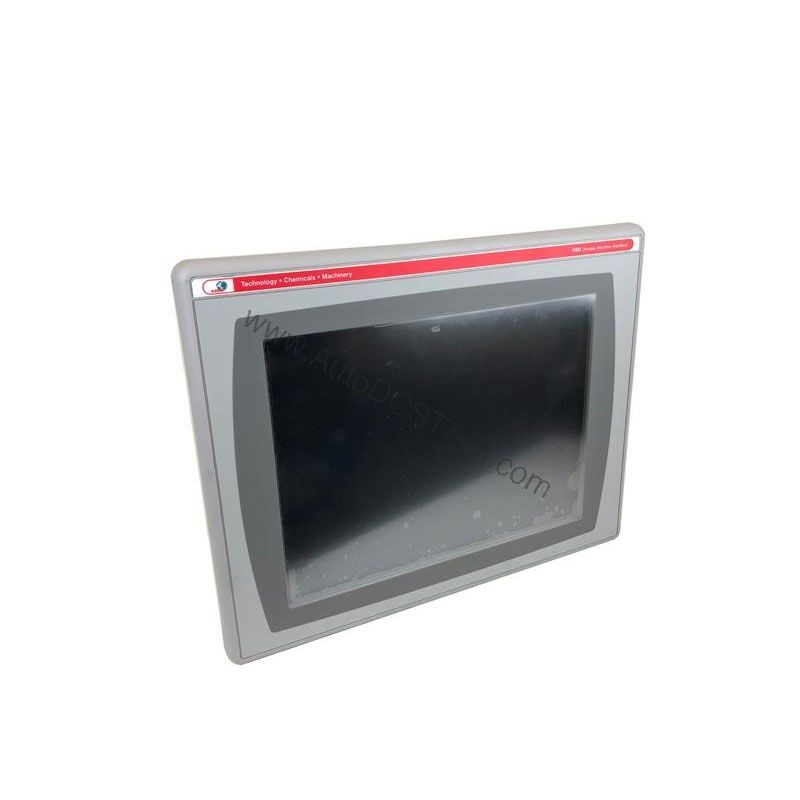
Key parameters for the 2711P-T7C4D8 are listed below for quick reference:
| Feature | Specification |
|---|---|
| Manufacturer | Rockwell Automation |
| Product Family | PanelView Plus 6 Operator Terminals |
| Product Type | PanelView Plus 6 700 Operator Terminals |
| Operator Input | Touch |
| Display Type | Color active-matrix TFT |
| Lifecycle Status | End of life |
| Display Area | 132 x 99 mm (5.2 x 3.9 in.) |
| Resolution | 640 x 480, 18-bit color graphics |
| Touch | Analog Resistive |
| Internal Memory | 512MB Flash Memory / 512 MB Random Access Memory |
| Integrated Ports | Ethernet, RS-232, 2 USB host |
| Input Voltage Range | 18-30VDC |
Industry Applications That Benefit from the PanelView Plus 6 700
In packaging lines, the 6.5-inch color display with 640 x 480 resolution provides intuitive machine status, alarm annunciation, and production counters. In material handling systems, the analog resistive touchscreen allows gloved operators to navigate recipes and adjust setpoints reliably. For process control applications, the 18-bit color graphics help distinguish process variables, making it easier to spot deviations.
Installation & Setup Guidance
When installing the 2711P-T7C4D8, ensure the DC power supply delivers a stable 18-30VDC input. Use the integrated Ethernet port for network communication and the RS-232 port for serial device connectivity. The two USB host ports allow connection of peripherals like a mouse or keyboard for easier configuration. Mount the unit in a panel with adequate clearance for ventilation. Always follow the manufacturer's guidelines for wiring and grounding to avoid electrical noise issues.
Maintenance & Reliability
The PanelView Plus 6 700 is designed for continuous industrial use. To maintain reliability, periodically inspect the unit for dust accumulation on the screen and enclosure. Clean the touchscreen with a soft, dry cloth. Check that all cable connections remain secure. Because this model is end-of-life, consider stocking spare units or modules to minimize downtime. The 512MB RAM and 512MB Flash memory ensure smooth operation of HMI applications, but regular backups of your application files are recommended.
Why the 2711P-T7C4D8 Remains a Reliable HMI Choice
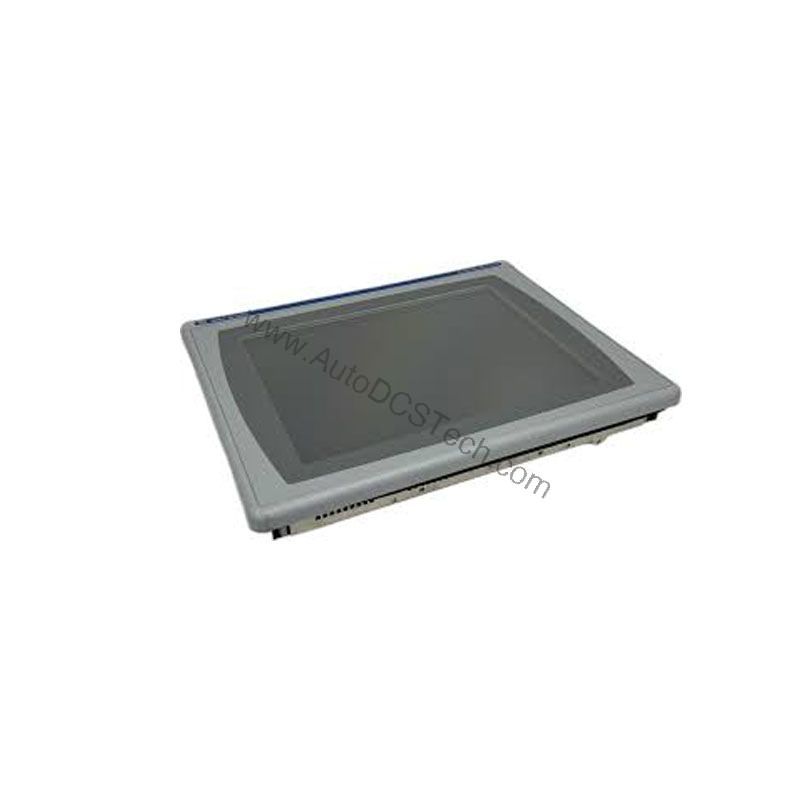
The Allen-Bradley 2711P-T7C4D8, part of the PanelView Plus 6 family, delivers proven visualization performance for machine control and process monitoring. Even though this model is end-of-life, its robust feature set keeps it relevant for maintenance and replacement projects.
Compatibility & Integration
The 2711P-T7C4D8 integrates easily into existing Rockwell Automation systems. Its embedded Ethernet interface supports standard TCP/IP networking, allowing communication with ControlLogix, CompactLogix, and other controllers. The RS-232 port enables connection to legacy devices. With two USB host ports, you can transfer projects or connect peripherals. Optional communication modules can be ordered for additional network protocols, though they are not included in the base unit.
Selection Guide & Purchasing Advice
When selecting a replacement HMI, verify the lifecycle status and availability. The 2711P-T7C4D8 is end-of-life, so sourcing from a trusted supplier is critical. AutoDCSTech offers this model and can confirm stock and shipping details. Before ordering, check the display area (132 x 99 mm) and resolution (640 x 480) to ensure it meets your application needs. Also confirm the input voltage range (18-30VDC) matches your control panel power supply.
Troubleshooting & Common Issues
If the display remains blank, check the input power supply and ensure it is within the 18-30VDC range. Verify that the backlight is functioning; if not, the unit may require service. If the touchscreen is unresponsive, recalibrate it using the built-in configuration menu. For communication issues, confirm the Ethernet cable is connected and the IP address is correctly configured. For persistent problems, consult the Rockwell Automation documentation or contact AutoDCSTech for technical support.
Availability & Condition at AutoDCSTech
| Part Number | 2711P-T7C4D8 |
|---|---|
| Availability | In Stock |
| Condition | New |
| Warranty | One Year |
| Origin | US |