Technical Specifications Breakdown
Key parameters for the 2711P-T6C8D are listed below for quick reference:
| Feature | Specification |
|---|---|
| Brand | Allen-Bradley |
| Series | PanelView Plus 600 |
| Module Type | Operator Interface Terminal |
| Input Type | Touchscreen |
| Display Size | 5.7-inch Color |
| Power Supply | 24 Volts DC |
| Communication | RS-232, USB, Ethernet, DH+ |
| Memory | 256 MB RAM, 512 MB storage |
| Operating Temperature | 0 to 55 °C |
| Storage Temperature | -25 to 70 °C |
A Reliable Touchscreen Interface for Demanding Industrial Applications
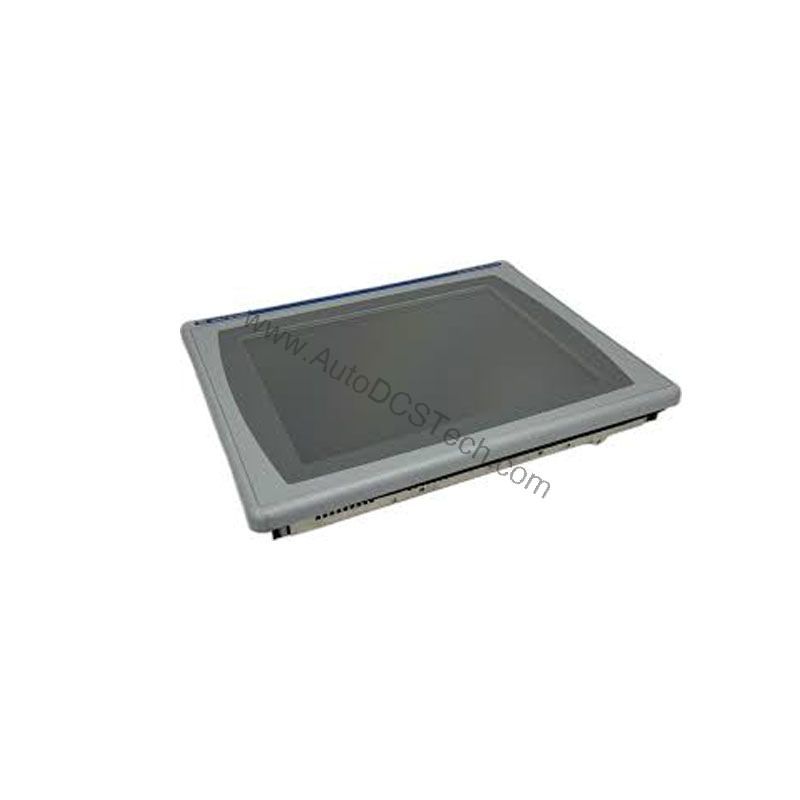
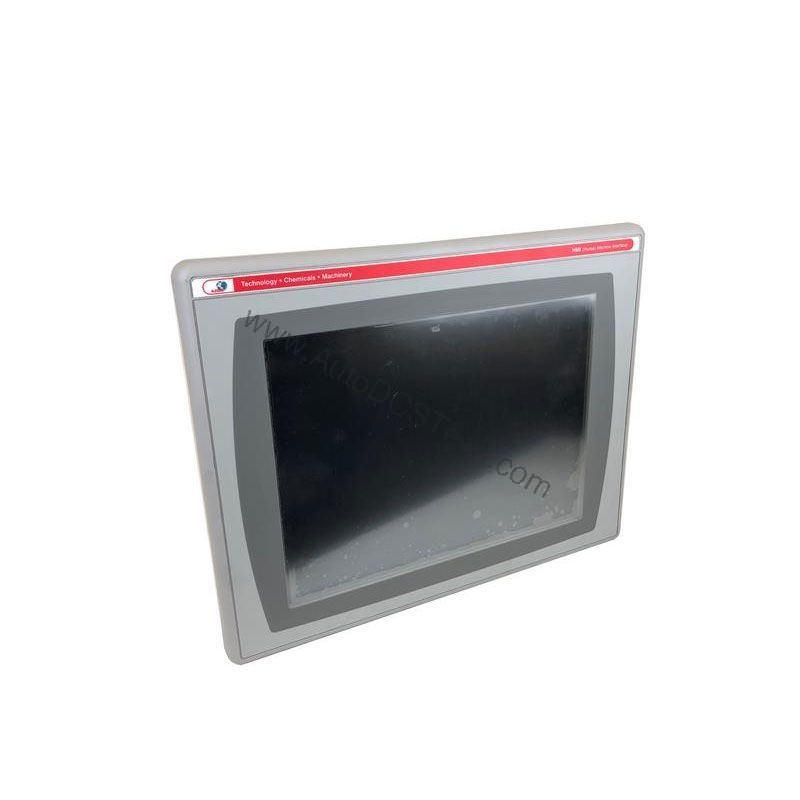
The Allen-Bradley 2711P-T6C8D operator interface terminal solves this challenge by providing a rugged, responsive touchscreen display that puts critical process data at the operator's fingertips. As part of the PanelView Plus 600 series, this terminal is engineered to deliver clear visuals and dependable performance in industrial settings.
Real-World Applications
For example, in a packaging line, the 2711P-T6C8D can display production counts, alarm messages, and machine status, allowing operators to quickly identify and resolve jams. In a wastewater treatment plant, the touchscreen interface enables easy navigation through process screens, helping operators adjust pump speeds and monitor tank levels. The combination of a 5.7-inch color display and touchscreen input makes it suitable for compact control panels where space is limited but clarity is essential.
Installation and Setup Guidance
When mounting the 2711P-T6C8D, ensure the panel cutout matches the required dimensions to provide a secure fit. The terminal operates on 24 Volts DC and draws 0.6 Amps at that voltage. Use a PELV, SELV, or Class 2 power supply to meet safety requirements. Connect the communication cables (Ethernet, RS-232, USB, or DH+) according to your network architecture. For initial configuration, use the USB port for quick file transfer or the Ethernet port for network-based programming. Always verify that the power supply is off before making connections to avoid damage.
Maintenance and Reliability
To ensure long-term reliability, periodically inspect the terminal for dust accumulation on the screen and enclosure. Clean the touchscreen with a soft, dry cloth. Check that all cable connections remain tight and secure. The terminal is designed for indoor use only, and the operating temperature range of 0 to 55 °C should be respected to prevent overheating. If the terminal is exposed to high humidity or vibration, consider additional protective measures.
Compatibility and Integration
The 2711P-T6C8D supports multiple communication protocols, including RS-232, USB, Ethernet, and DH+. This flexibility allows integration into existing industrial networks. Use Ethernet for high-speed data exchange with PLCs and SCADA systems. The DH+ interface is useful for legacy systems that rely on this protocol. With 256 MB RAM and 512 MB storage, the terminal can handle complex application files, though free user memory is approximately 73 MB, so plan your application size accordingly.
Selection Guide and Purchasing Advice
When selecting a replacement or spare operator interface terminal, consider the specific requirements of your application. The 2711P-T6C8D is a discontinued product, but AutoDCSTech specializes in supplying hard-to-find industrial automation parts. Contact AutoDCSTech to verify current lifecycle status and availability before ordering. They can also provide guidance on compatible alternatives if needed.
Troubleshooting and Common Issues
If the touchscreen becomes unresponsive, first check that the power supply is within the 18 to 32 Volts DC range. Verify that the communication cables are properly connected and that the network settings match your system. If the display appears dim, adjust the brightness settings in the configuration software. For persistent issues, consult the user manual or contact AutoDCSTech for technical support. Always follow safe shutdown procedures before disconnecting any cables.
Availability & Condition at AutoDCSTech
| Part Number | 2711P-T6C8D |
|---|---|
| Availability | In Stock |
| Condition | New |
| Warranty | One Year |
| Origin | US |