Technical Specifications Breakdown
Key parameters for the FPad716 are listed below for quick reference:
| Feature | Specification |
|---|---|
| Display | 15.6” 16:9 TFT LCD |
| Resolution | 1920×1080 |
| Brightness | 250 cd/m² |
| Touch Panel | 4-wire industrial resistance touch screen |
| CPU | 4-core 64-bit Cortex-A55, clock speed 2.0 GHz |
| GPU | Mali G52 |
| Storage | 16GB EMMC+2GB DDR4 |
| Ethernet Port | 2*gigabit Ethernet card (10/100/1000M) |
| USB Port | 2 * USB 3.0 (Type-A, Rear IO) |
| Display Port | HDMI 2.0A Port, supports 1080p display |
| Serial Port | COM1:RS232/RS485/RS422; COM2:RS485/RS422; COM3:RS232 |
| Rated Power | < 18W |
| Input Voltage | DC24V, Working range DC 18V~28V |
| Operating Temperature | -10~60˚C |
| Protection Level | Front IP65 ( with NEMA panel ), Back IP20 |
Industry Applications
Manufacturing Line Monitoring
In assembly lines, operators need clear, instant feedback. The high-resolution display and fast processor allow for real-time machine status updates. The dual Ethernet ports enable seamless integration with PLCs and SCADA systems. This reduces downtime and improves overall equipment effectiveness.
Building Automation
For HVAC and lighting control, the FPad716 offers a reliable touch interface. Its wide operating temperature range (-10~60˚C) suits various environments. The serial ports (RS232/RS485/RS422) connect to legacy controllers, while Ethernet handles modern protocols. This flexibility simplifies system upgrades.
Data Acquisition & Visualization
In remote monitoring stations, the unit’s 4G and WiFi options (optional) provide wireless connectivity. The built-in horn and RTC add functionality for alarms and time-stamped logging. The 24V DC input with surge protection ensures stable operation in industrial settings.
Installation & Setup Guidance
Proper installation ensures optimal performance. The FPad716 is designed for flush-mounted installation. The cutout dimensions are 380×245mm, and the overall dimensions are 394×256×31mm. The unit weighs about 2,500g. Ensure the panel cutout is clean and free of burrs to maintain the front IP65 rating. When wiring, use DC 24V within the 18V~28V range. Connect the Ethernet cables to gigabit ports for best throughput. For serial communication, select the appropriate protocol (RS232, RS485, or RS422) on COM1, COM2, or COM3. Refer to the user manual for pin assignments.
Maintenance & Reliability
The FPad716 is built for long service life. The LED backlight has a 50,000-hour lifetime. The 4-wire resistive touch screen is durable and resistant to industrial wear. To maintain reliability, keep the unit within the specified temperature and humidity ranges (10~90% RH non-condensing). Avoid high UV environments, as the unit is not UV-resistant. Periodically inspect the rear panel for dust accumulation and clean with a dry cloth. The natural cooling design requires no fans, reducing maintenance needs. The isolated power adapter with lightning surge protection adds an extra layer of safety.
Flexem FPad716: A IoT HMI for Modern Automation
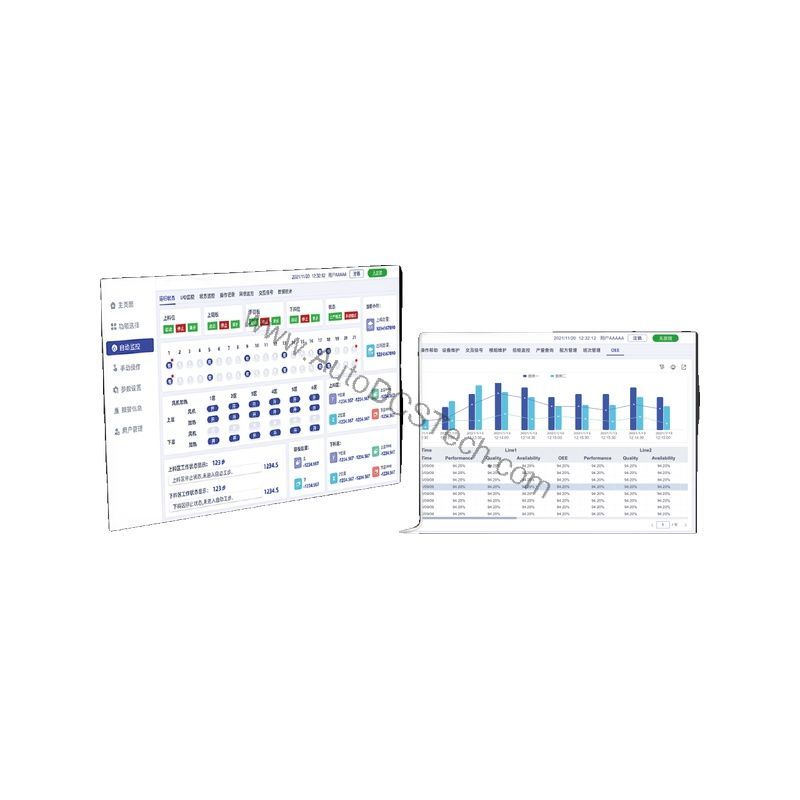
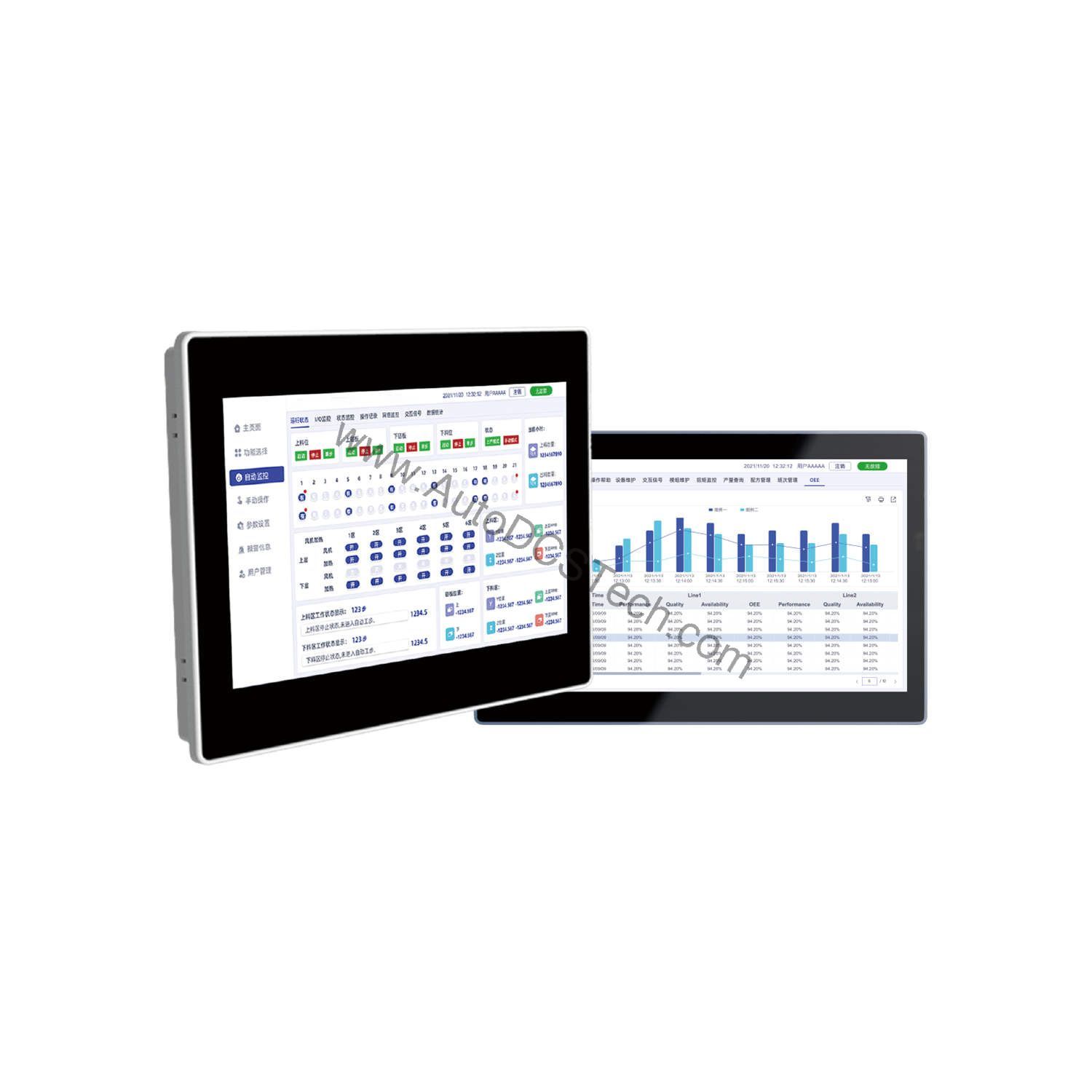
Industrial operators face a common challenge: HMIs that lag, lack connectivity, or struggle with video content. The Flexem FPad716 addresses these issues head-on. This next-generation intelligent IoT HMI delivers high-definition video playback and fast communication, making it suitable for a wide range of applications.
Compatibility & Integration
The FPad716 runs on Linux, providing a stable and secure platform. It supports various communication protocols via its serial and Ethernet ports. The dual gigabit Ethernet ports allow for redundant network connections or separate networks for data and control. The USB 3.0 ports enable connection to external storage or peripherals. The HDMI port can drive a secondary display for larger viewing. This flexibility makes the unit compatible with most industrial systems.
Selection Guide & Purchasing Advice
When selecting an HMI, consider your specific application needs. The FPad716 is suitable for applications requiring high-resolution video and fast communication. If you need wireless connectivity, choose the optional WiFi or 4G modules. For outdoor or high-UV environments, this unit is not recommended. Always verify the current lifecycle status and availability with AutoDCSTech before ordering. Contact them for competitive pricing and delivery options.
Troubleshooting & Common Issues
If the display is blank, check the DC power supply (18-28V) and the power connection. If the touch screen is unresponsive, ensure the protective film is removed and the screen is clean. For network issues, verify the Ethernet cable and IP settings. If the unit fails to boot, check the storage and memory connections. For serial communication problems, confirm the protocol and baud rate settings. If issues persist, contact AutoDCSTech for technical support.
Availability & Condition at AutoDCSTech
| Part Number | FPad716 |
|---|---|
| Availability | In Stock |
| Condition | New |
| Warranty | One Year |
| Origin | US |