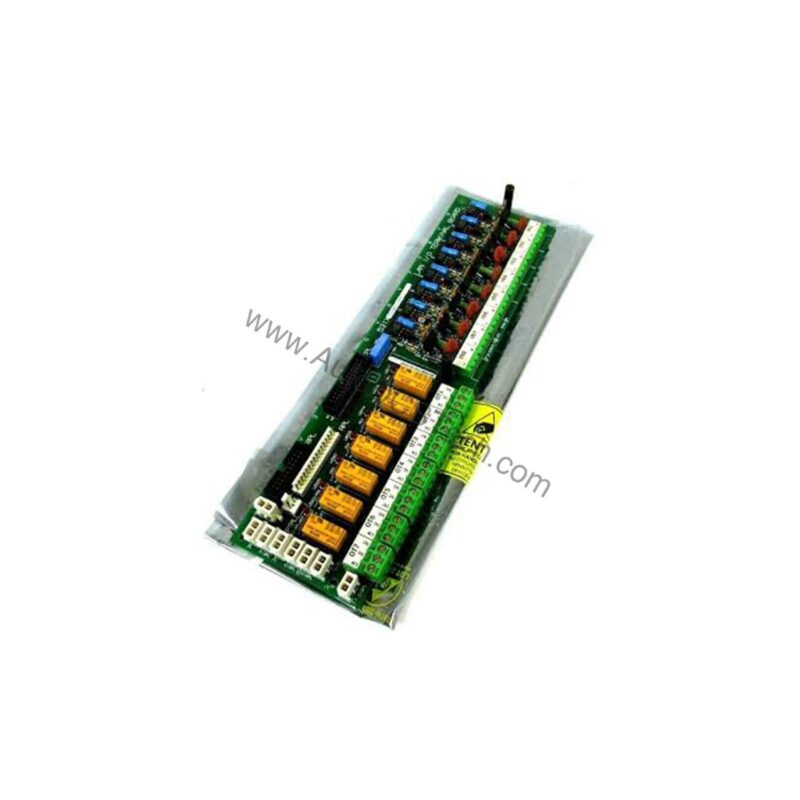
Overview of the GE 531X300CCHAFM5 Drive System Control Card
When maintaining or upgrading GE DC-300 drives and general purpose drive systems, the 531X300CCHAFM5 Drive System Control Card is a critical component. This PCB assembly provides the logic and interface necessary for reliable drive operation in light to heavy industrial applications. Before ordering, please verify current lifecycle status and availability with AutoDCSTech.
Technical Specifications Breakdown
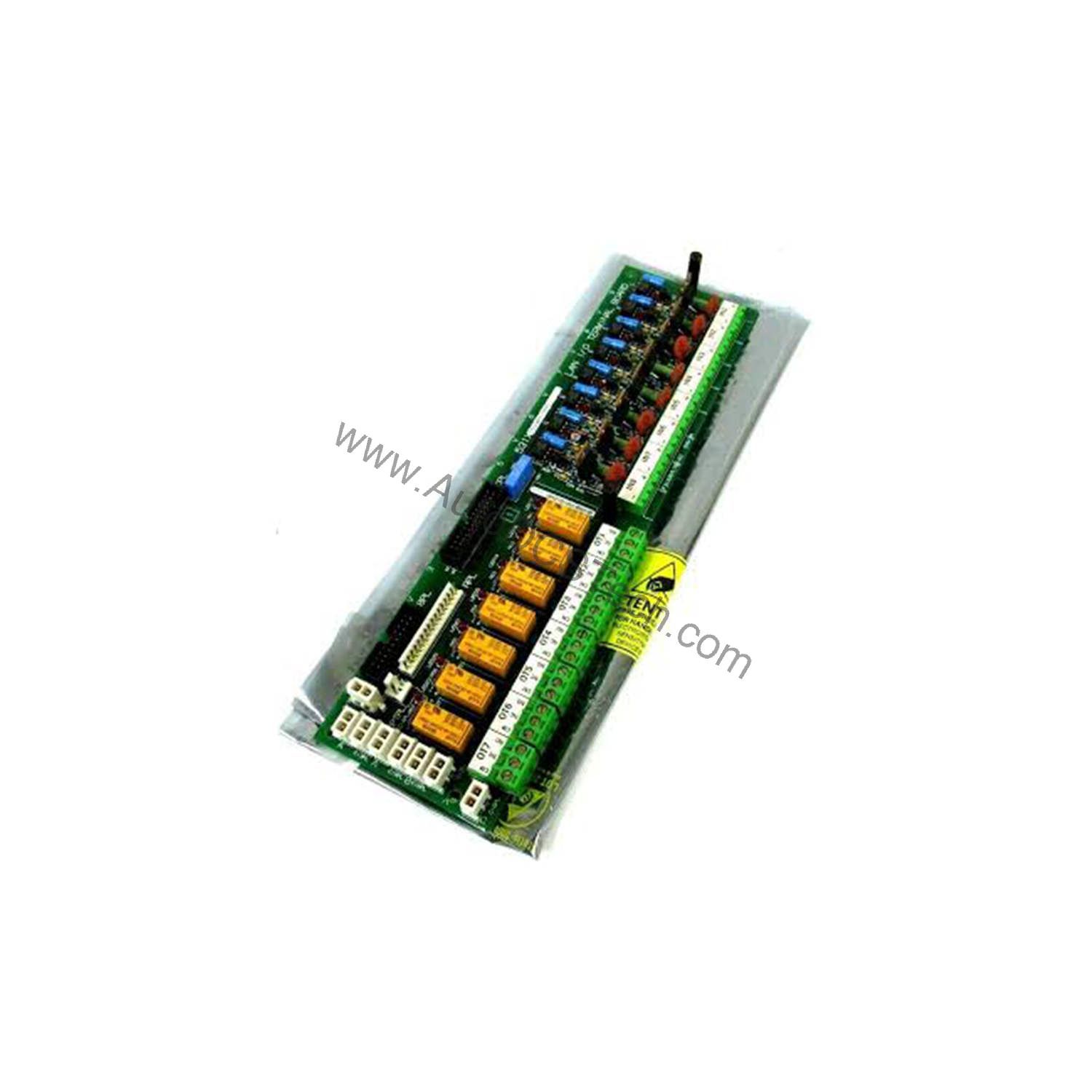
Key parameters for the 531X300CCHAFM5 are listed below for quick reference:
| Feature | Specification |
|---|---|
| Product Type | Drive System Control Card |
| Brand | GE |
| Part Number | 531X300CCHAFM5 |
| Series | 531X |
| Compatible Systems | DC-300 Drive, GE General Purpose Drives |
| LED Indicators | 6 |
| Jumper Switches | 28 |
| Potentiometers | Present |
| Mounting | Factory-drilled corners, stand-offs for auxiliary boards |
Industry Applications for the GE Control Card
The 531X300CCHAFM5 is designed for GE DC-300 drives and general purpose drive systems. These drives are commonly used in material handling, conveyor systems, and pump or fan control in manufacturing plants. The board's robust component population—including over thirty integrated circuits, voltage regulators, and resistor networks—supports precise motor speed and torque regulation in demanding environments. Its flexibility with optional auxiliary boards allows customization for specific process needs.
Installation and Setup Guidance
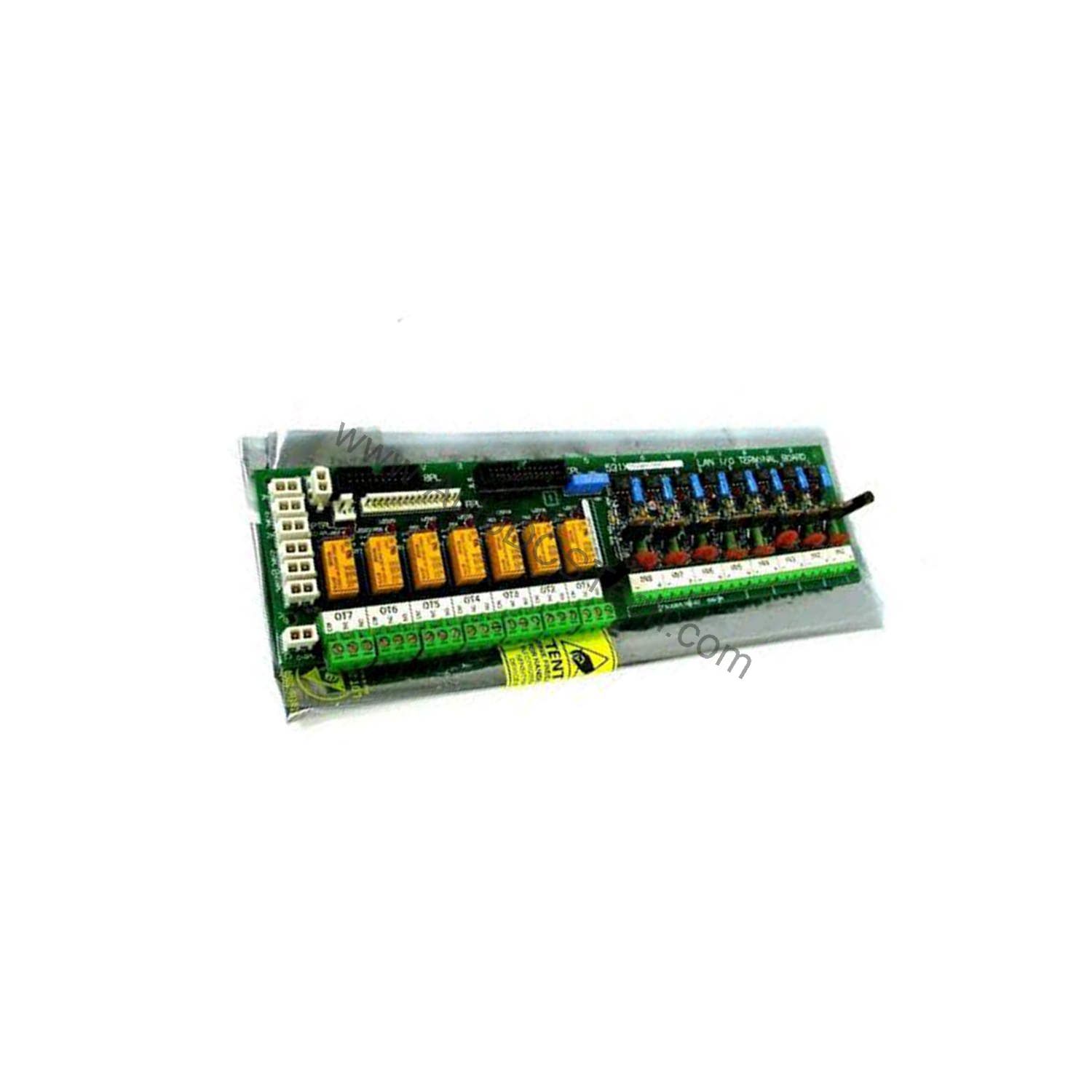
Mount the 531X300CCHAFM5 using the factory-drilled corner holes. If installing optional auxiliary boards, use the provided stand-offs and secure cards with screws through the top. Connect auxiliary boards via the vertical pin (male) connectors on the CCHA board surface. Refer to the system's user guide for compatibility and configuration details. Set the 28 jumper switches according to your drive application requirements. The six LED indicators provide visual status feedback during commissioning.
Maintenance and Reliability
Periodically inspect the board for dust accumulation or loose connections. Ensure the operating environment is within the drive system's specified temperature and humidity range. The board's use of surface wiring near the bottom requires careful handling during cleaning. Avoid contact with solvents that could damage components. For long-term reliability, verify that all stand-offs and mounting screws remain tight.
Compatibility and Integration
This control card is engineered for GE DC-300 drives and other GE general purpose drive systems. It communicates with auxiliary boards via vertical pin connectors. The board includes two header connectors and six vertical pin cable connectors for system integration. Always cross-reference your drive model with the manufacturer's documentation to ensure compatibility.
Selection Guide and Purchasing Advice
When selecting a replacement or spare 531X300CCHAFM5, confirm that your drive system accepts 531X series boards. Contact our team to verify stock and lifecycle status before ordering.
Availability & Condition at AutoDCSTech
| Part Number | 531X300CCHAFM5 |
|---|---|
| Availability | In Stock |
| Condition | New |
| Warranty | One Year |
| Origin | US |