Technical Specifications Breakdown
Key parameters for the IC695GCG001 are listed below for quick reference:
| Feature | Specification |
|---|---|
| Product Type | Genius communications gateway module |
| Input Power | 24 VDC; 0.19 A maximum |
| Communication Interface | Two (2) Ethernet port; Two (2) Serial Genius ports |
| Max I/O Devices | 31 Genius I/O devices |
| Maximum I/O Data per Station | 1024 bytes input data; 1024 bytes output data |
| I/O Production Rate | 2ms, 4ms, 8ms, 16ms, 32ms, 128ms, 256ms, or 512ms |
| Genius Bus Speed | 153.6 Kbps Standard; 153.6 Kbps Extended |
| Operating Temperature | 0degrees C to 60degrees C |
| Hot-swappable | Yes |
| Supported Protocols | RTC, RTA, DCP, CL-RPC, LLDP, MRP, SNMP |
Industry Applications for Seamless Migration
By using the IC695GCG001, engineers can avoid the labor and cost of rewiring hundreds of I/O points. For example, a refinery upgrading its DCS to a Profinet-based PACSystems RX3i can connect legacy Genius analog and discrete modules directly, preserving existing field wiring and reducing commissioning time. The configurable I/O production rate (2ms to 512ms) allows tuning for both high-speed discrete control and slower process loops.
Installation and Setup Guidance
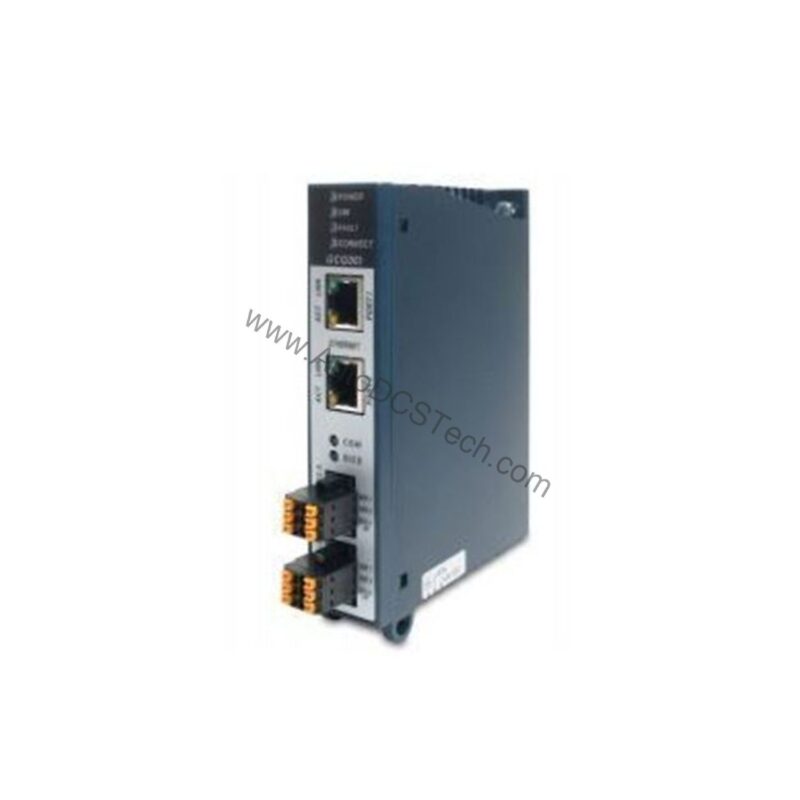
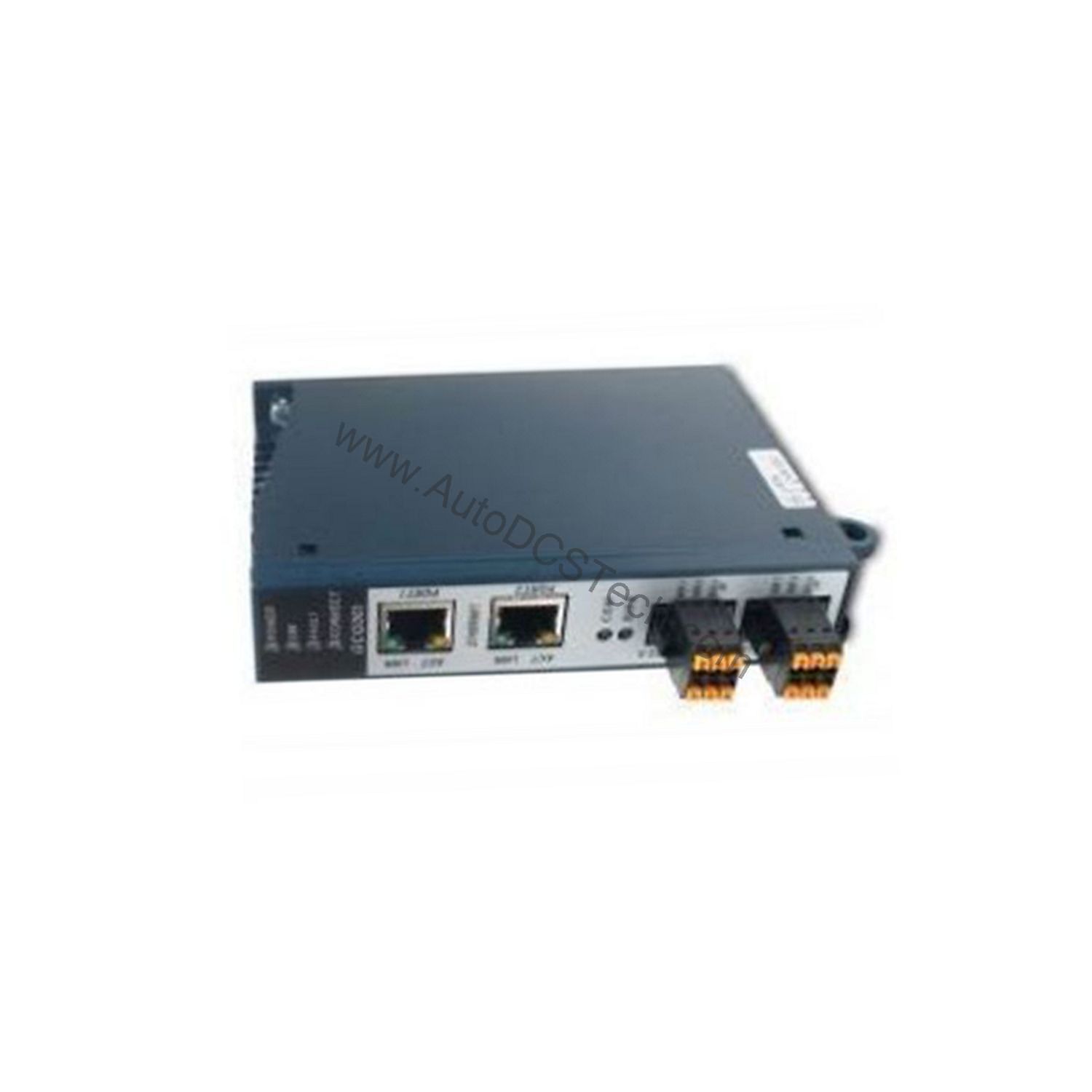
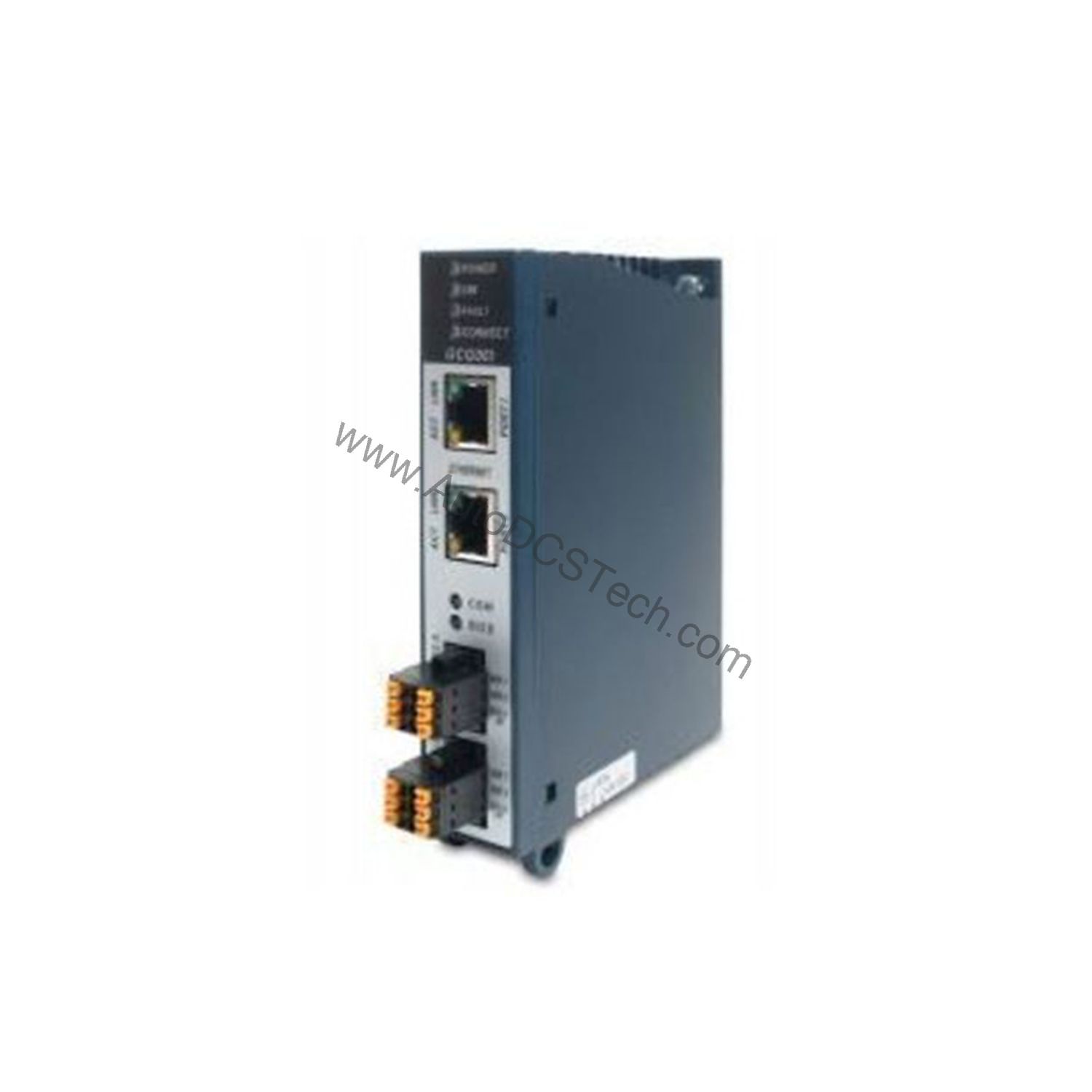
Mount the module in a suitable panel or optional RX3i expansion slot kit. Connect an external 24 VDC power supply (0.19 A maximum draw). Use the two RJ45 Ethernet ports for Profinet connectivity, supporting star or linear topologies with MRP for redundancy. The two Serial Genius ports connect to the existing Genius bus, with terminals marked Serial 1, Serial 2, Shield In, and Shield Out. Configure the module using the supported protocols (RTC, RTA, DCP, etc.) via your Profinet controller engineering tool. The module can operate as an I/O device under an RX3i Profinet controller.
Maintenance and Reliability
Routine inspection should focus on verifying the external power supply voltage and checking Ethernet cable integrity. The module supports hot-swapping, but always disconnect the external power supply before removal. The operating temperature range of 0 to 60 degrees Celsius suits most industrial control cabinets. An SD card can be used to back up Ethernet configuration data or load firmware updates, simplifying maintenance.
Bridging Legacy Genius I/O with Modern Profinet Networks
Struggling to integrate older Genius bus devices into a modern Profinet control architecture without a costly full system overhaul? The GE IC695GCG001 PACSystems RX3i Genius communication gateway offers a practical, solution. This module acts as a transparent bridge, allowing you to retain and operate existing Genius I/O blocks while connecting them to a Profinet controller. Manufactured by Emerson Automation (formerly GE Intelligent Platforms), this gateway is designed for industrial environments where uptime and migration simplicity are critical.
Compatibility and Integration
The IC695GCG001 is compatible with PACSystems RX3i controllers including CPE330, CPE302/CPE305/CPE310, CPU315/CPU320/CRU320, and CPE302. It supports up to 31 Genius I/O devices per bus, handling 1024 bytes of input and 1024 bytes of output data. Supported protocols include RTC (Real Time Cyclic, Class 1 and 2 unsynchronized), RTA (Real Time Acyclic), DCP, CL-RPC, LLDP, MRP, and SNMP, with subset protocols like UDP, IP, ARP, and ICMP. VLAN and priority tagging are also supported.
Selection Guide and Purchasing Advice
When selecting a gateway for your Genius-to-Profinet migration, verify your existing Genius device count and data volume. The IC695GCG001 handles up to 31 devices and 2048 bytes total I/O. For reliable supply and expert support, AutoDCSTech offers this module with detailed specifications to ensure compatibility. Please verify current lifecycle status and availability with AutoDCSTech before ordering.
Troubleshooting and Common Issues
If the gateway fails to communicate with Genius devices, check the bus speed setting (153.6 Kbps standard or extended) and cable termination. For Profinet connection issues, verify Ethernet cable quality and MRP configuration. If the module does not power up, confirm the external 24 VDC supply is within specification and the module is properly seated. For persistent problems, consult the PACSystems RX3i documentation or contact AutoDCSTech for support.
Availability & Condition at AutoDCSTech
| Part Number | IC695GCG001 |
|---|---|
| Availability | In Stock |
| Condition | New |
| Warranty | One Year |
| Origin | US |