Technical Specifications Breakdown
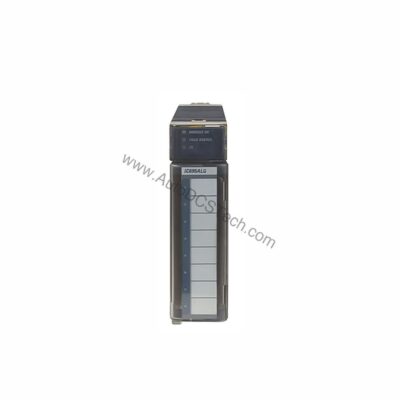
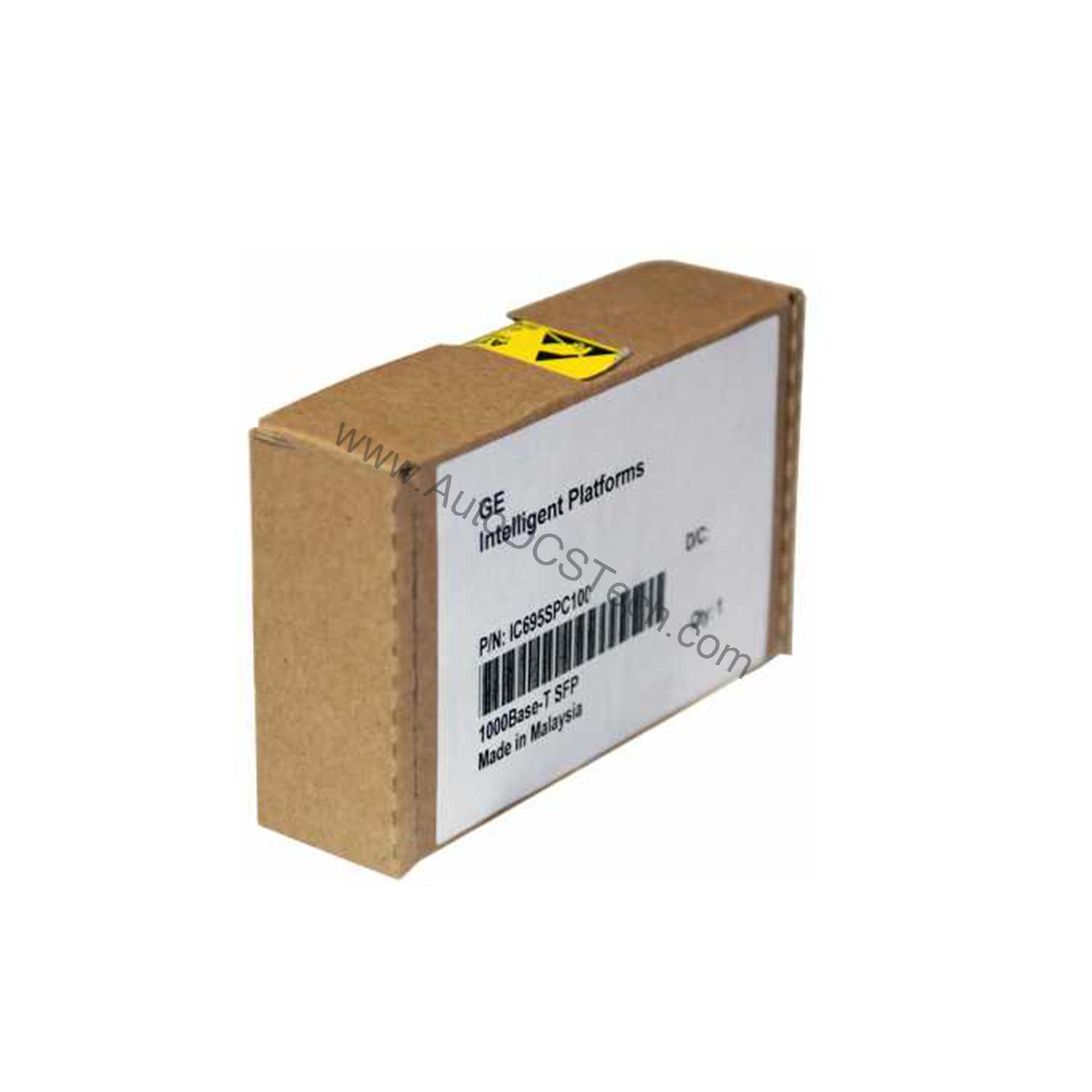
Key parameters for the IC695SPC100 are listed below for quick reference:
| Feature | Specification |
|---|---|
| Brand | GE Fanuc |
| Series | RX3i PacSystem |
| Part Number | IC695SPC100 |
| Type | Scanner module |
| Speed | 10, 100, 1000 Mbps |
| Material | Copper |
| SD Card Supported | Yes |
| Power | 3.3 to 5 Volts |
| Port Connectors | Two RJ-45 and two SFP cages |
| LED Indicators | Yes |
| Temperature | 0 to 60 degrees Celsius |
Industry Applications
For example, connecting remote I/O panels in automotive assembly lines or packaging machinery.
Installation & Setup Guidance
Mount the IC695SPC100 into an available slot on an RX3i backplane. Connect the two RJ-45 ports for standard Ethernet links or use the SFP cages for fiber optic adapters if needed. Power the module via the backplane (3.3 to 5 Volts). Use the USB port exclusively for firmware updates via Proficy Machine Edition Software. Insert an SD card to transfer configuration data between modules.
Maintenance & Reliability
Operate the scanner module within 0 to 60 degrees Celsius to prevent overheating damage. Inspect connectors and cable terminations periodically for corrosion or wear. Keep the unit free of dust and moisture. The LED indicators provide quick status checks for link activity and faults.
Compatibility & Integration
The module integrates natively with RX3i PacSystems controllers and supports PROFINET protocol. It works with twisted pair cables up to 100 meters. The SD card feature simplifies cloning configurations across multiple units. Use Proficy Machine Edition for setup and diagnostics.
Selection Guide & Purchasing Advice
When ordering the IC695SPC100, verify compatibility with your existing RX3i backplane and controller revision. AutoDCSTech stocks this module and can confirm lifecycle status. Contact our team for bulk pricing or expedited shipping.
Troubleshooting & Common Issues
If the module fails to communicate, check that both RJ-45 connectors are securely seated and the cable length does not exceed 100 meters. Verify the power supply provides 3.3 to 5 Volts through the backplane. If LED indicators remain off, reseat the module or test in a different slot. For firmware issues, use the USB port with Proficy Machine Edition.
Availability & Condition at AutoDCSTech
| Part Number | IC695SPC100 |
|---|---|
| Availability | In Stock |
| Condition | New |
| Warranty | One Year |
| Origin | US |