Technical Specifications Breakdown
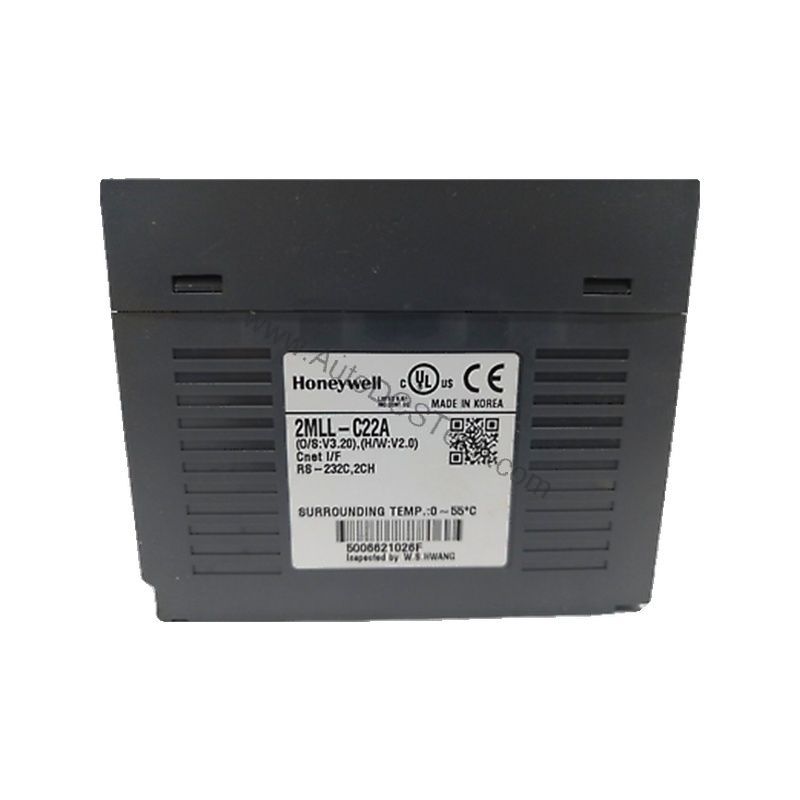
Key parameters for the 2MLL-C22A are listed below for quick reference:
| Feature | Specification |
|---|---|
| Start Bit | 1 |
| Data Bits | 7 or 8 |
| Stop Bits | 1 or 2 |
| Parity | Odd/Even/None |
| Baud Rate | 300 / 600 / 1200 / 2400 / 4800 / 9600 / 19200 / 38400 / 57600 / 115200 bps |
| Synchronization | Asynchronous |
| Transmission Distance | 15m (extendable by modem / phone line) |
| Network Configuration | 1:1 |
| Station No. Setting | 0-31 (Max. station No. available : 32 stations) |
| Network Diagnostics | Auto-scan, Frame Monitor, Link Monitor, Loop back |
| Current Consumption | 310 mA |
Industry Applications
1. Remote Monitoring and Control
In applications where field devices are spread across a plant, the 2MLL-C22A's RS-422/485 interface ensures reliable data transfer over 15 meters, extendable via modem or phone line.
2. Point-to-Point Machine Interfacing
The 1:1 network configuration simplifies connecting a PLC to a single intelligent device, such as a variable frequency drive or a weigh scale. With Modbus RTU/ASCII slave support, integration into existing control systems becomes straightforward, reducing engineering time and potential errors.
3. Legacy System Upgrades
For plants modernizing older serial equipment, the module's support for multiple baud rates (up to 115200 bps) and flexible data formats (7/8 data bits, 1/2 stop bits, odd/even/none parity) allows seamless replacement of outdated communication cards without rewriting the entire control logic.
Installation & Setup Guidance
Proper installation is critical for optimal performance. Begin by verifying that the module's power supply can handle the 310 mA current consumption. Configure the station number (0-31) via the SoftMaster-NM software, ensuring each station has an unique address. For RS-485, terminate the line properly to avoid reflections. Use shielded twisted-pair cables and keep the transmission distance within 15 meters unless using a modem or phone line extender. Always double-check wiring polarity—RS-422/485 is differential, and reversed connections can cause communication failures.
Maintenance & Reliability
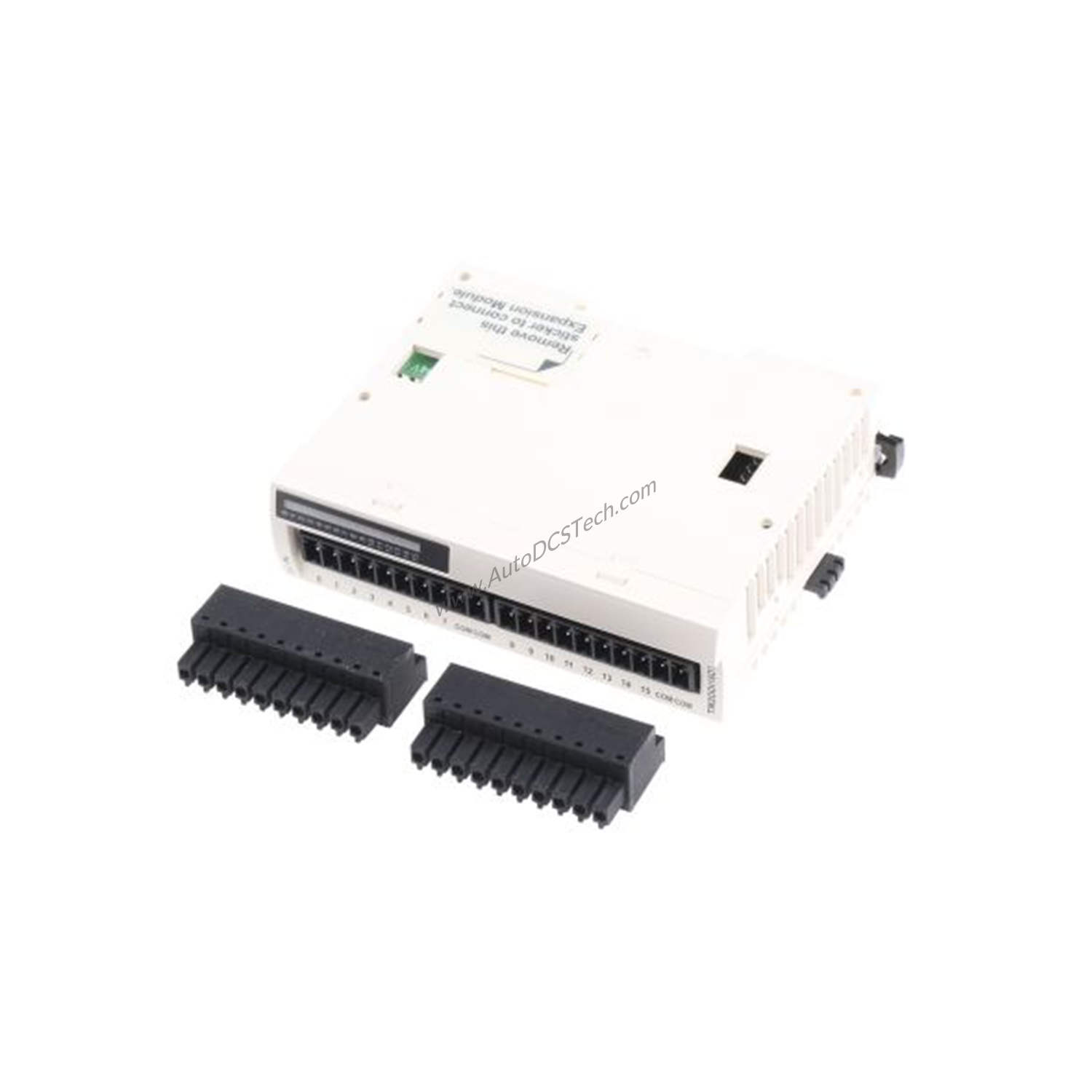
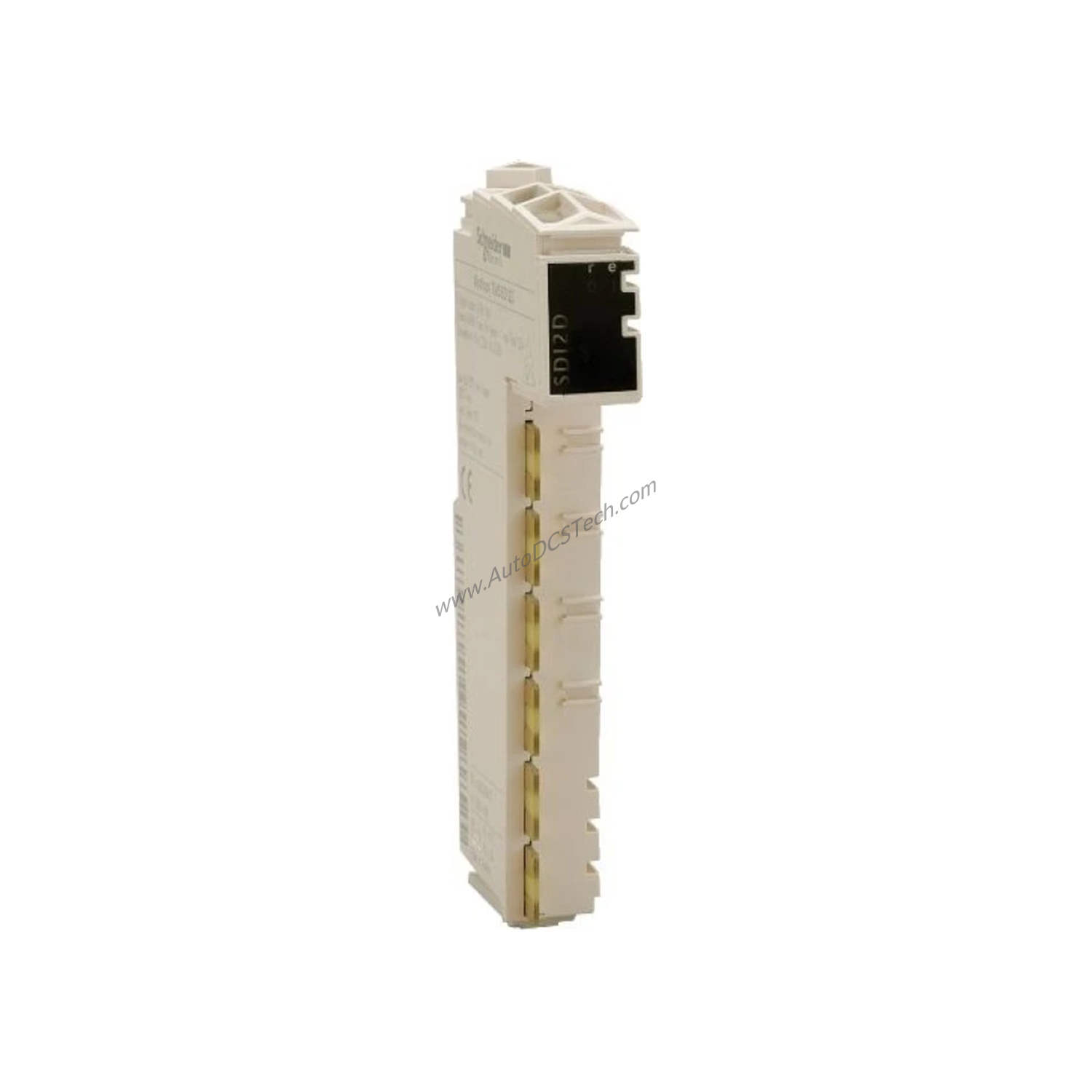
To ensure long-term reliability, inspect the module's connections and LEDs periodically. The RUN, I/F, TX, RX, and ERR LEDs provide immediate visual status. A steady RUN LED indicates normal operation, while blinking TX/RX LEDs show active data transfer. If the ERR LED lights up, consult the network diagnostics features—auto-scan, frame monitor, link monitor, and loopback—to isolate the issue. Keep the module free from dust and moisture, and ensure adequate ventilation to prevent overheating.
Why the Honeywell 2MLL-C22A Snet Module Matters
In modern industrial automation, reliable serial communication is the backbone of data exchange between controllers, drives, and sensors. With two RS-422/485 channels, this module provides a flexible and cost-effective solution for point-to-point networks, reducing wiring complexity and improving signal integrity.
Compatibility & Integration
The Honeywell 2MLL-C22A supports Modbus RTU/ASCII slave and P2P protocols, making it compatible with a wide range of industrial equipment. The SoftMaster-NM configuration software simplifies setup, allowing engineers to define communication parameters such as baud rate, data bits, and parity. With the ability to act as a Modbus master (via the user-defined protocol master), this module can also poll multiple slave devices, expanding its utility in complex networks.
Selection Guide & Purchasing Advice
When selecting a serial communication module, consider the number of channels, supported protocols, and diagnostic capabilities. The 2MLL-C22A offers two RS-422/485 channels, Modbus RTU/ASCII slave, and P2P functionality, making it a versatile choice. For purchasing, AutoDCSTech provides genuine Honeywell parts with expert support. Contact AutoDCSTech to verify current lifecycle status and availability before ordering, ensuring your project timeline is not disrupted.
Troubleshooting & Common Issues
If communication fails, first check the LED indicators. A lit ERR LED often points to a configuration mismatch—verify baud rate, parity, and station number. Use the loopback test to confirm the module's transmit and receive paths are functioning. If the link is unstable, inspect the cable length and quality; distances beyond 15 meters require a modem or phone line extender. Ensure that all stations have unique addresses within the 0-31 range. If problems persist, consult the SoftMaster-NM frame monitor to see actual data frames and identify protocol errors.
Availability & Condition at AutoDCSTech
| Part Number | 2MLL-C22A |
|---|---|
| Availability | In Stock |
| Condition | New |
| Warranty | One Year |
| Origin | US |