Product Overview
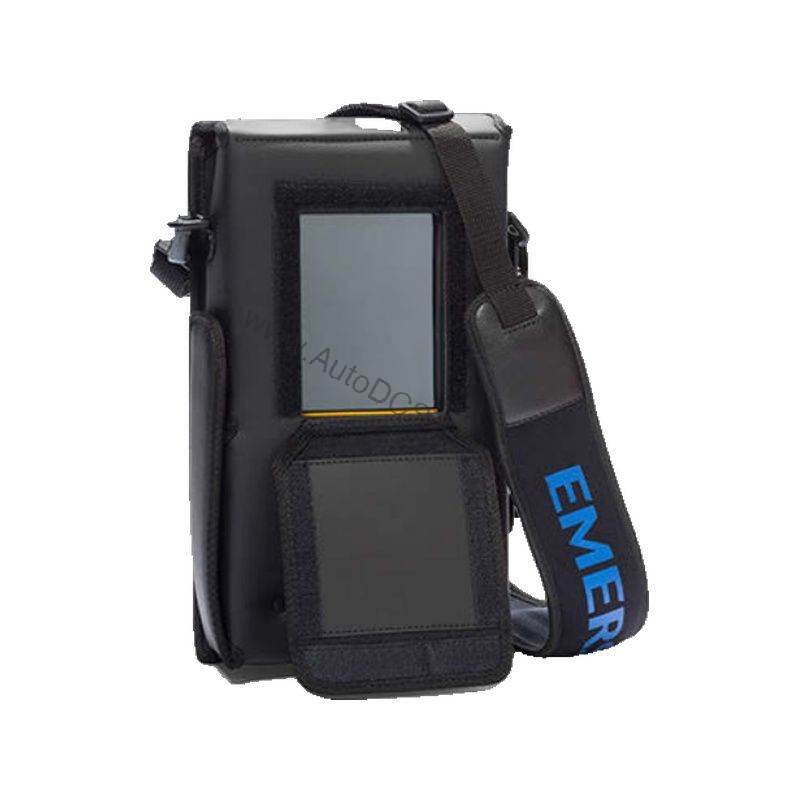
The TREXCHPKLWS3S is a rugged, intrinsically safe device communicator from Emerson's AMS Trex platform. It is designed for field technicians who need reliable, portable access to HART-enabled instruments in hazardous areas.
Technical Specifications Breakdown
Key parameters for the TREXCHPKLWS3S are listed below for quick reference:
| Feature | Specification |
|---|---|
| Manufacturer | Emerson |
| Product No. | TREXCHPKLWS3S |
| Product Type | AMS Trex Device Communicator |
| Base Platform | Trex |
| Communication Module | Device Communicator |
| Applications | HART |
| Power Module | Rechargeable Li-Ion |
| Certifications | ATEX, CSA (US/Canada), IECEx Intrinsically Safe (includes FISCO as applicable) |
| Radio Options | Wireless |
| Support | Standard Support (3 Year) |
| Carrying Case | Included |
| Weight | 1.315 kg |
Industry Applications
In oil and gas refineries, technicians use it to configure and troubleshoot pressure transmitters and flow meters without needing to declassify the area. In chemical processing plants, the wireless option allows remote monitoring of device status, reducing the need for physical access to potentially dangerous zones. The ATEX, CSA, and IECEx certifications ensure compliance across global sites, making this communicator a versatile tool for multinational operations.
Installation & Setup Guidance
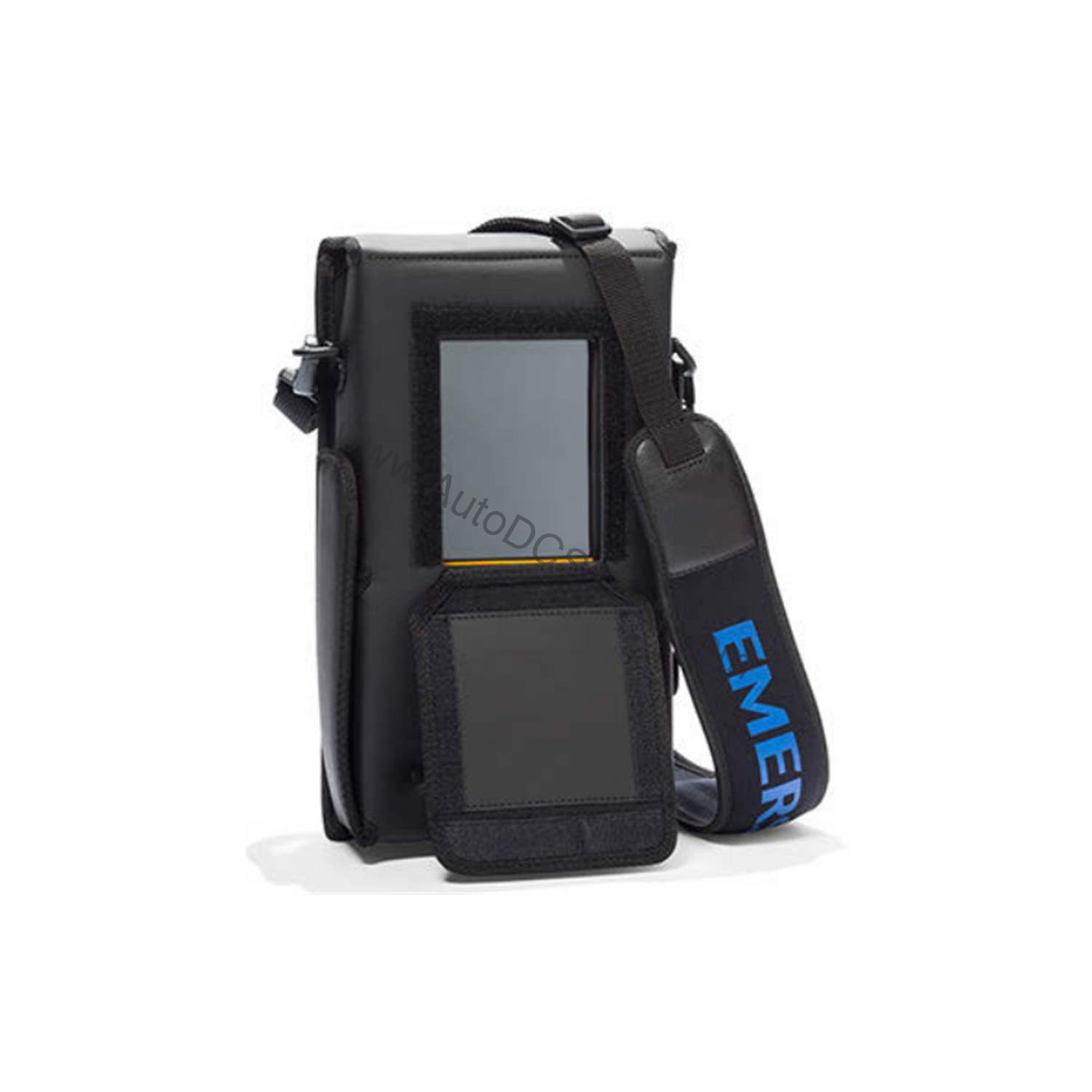
When deploying the TREXCHPKLWS3S, ensure the device is fully charged before field use. The carrying case provides protection during transport. For HART communication, connect the device to the loop using the appropriate leads and verify the loop is within the communicator's operating parameters. The wireless feature should be configured according to site-specific network protocols. Always follow the manufacturer's guidelines for intrinsic safety, including verifying that the device is approved for the specific hazardous area classification.
Maintenance & Reliability
Regularly inspect the device for physical damage, especially the display and connection ports. Clean the exterior with a soft, dry cloth. Periodically check the Li-Ion battery health and replace it only with an approved Emerson power module. Calibration of the communicator is not typically required, but firmware updates should be applied as recommended by Emerson to maintain compatibility with the latest HART device revisions.
Compatibility & Integration
The TREXCHPKLWS3S is designed for HART applications, making it compatible with a wide range of HART-enabled field instruments from various manufacturers. The wireless option allows integration into plant networks for remote diagnostics and data logging. The device communicator module supports standard HART communication protocols, ensuring seamless interaction with existing control systems.
Selection Guide & Purchasing Advice
When selecting a device communicator, consider the specific HART device types in your facility, the hazardous area classifications, and the need for wireless connectivity. The TREXCHPKLWS3S offers a comprehensive package with intrinsic safety certifications and a 3-year support plan. For procurement, AutoDCSTech provides genuine Emerson products with expert guidance. Contact AutoDCSTech to verify current lifecycle status and availability before ordering.
Troubleshooting & Common Issues
If the communicator fails to establish HART communication, check the loop wiring and ensure the device is powered. Verify that the HART device address is correct and that no other communicator is active on the same loop. If the wireless connection drops, confirm that the network credentials are correct and that the device is within range. For persistent issues, consult the Emerson AMS Trex user manual or contact AutoDCSTech for technical support.
Availability & Condition at AutoDCSTech
| Part Number | TREXCHPKLWS3S |
|---|---|
| Availability | In Stock |
| Condition | New |
| Warranty | One Year |
| Origin | US |