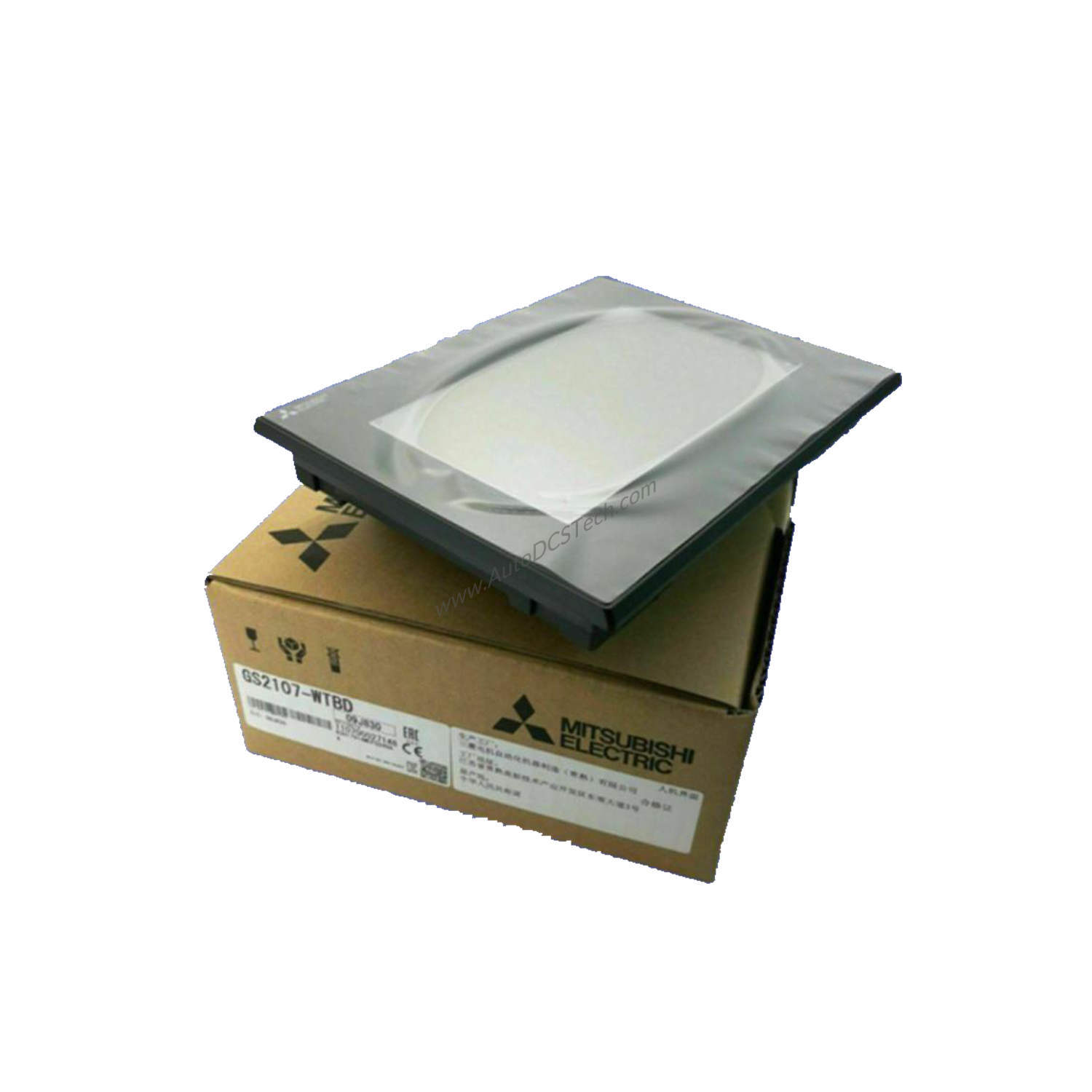
Technical Specifications Breakdown
The GS2107-WTBD features a 7-inch TFT color LCD display with a resolution of 800 x 480 dots. The display size measures 154 x 85.9 mm (6.06 x 3.38 inches) in horizontal format, supporting 65536 colors for clear visualization. The backlight is LED-based and not replaceable. Touch input uses analog resistive film technology, ensuring accurate response even in gloved hands. Memory capacity is 9 MB (ROM), sufficient for storing project data and the operating system. The unit operates on a supply voltage of 24VDC and consumes 6.5 watts of power. Its degree of protection is IP67, meaning it resists dust ingress and temporary water immersion. Dimensions are 206 mm width, 155 mm height, and 50 mm depth, with a weight of 1.50 lbs (0.68 kg) per the technical specifications.
Industry Applications
In manufacturing settings, the GS2107-WTBD is used for machine control and real-time monitoring. For example, on a packaging line, operators can use the touchscreen to start/stop conveyors, adjust speeds, and view production counts. In process industries like food and beverage, the IP67-rated front allows washdown cleaning without damaging the unit. The 9 MB memory and SD card slot (mentioned in the full description) enable easy recipe management and data logging.
Installation & Setup Guidance
Mount the GS2107-WTBD flush into a panel cutout using the provided brackets. Ensure the mounting surface is clean and free of debris to maintain the IP67 seal. Connect the 24VDC supply to the designated terminals, observing polarity. The unit includes built-in interfaces such as RS-422, RS-232, Ethernet, USB, and SD Card (as per the full description) for connecting to controllers and PCs. Use the appropriate cables and follow Mitsubishi's wiring diagrams to avoid signal interference. After power-up, configure communication parameters in the software to match your PLC or controller.
Maintenance & Reliability
Routine inspection of the GS2107-WTBD should focus on the front seal and cable connections. Check that the IP67 gasket remains intact and free of cuts or deformation. Clean the touchscreen with a soft, damp cloth—avoid abrasive cleaners that could damage the resistive film. Verify that the LED backlight brightness remains consistent; if dimming occurs, the unit may need replacement since the backlight is not replaceable. Periodically backup project files to an SD card to prevent data loss. These simple steps extend the unit's service life and reduce unplanned downtime.
What Is the Mitsubishi GS2107-WTBD?
When industrial environments demand reliable operator interfaces, the Mitsubishi GS2107-WTBD HMI / Display unit delivers. Part of the GS21 Series (GOT Simple) within the GOT2000 product line, this graphic operation programmable terminal combines a compact footprint with robust performance. It functions as a touchscreen HMI for machine control, process monitoring, and data collection, making it a versatile tool for manufacturing floors.
Compatibility & Integration
The full description lists RS-422, RS-232, Ethernet, USB, and SD Card interfaces. This allows direct connection to controllers for data exchange and remote monitoring. Use the compatible software tools (specified in the full description) to program the HMI and create intuitive operator screens. The unit can also communicate with third-party devices over serial or Ethernet, provided the protocols match.
Selection Guide & Purchasing Advice
Before purchasing the GS2107-WTBD, verify that your application requires a 7-inch display with 800 x 480 resolution and 24VDC power. Confirm that the IP67 rating suits your environment—if washdown or dusty conditions are present, this unit is an choice. Ensure you have the necessary programming software and cables. AutoDCSTech stocks the GS2107-WTBD and can advise on current availability and any replacement options if the product lifecycle changes. Contact our team for a quote or technical support.
Frequently Asked Questions
Q1: Can the GS2107-WTBD backlight be replaced if it fails?
No, the LED backlight is not replaceable. If the backlight dims or fails, the entire unit must be replaced.
Q2: What is the difference between the GS2107-WTBD and other GOT2000 series HMIs?
The GS2107-WTBD belongs to the GS21 Series (GOT Simple), offering a cost-effective solution with a 7-inch display, 9 MB memory, and IP67 protection, while other GOT2000 models may have larger screens or more memory.
Q3: Does the GS2107-WTBD support Ethernet communication?
Yes, the full description confirms built-in Ethernet, along with RS-422, RS-232, USB, and SD Card interfaces.
Q4: What is the power consumption of the GS2107-WTBD?
It consumes 6.5 watts or less when powered by 24VDC.
Q5: Is the GS2107-WTBD suitable for outdoor use?
The IP67 rating protects against dust and temporary water immersion, but the unit is designed for indoor industrial environments. Direct sunlight or extreme temperatures may affect performance.
Availability & Condition at AutoDCSTech
| Part Number | GS2107-WTBD |
|---|---|
| Availability | In Stock |
| Condition | New |
| Warranty | One Year |
| Origin | Japan |