Product Overview
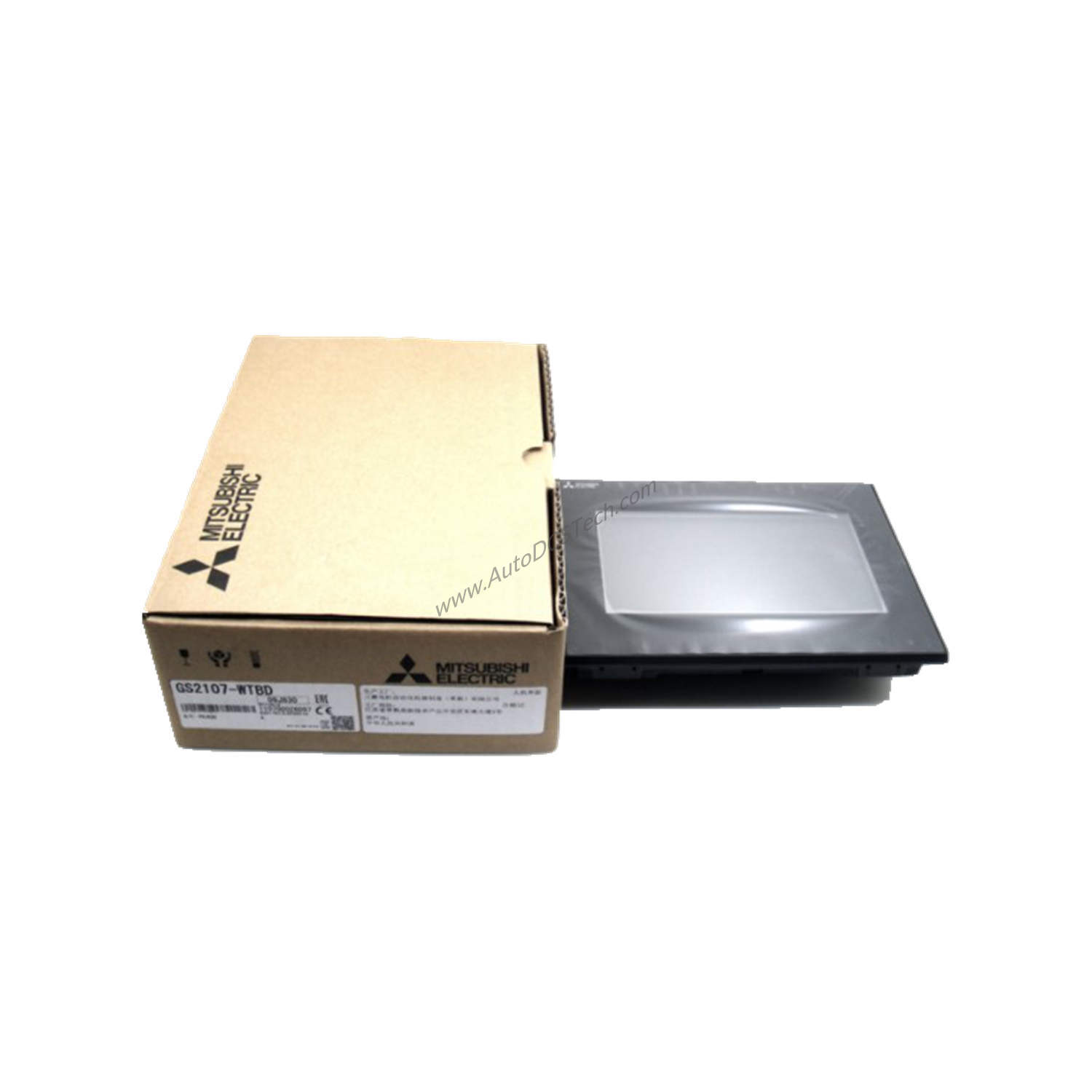
When industrial operations demand reliable human-machine interaction without inflating budgets, the Mitsubishi GS2110-WTBD backlight delivers. This Graphic Operation Terminal (GOT) from the GOT SIMPLE series combines essential features with low total cost of ownership. It operates on 24 VDC with a ripple voltage of 200 mV or less, consuming only 7.6 W (317 mA at 24V) maximum. Such efficiency directly reduces energy expenses over the product's lifespan.
Technical Specifications Breakdown
The GS2110-WTBD backlight packs practical specs into a compact package. Its 10-inch TFT color liquid crystal display offers 800 x 480 dots resolution and 65536 colors, ensuring clear visuals for operators. The 32-level brightness adjustment for the LED backlight allows adaptation to varying ambient light, extending the backlight's service life and reducing replacement costs. With 9 MB of flash memory, the terminal stores application data without requiring external storage, saving on peripheral investments.
Connectivity includes RS-422, RS-232, Ethernet, USB, and SD card slots. These built-in interfaces eliminate the need for additional communication modules, lowering integration expenses. The IP65F protection rating on the front panel guards against dust and water ingress, minimizing downtime from environmental damage.
Industry Applications
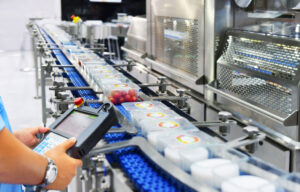
In manufacturing lines, the GS2110-WTBD backlight serves as a cost-effective operator interface for machine control. Its low power consumption (7.6 W) reduces energy bills in facilities running multiple terminals. For packaging or material handling systems, the 10-inch display with 50-character by 30-line text capacity provides sufficient data visibility without overspending on larger screens. The Ethernet interface enables remote monitoring, cutting travel costs for maintenance teams.
Installation & Setup Guidance
Mount the GS2110-WTBD backlight securely into a panel cutout, ensuring the IP65F seal contacts properly. Connect the 24 VDC power supply with ripple below 200 mV to avoid display flicker. Use the USB or SD card slot for initial firmware uploads, then configure network settings via Ethernet. Verify the inrush current (17A max for 6 ms) does not trip upstream breakers; a dedicated power supply may be needed for multiple units.
Maintenance & Reliability
The LED backlight design eliminates frequent bulb replacements, a key cost-saving feature. Clean the front panel periodically with a soft, dry cloth to maintain IP65F protection. Check cable connections annually to prevent communication faults. The terminal's 9 MB flash memory retains data without battery backup, reducing maintenance overhead. For maximum ROI, schedule firmware updates during planned downtime.
Compatibility & Integration
The GS2110-WTBD backlight integrates with Mitsubishi PLCs and other automation controllers via RS-422, RS-232, or Ethernet. The USB port supports direct connection to programming tools, speeding up deployment. SD card slots enable easy recipe or log data transfer without network infrastructure. This flexibility reduces integration costs by leveraging existing plant networks.
Frequently Asked Questions
What is the power consumption of the GS2110-WTBD backlight?
The terminal consumes 7.6 W (317 mA at 24V) or less, making it energy-efficient for continuous operation.
Can the GS2110-WTBD backlight withstand harsh environments?
Yes, the front panel carries an IP65F rating, protecting against dust and water jets from the front.
What display resolution does the GS2110-WTBD backlight offer?
It features 800 x 480 dots resolution on a 10-inch TFT color LCD, supporting 65536 colors.
How do I connect the GS2110-WTBD backlight to a network?
Use the built-in Ethernet port for network connectivity; RS-422 and RS-232 are available for serial communication.
Does the GS2110-WTBD backlight require a separate power supply?
It operates on 24 VDC; ensure the supply has ripple voltage of 200 mV or less and can handle 17A inrush for 6 ms.