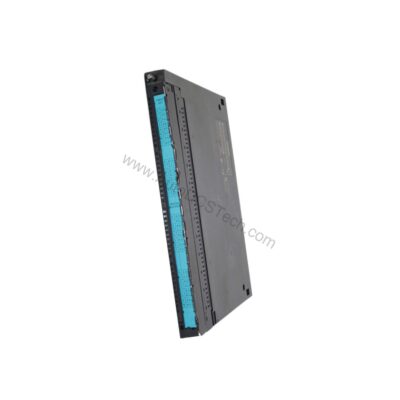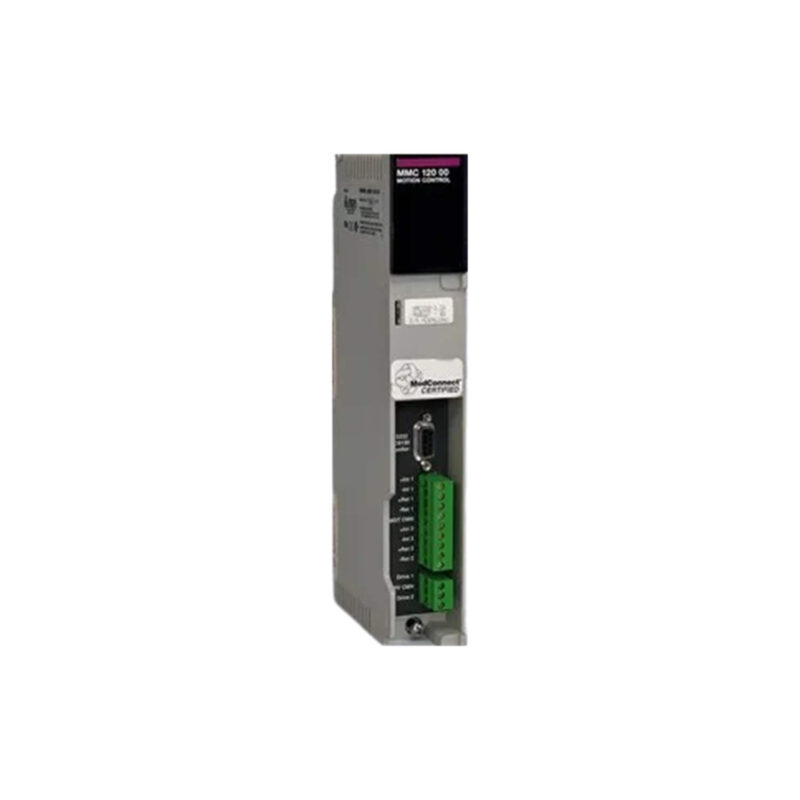
Product Overview
This module is engineered for applications such as machine control, material handling, packaging, and textile machines, providing a robust platform for synchronizing multi-axis drive systems.
Technical Specifications Breakdown
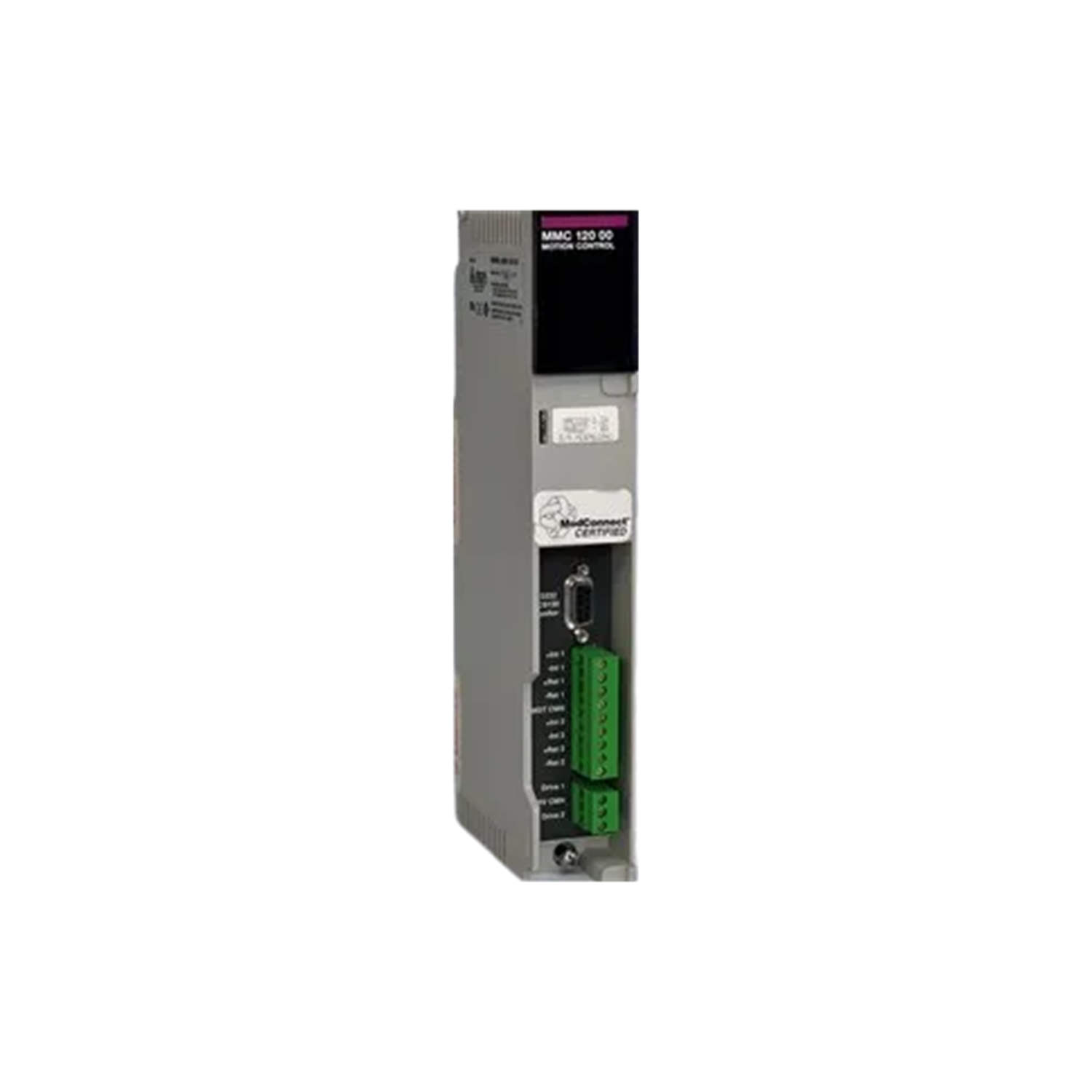
Key parameters for the 140MMD10400 are listed below for quick reference:
| Feature | Specification |
|---|---|
| Manufacturer | Schneider Electric |
| Product Type | Motion Control Module |
| Product Line | Modicon Quantum |
| Part Number | 140MMD10400 |
| Supported Applications | Multi-Axis Drives, Machine Control, Material Handling, Packaging, Textile Machines |
| Operating Temperature | 0 to 40 degrees Celsius |
| Storage Temperature | 0 to 50 degrees Celsius |
| Maximum Operating Humidity | 80% RH, non-condensing |
| Maximum Storage Humidity | 80% RH, non-condensing |
| Maximum Operating Altitude | 1000 m above sea level |
| Maximum Storage Altitude | 1000 m above sea level |
| Operating Environment | Clean indoor environment (no corrosive chemicals) |
Industry Applications
Machine Control and Material Handling
For automated assembly lines and conveyor systems, the 140MMD10400 provides the motion coordination needed to synchronize multiple axes. Its support for multi-axis drives allows precise control of robotic arms, pick-and-place units, and transfer mechanisms in clean indoor environments.
Packaging and Textile Machines
In packaging lines, this module manages the timing of film feed, sealing, and cutting operations. For textile machinery, it coordinates spindle speeds and traverse motions, ensuring consistent product quality. The module's operating temperature range of 0 to 40 degrees Celsius suits typical factory floor conditions.
Installation and Setup Guidance
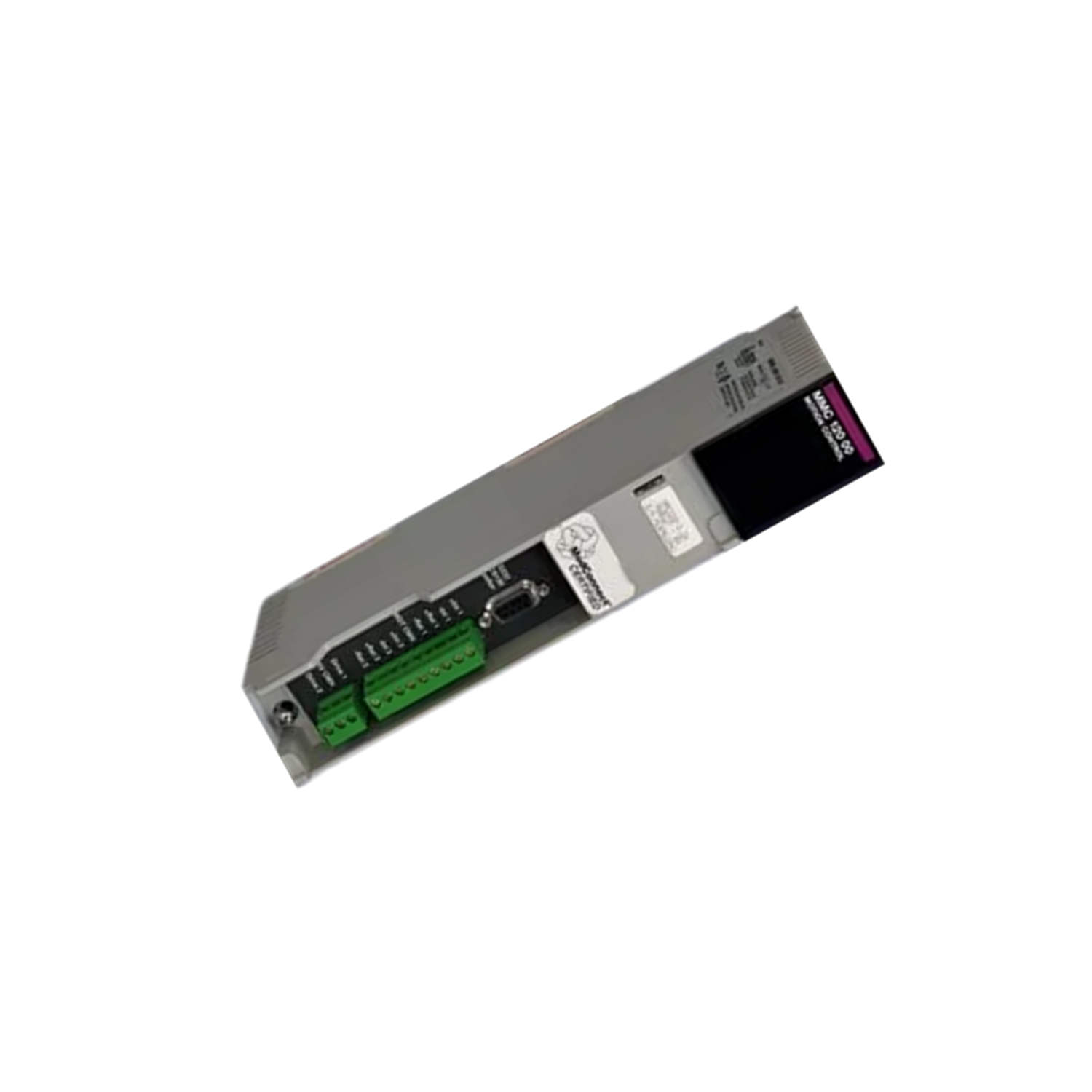
Mount the module in a clean indoor cabinet free from corrosive chemicals. Ensure ambient temperature stays within 0 to 40 degrees Celsius and relative humidity below 80% RH non-condensing. Verify that the installation site does not exceed 1000 m above sea level. Use standard Modicon Quantum backplane connections and follow Schneider Electric's wiring guidelines for multi-axis drive interfaces. Always power down the system before inserting or removing the module.
Maintenance and Reliability
Periodically inspect the module for dust accumulation and ensure ventilation paths remain clear. The storage temperature range of 0 to 50 degrees Celsius allows safe off-line storage. Maintain humidity below 80% RH non-condensing during storage. Because the module operates in clean indoor environments, routine visual checks every six months are sufficient. Avoid exposure to condensation or chemical vapors.
Compatibility and Integration
The 140MMD10400 integrates with the Modicon Quantum programmable automation controller (PAC) platform. It communicates over the Quantum backplane, supporting multi-axis drive systems from various manufacturers. For detailed integration steps, consult the Schneider Electric Modicon Quantum motion control documentation.
Selection Guide and Purchasing Advice
When selecting a motion control module for your next project, confirm that the 140MMD10400 meets your environmental and application requirements. AutoDCSTech offers this module with verified authenticity and fast shipping. Before ordering, please verify current lifecycle status and availability with AutoDCSTech. Our team can help you confirm compatibility with your existing Quantum system.
Troubleshooting and Common Issues
If the module fails to communicate, check backplane connections and ensure the module is fully seated. For erratic motion, verify that ambient temperature stays within 0 to 40 degrees Celsius and humidity below 80% RH. If the module does not power up, inspect the backplane power supply. Always consult the official Schneider Electric manual before making any adjustments.
Availability & Condition at AutoDCSTech
| Part Number | 140MMD10400 |
|---|---|
| Availability | In Stock |
| Condition | New |
| Warranty | One Year |
| Origin | France |