Technical Specifications Breakdown
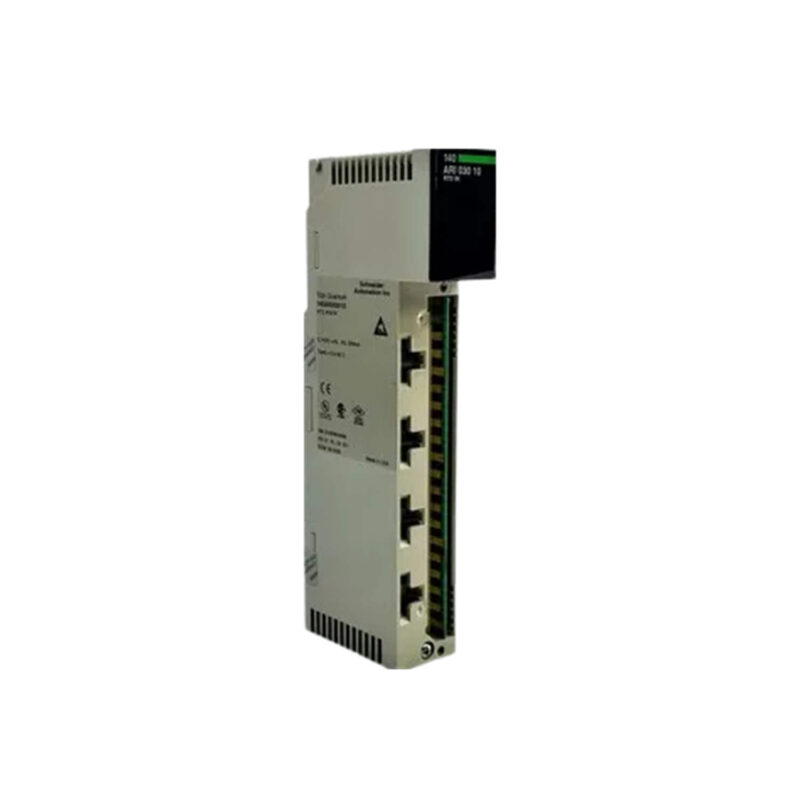
Key parameters for the 140ARI03000C are listed below for quick reference:
| Feature | Specification |
|---|---|
| Manufacturer | Schneider Electric |
| Product Type | RTD input module |
| Product Line | Modicon Quantum |
| Channels | 8 |
| Input Resolution | 15 bits |
| ADC Method | Sigma delta |
| Common Mode Rejection | 120 dB |
| Differential Mode Rejection | 60 dB |
| Recalibration | Internal |
| Altitude | 0 to 2000 m |
| Ambient Temperature | 0 to 60 °C |
| Storage Temperature | -40 to 85 °C |
| Protection Class | IP20 |
Industry Applications
Chemical Processing
In chemical plants, precise temperature control is vital for reaction consistency. The module's 15-bit resolution and sigma delta ADC ensure accurate readings even in electrically noisy environments. The 120 dB common mode rejection effectively suppresses ground loop interference, common in large facilities.
Food and Beverage Production
For pasteurization and sterilization processes, the 140ARI03000C offers reliable multi-channel monitoring. Its 8 channels allow simultaneous measurement of multiple zones, while the 60 dB differential mode rejection maintains signal integrity over long cable runs.
HVAC and Building Automation
In large commercial buildings, this module supports temperature monitoring for energy optimization. The wide storage temperature range (-40 to 85 °C) ensures resilience during transport and storage, and the IP20 protection class suits clean indoor control panels.
Installation and Setup Guidance
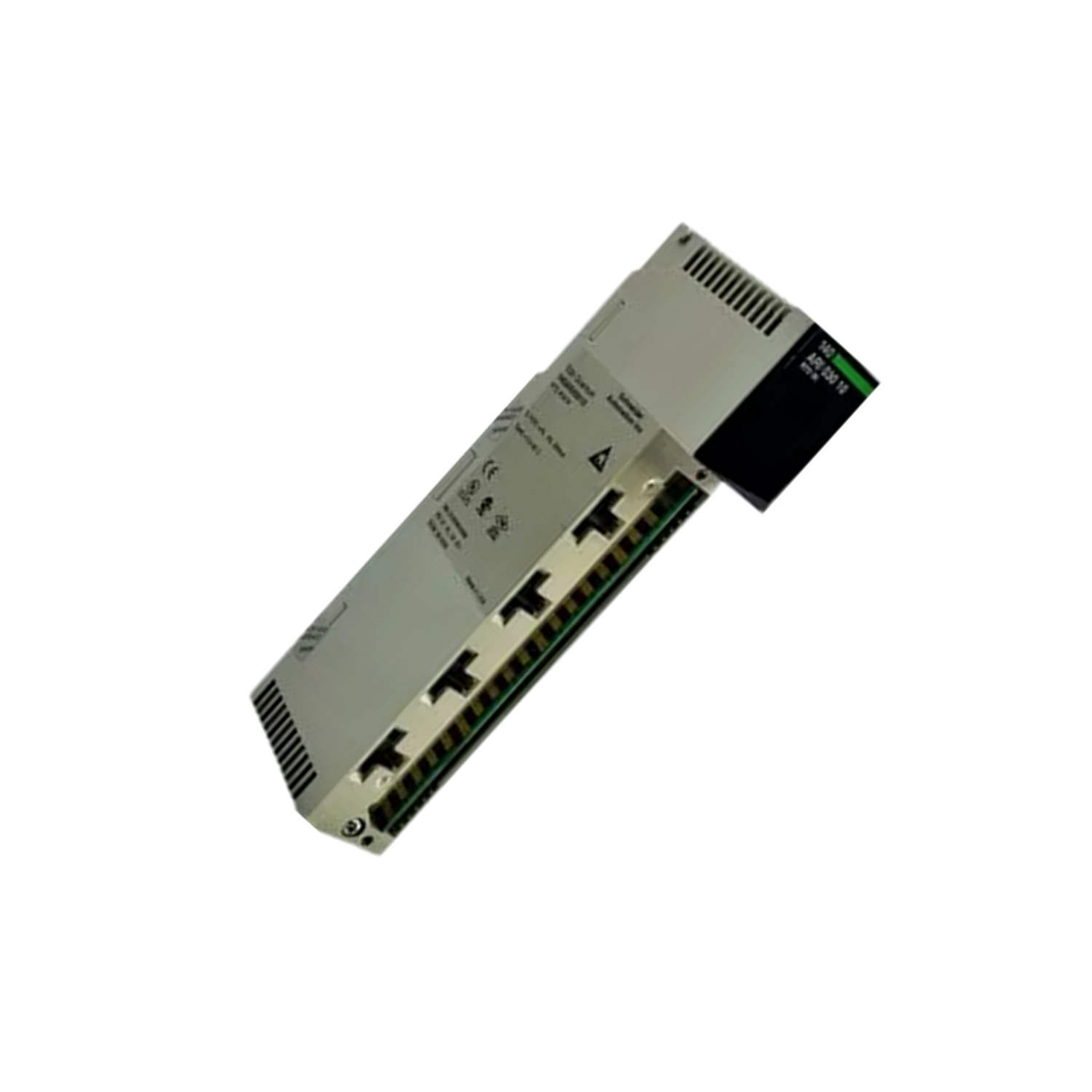
Mount the module securely in a Modicon Quantum rack, ensuring proper backplane connection. Use shielded twisted-pair cables for RTD inputs to minimize electromagnetic interference. Connect the shield to ground at one end only. Configure channel parameters via the programming software, selecting the appropriate RTD type (e.g., Pt100) and measurement range. Verify that the ambient temperature stays within 0 to 60 °C and altitude does not exceed 2000 meters for optimal performance.
Maintenance and Reliability
Perform periodic visual inspections of the module and connections. Check for dust accumulation on the IP20 enclosure and clean with a dry, lint-free cloth if needed. The internal recalibration feature simplifies accuracy checks—no external calibration equipment is required. Monitor system logs for any communication errors or out-of-range readings that may indicate sensor or wiring issues.
Solving Temperature Measurement Challenges in Harsh Industrial Environments
In many process plants, accurate temperature monitoring is critical for product quality and safety. Engineers often face noise interference and signal degradation that compromise RTD readings. The Schneider Electric 140ARI03000C RTD input module is designed to address these challenges head-on, providing reliable temperature measurement for Modicon Quantum automation systems.
Compatibility and Integration
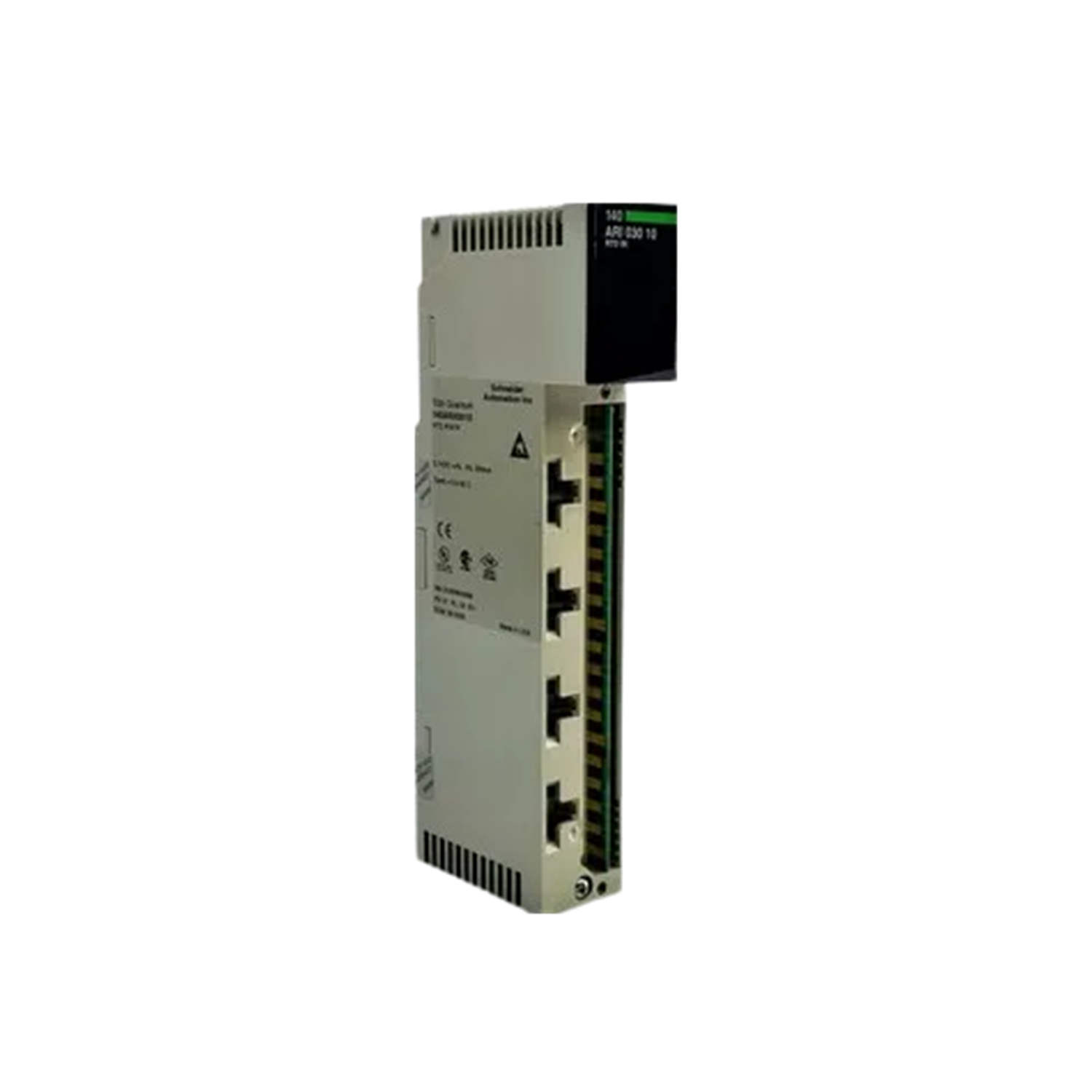
The 140ARI03000C is designed exclusively for the Modicon Quantum series from Schneider Electric. Ensure firmware compatibility with your existing system before installation. The module supports standard RTD types; consult the manual for specific sensor compatibility.
Selection Guide and Purchasing Advice
When selecting an RTD input module for your Modicon Quantum system, consider the number of channels and resolution required. The 140ARI03000C offers 8 channels with 15-bit resolution, suitable for most temperature monitoring tasks. For applications needing higher channel counts, evaluate other modules in the Quantum line. AutoDCSTech stocks this module and can advise on availability and lifecycle status. Please verify current lifecycle status and availability with AutoDCSTech before ordering.
Troubleshooting and Common Issues
If the module does not power up, check the backplane connection and ensure the rack power supply is operational. For inaccurate readings, verify that the correct RTD type is configured and that wiring is secure. Excessive noise may indicate poor shielding or ground loops—recheck cable routing and grounding. If communication errors occur, inspect the backplane contacts and reseat the module.
Availability & Condition at AutoDCSTech
| Part Number | 140ARI03000C |
|---|---|
| Availability | In Stock |
| Condition | New |
| Warranty | One Year |
| Origin | France |