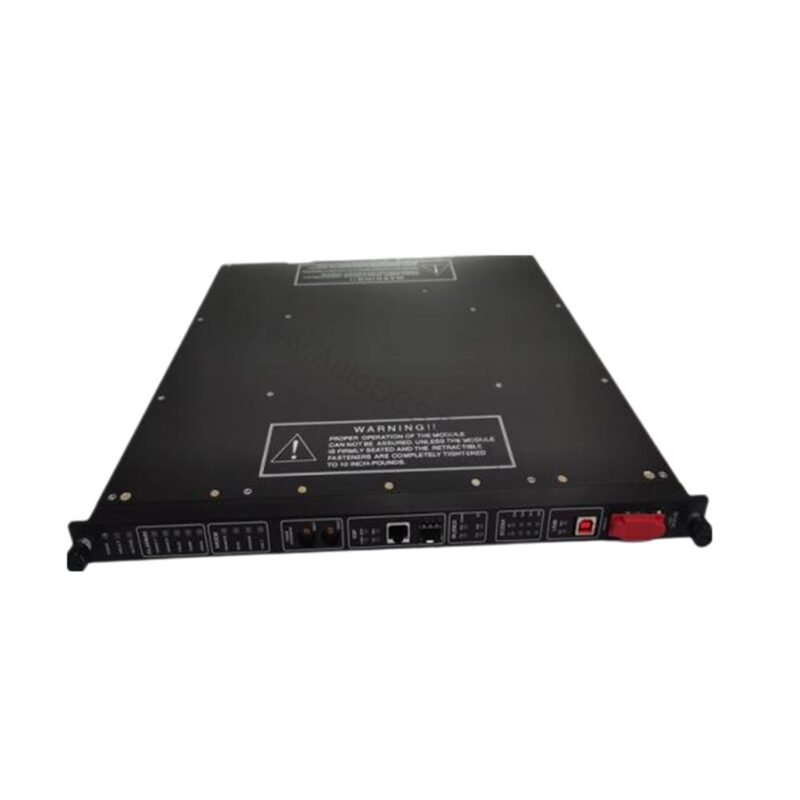
4351A Triconex TCM Communication Module Overview
When a Tricon system needs reliable communication with Modbus devices, TriStation, or external hosts, the 4351A from Triconex delivers a robust solution. This Communication Module (TCM) is engineered for Tricon v10.0 and later systems, ensuring compatibility with modern control architectures. With four serial ports and two copper Ethernet ports, the 4351A supports a total aggregate data rate of 460.8 kilobits per second across all serial channels, enabling efficient data exchange in demanding industrial environments.
As a maintenance engineer, you need modules that are easy to service and dependable under continuous operation. The 4351A is designed for hot replacement while the controller remains online, minimizing downtime during maintenance windows. Its status indicators—PASS, FAULT, ACTIVE, FIRM, LINK, TX, and RX—provide immediate visual feedback for quick diagnostics.
Key Features and Technical Specifications
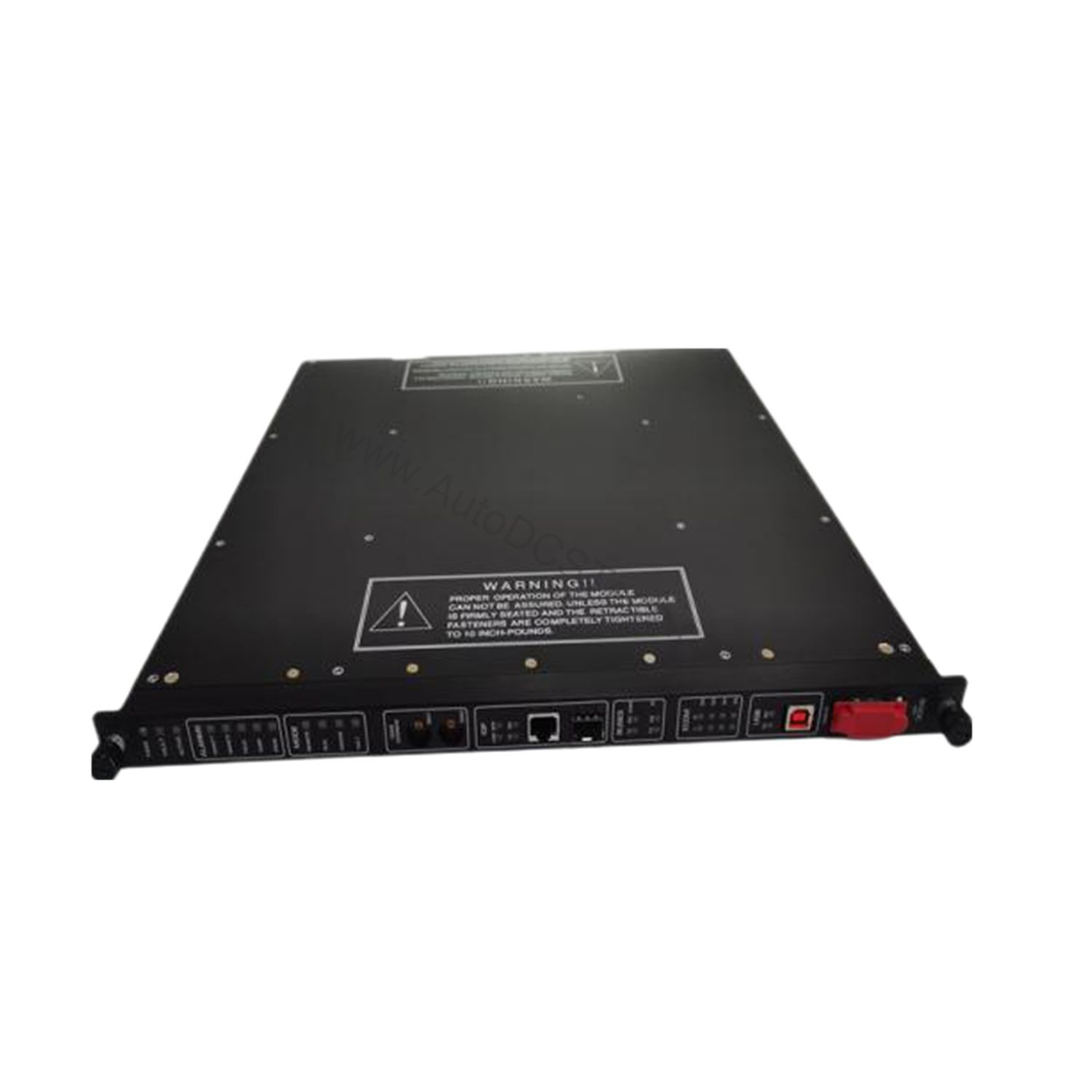
The 4351A offers a comprehensive set of communication features that simplify integration and enhance system performance. Below are the core specifications extracted from the official datasheet:
- Serial Ports: Four RS-232/RS-485 ports with DB-9 connectors, supporting Modbus master or slave configurations.
- Network Ports: Two 10/100BaseT copper Ethernet ports with RJ-45 connectors (models 4351A and 4353).
- Port Isolation: 500 VDC isolation between ports for enhanced electrical safety.
- Communication Speed: Copper Ethernet ports support 10/100 Mbps; serial ports operate up to 115.2 Kbps per port.
- Protocols: TriStation, Modbus, TCP/IP, ICMP, SNTP, TSAA, Trimble GPS, Peer-to-Peer, Peer-to-Peer Time Synchronization, and Jet Direct for network printing.
- Modbus Functions: Supports standard functions including Read Coil Status (01), Read Input Status (02), Read Holding Registers (03), Read Input Registers (04), Modify Coil Status (05), Modify Register Content (06), Read Exception Status (07), Loopback Diagnostic Test (08), Force Multiple Coils (15), and Preset Multiple Registers (16).
- Status Indicators: PASS, FAULT, ACTIVE, FIRM, LINK (one per network port), TX (transmit), and RX (receive) per port.
One distinctive feature of the 4351A is its support for both Modbus and Trimble GPS on serial port #1, and Modbus or TriStation on serial port #4. This flexibility allows you to adapt the module to various communication needs without additional hardware.
Applications and Use Cases
The 4351A is ideal for applications requiring seamless integration between Tricon safety systems and external Modbus devices. For instance, in a process plant, the TCM enables the Tricon to communicate with legacy Modbus RTU field instruments, such as flow transmitters and valve positioners, using numeric aliases assigned in TriStation. This capability is particularly valuable when upgrading older systems or expanding existing installations.
Additionally, the 4351A supports peer-to-peer communication between multiple Tricon or Trident controllers, facilitating redundant or distributed control architectures. The module's ability to handle up to 32 Modbus masters or slaves per Tricon system (including network and serial ports) makes it a scalable choice for growing automation networks.
Installation and Setup
Installing the 4351A requires careful attention to slot allocation and network configuration. Each Tricon system supports a maximum of four TCMs, which must reside in two logical slots. Different TCM models cannot be mixed within the same logical slot, so verify your system configuration before installation.
When wiring the serial ports, use the DB-9 connectors and configure each port as Modbus master or slave via TriStation. Assign five-digit aliases to Tricon variable names that will be accessed by Modbus devices—this mapping is essential for proper data exchange. For network connections, connect the RJ-45 ports to your Ethernet switch, ensuring that the copper ports are set to the appropriate speed (10 or 100 Mbps) to match your network infrastructure.
Always refer to the Tricon system manual for detailed installation procedures and safety guidelines.
Maintenance and Reliability
From a maintenance perspective, the 4351A offers several reliability advantages. Its hot-swappable design allows you to replace a faulty module while the controller remains online, reducing unplanned downtime. The status indicators provide real-time diagnostics, enabling you to quickly identify communication faults and take corrective action.
To ensure long-term reliability, periodically inspect the module for dust accumulation on the RJ-45 connectors and DB-9 ports, which can degrade signal integrity. Verify that the Ethernet cables are securely seated and free from damage. Since the TCM does not support hot-spare redundancy, maintain a spare unit in your inventory to minimize recovery time in case of failure.
Regularly review the system logs for communication errors and verify that the firmware is up to date, as Tricon v10.0 and later systems may have specific requirements for TCM operation.
Compatibility and Integration
The 4351A is compatible with Tricon v10.0 and later systems, as well as Trident controllers. It supports communication with TriStation, other Tricon or Trident controllers, Modbus master and slave devices, and external hosts over Ethernet networks. The module also supports the Trimble GPS interface on serial port #1, enabling precise time synchronization for safety applications.
For network integration, the 4351A supports TCP/IP, Modbus TCP/IP Slave/Master, TSAA, TriStation, SNTP, and Jet Direct protocols. This broad protocol support ensures seamless connectivity with existing plant networks and enterprise systems.
Troubleshooting Common Issues
When communication issues arise, the 4351A's status indicators are your first diagnostic tool. If the FAULT LED is lit, check the module's configuration in TriStation and verify that aliases are correctly assigned. If the LINK LED on a network port is off, inspect the Ethernet cable and switch connection.
For serial communication problems, confirm that the baud rate and parity settings match the connected device. Remember that each serial port is uniquely addressed, so verify that the Modbus slave address is correctly configured. If the module fails to communicate after a firmware update, ensure that the firmware version is compatible with your Tricon system.
If issues persist, consult the official Triconex documentation or contact AutoDCSTech for technical support.
Product Support and Availability
The 4351A is available from AutoDCSTech, a trusted supplier of industrial automation parts. In stock and ready to ship, this module can be ordered directly through our website. For technical assistance or to verify lifecycle status, please contact AutoDCSTech before ordering.
Availability & Condition at AutoDCSTech
| Part Number | 4351A |
|---|---|
| Availability | In Stock |
| Condition | New |
| Warranty | One Year |
| Origin | US |