Technical Specifications Breakdown
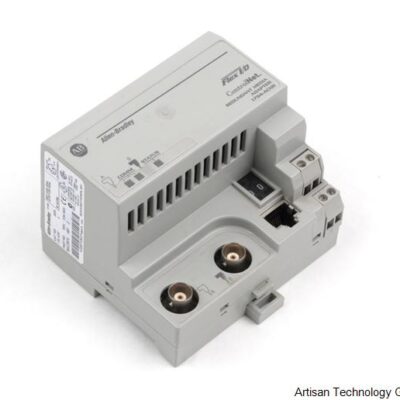
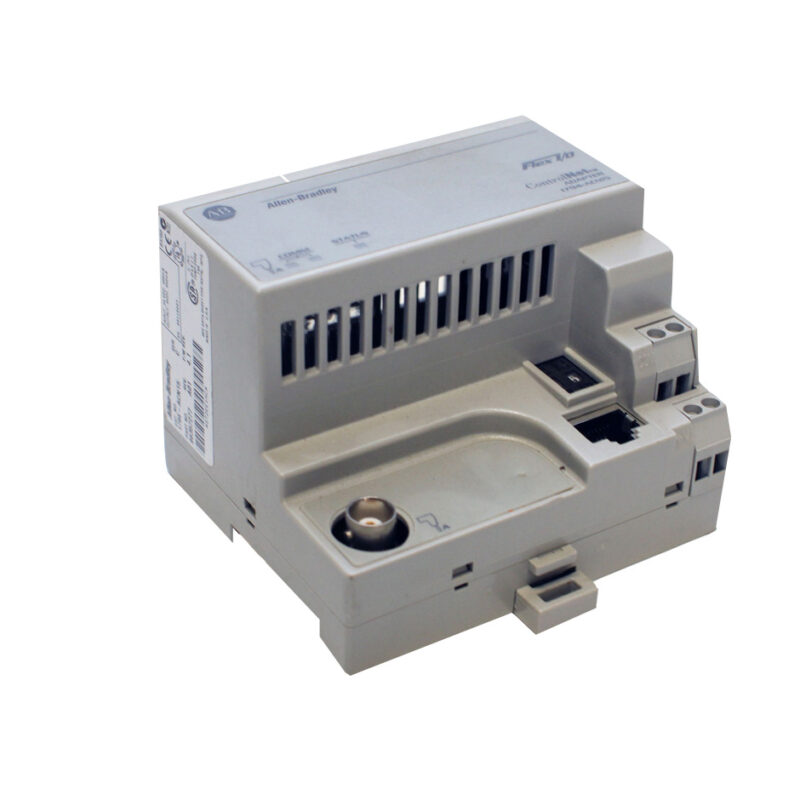
Key parameters for the 1794-ACN15 are listed below for quick reference:
| Feature | Specification |
|---|---|
| Manufacturer | Rockwell Automation |
| Part Number | 1794-ACN15 |
| Brand | Allen-Bradley |
| Product Type | Redundant Media ControlNet Adapter |
| Communication Port | One (1) ControlNet |
| Communication Rate | 5 Mbps |
| Input Voltage Range | 19.2 to 31.2 Volts DC |
| Flexbus Output Current | 640 mA maximum |
| Operating Temperature | 0 to 55 C (32 to 131 F) |
| Storage Temperature | -40 to 85 C (-40 to 185 F) |
| Mounting | DIN Rail; Panel Mounting |
Industry Applications
Automotive Assembly Lines
In automotive plants, the 1794-ACN15 connects Flex I/O modules to the ControlNet backbone, handling high-speed data transfer at 5 Mbps for precise robotic control and sensor feedback. The redundant media feature ensures that a cable break does not stop the line.
Oil and Gas Processing
For remote wellhead monitoring, this adapter operates reliably within 0 to 55 C ambient temperatures. Its ability to support up to eight I/O modules reduces the number of network nodes, simplifying maintenance in hazardous locations.
Water and Wastewater Treatment
In distributed control systems, the module's 19.2 to 31.2 V DC input range allows stable operation even with fluctuating power supplies common in outdoor installations.
Installation and Setup Guidance
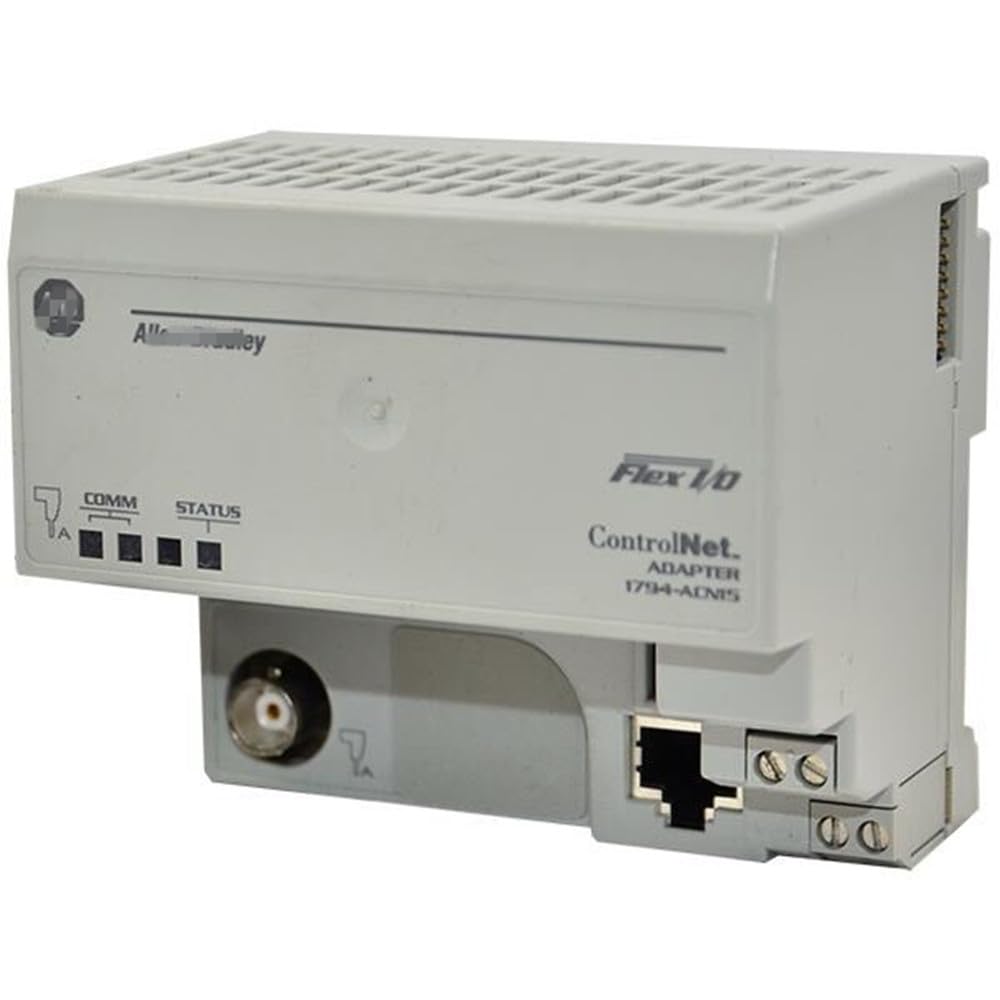
Mount the 1794-ACN15 on a DIN rail or panel using the provided mounting holes. Use Belden RG-6/U or equivalent coaxial cable for the ControlNet connection. For power wiring, employ single wire connections of 0.33 to 2.5 mm² (22 to 12 AWG) copper wire rated at 75 °C or greater, with insulation max 1.2 mm. For double wire connections, use 0.33 to 1.3 mm² (22 to 16 AWG) wire. Ensure the power supply voltage is within 19.2 to 31.2 V DC. The module draws up to 450 mA maximum. Connect the Flexbus to adjacent I/O modules; the bus provides up to 640 mA at 5 V DC.
Solving Network Reliability in Harsh Industrial Environments
In a typical manufacturing line, a single point of failure in the communication network can halt production for hours. The Allen-Bradley 1794-ACN15 is engineered to address this challenge as a Redundant Media ControlNet Adapter within the 1794 Flex I/O family. By supporting redundant media, this module ensures that if one communication path fails, the other takes over , minimizing costly downtime.
Maintenance and Reliability
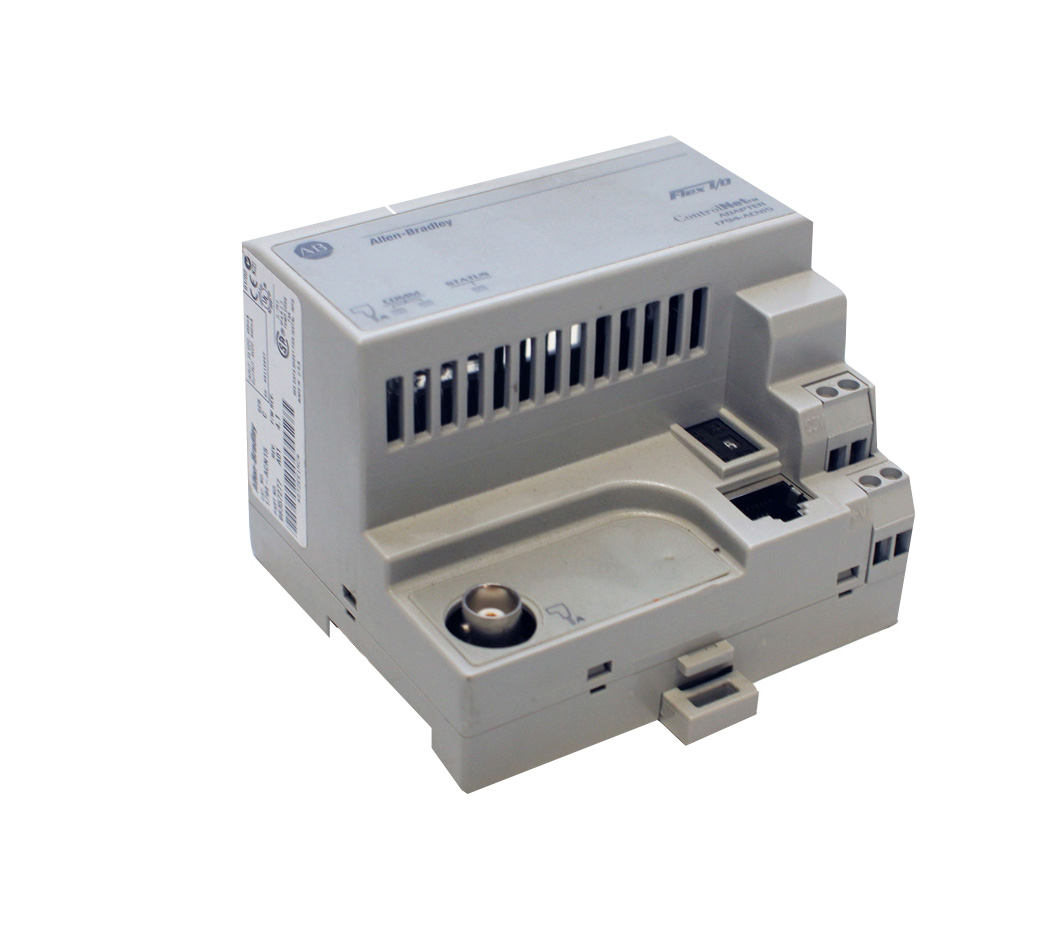
Periodically inspect the module's status indicators: Comm A (red/green), Comm B (red/green), and I/O Status (red/green) for normal operation. Keep the enclosure clean and within the 0 to 55 C operating range. The module withstands vibration of 5 g at 10-500 Hz per IEC 68-2-6 and operating shock of 30 g peak acceleration. For storage, maintain temperatures between -40 and 85 C.
Compatibility and Integration
It uses ControlNet protocol at 5 Mbps. The adapter is compatible with Rockwell Automation ControlNet scanners and controllers. Use Belden RG-6/U cable for the network.
Selection Guide and Purchasing Advice
When selecting the 1794-ACN15, verify that your system requires a Redundant Media ControlNet Adapter for the Flex I/O platform. AutoDCSTech stocks this part and can assist with availability and lifecycle status. Please verify current lifecycle status and availability with AutoDCSTech before ordering.
Troubleshooting and Common Issues
- No Communication: Check the ControlNet cable connection and ensure the Belden RG-6/U cable is properly terminated. Verify that the network scanner is configured for the 1794-ACN15.
- Power Issues: If the module does not power on, measure the input voltage at the terminals; it must be between 19.2 and 31.2 V DC. Check for inrush current of 23 A for 2 ms during startup.
- Indicator Status: A steady red Comm A or Comm B LED indicates a network fault. Inspect the cable for damage or loose connectors. A red I/O Status LED suggests a Flexbus problem; verify that connected I/O modules are properly seated.
Availability & Condition at AutoDCSTech
| Part Number | 1794-ACN15 |
|---|---|
| Availability | In Stock |
| Condition | New |
| Warranty | One Year |
| Origin | US |