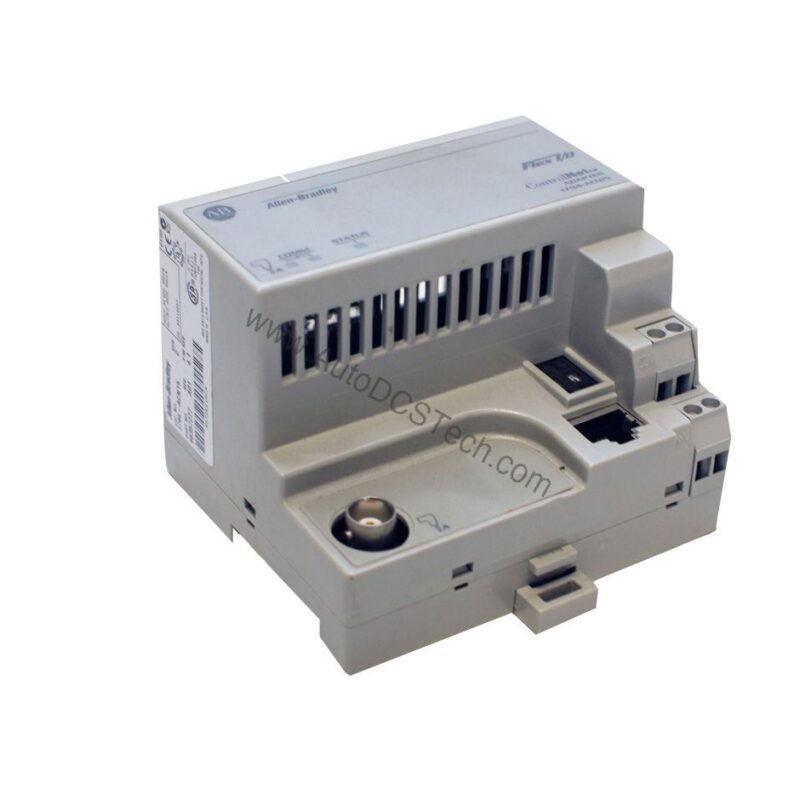
Product Overview
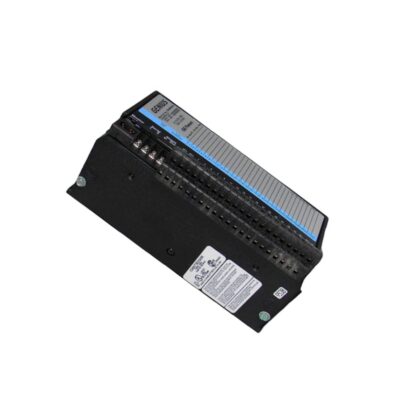
The Allen-Bradley 1794-IM16 is a digital input module within the Flex I/O 1794 series. It supports a maximum of 16 digital inputs, making it suitable for various control and monitoring applications. With a nominal on-state voltage set at 240 VAC, this module responds to an input voltage range of 159 to 264 VAC. The inputs are designed as non-isolated types, ensuring straightforward integration into existing systems.
Technical Specifications Breakdown
Key parameters for the 1794-IM16 are listed below for quick reference:
| Feature | Specification |
|---|---|
| Number of Inputs | 16 |
| Input Type | Digital Inputs |
| Nominal On-State Voltage | 240 VAC |
| Input Voltage Range | 159 to 264 VAC |
| Input Impedance | 22.2 kilohms |
| Input Current at 240 VAC | 11 mA |
| FlexBus Current at 5 VDC | 32 mA |
| Power Dissipation at 264 VAC | 6 watts |
| Thermal Dissipation at 264 VAC | 20.47 BTU/hr |
| Operating Temperature Range | 0 to 55°C |
| Dimensions (H x W x D) | 94 mm x 94 mm x 91 mm (3.7 x 3.7 x 3.6 in) |
| Weight | 141 grams (4.97 oz) |
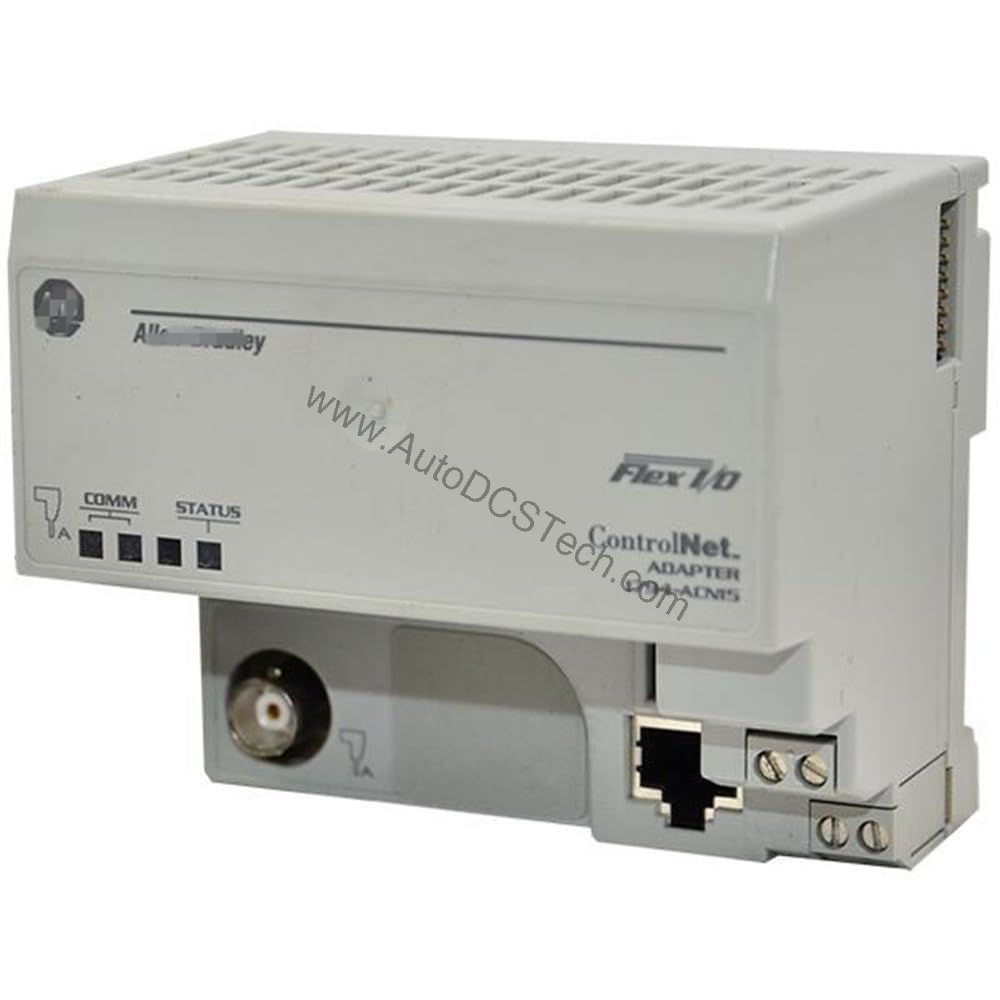
Industry Applications
Packaging and Material Handling
In packaging lines, the 1794-IM16 monitors limit switches and photocyes to track product flow. Its 240 VAC input range matches common industrial sensors, while the 16-point density reduces cabinet space.
HVAC and Building Automation
For large building control systems, this module interfaces with pressure switches and thermostat contacts. The 0 to 55°C operating range suits mechanical rooms and rooftop units.
Water and Wastewater Treatment
In treatment plants, the module reads level switches and valve position indicators. The non-isolated inputs simplify wiring in grounded systems.
Installation and Setup Guidance
Mount the 1794-IM16 on a DIN rail within the Flex I/O chassis. Ensure the backplane connector aligns properly before securing. Connect field wiring to the terminal block, observing the input voltage range of 159 to 264 VAC. Use twisted-pair wiring for noisy environments. Configure the module address via the Flex I/O adapter. Verify input status using the LED indicators during commissioning.
Maintenance and Reliability
Inspect the module periodically for dust accumulation and loose connections. Maintain ambient temperature below 55°C to ensure reliable operation. The module's 6-watt power dissipation at 264 VAC allows passive cooling in most enclosures. Check FlexBus current draw (32 mA at 5 VDC) to avoid overloading the backplane.
The Evolution of Industrial Input Modules
Industrial automation has evolved from simple relay logic to sophisticated distributed control systems. The Allen-Bradley 1794-IM16 digital input module represents a key component in this progression, offering reliable signal acquisition for modern Flex I/O architectures. As factories demand higher density and flexibility, this module delivers 16 discrete inputs in a compact form factor.
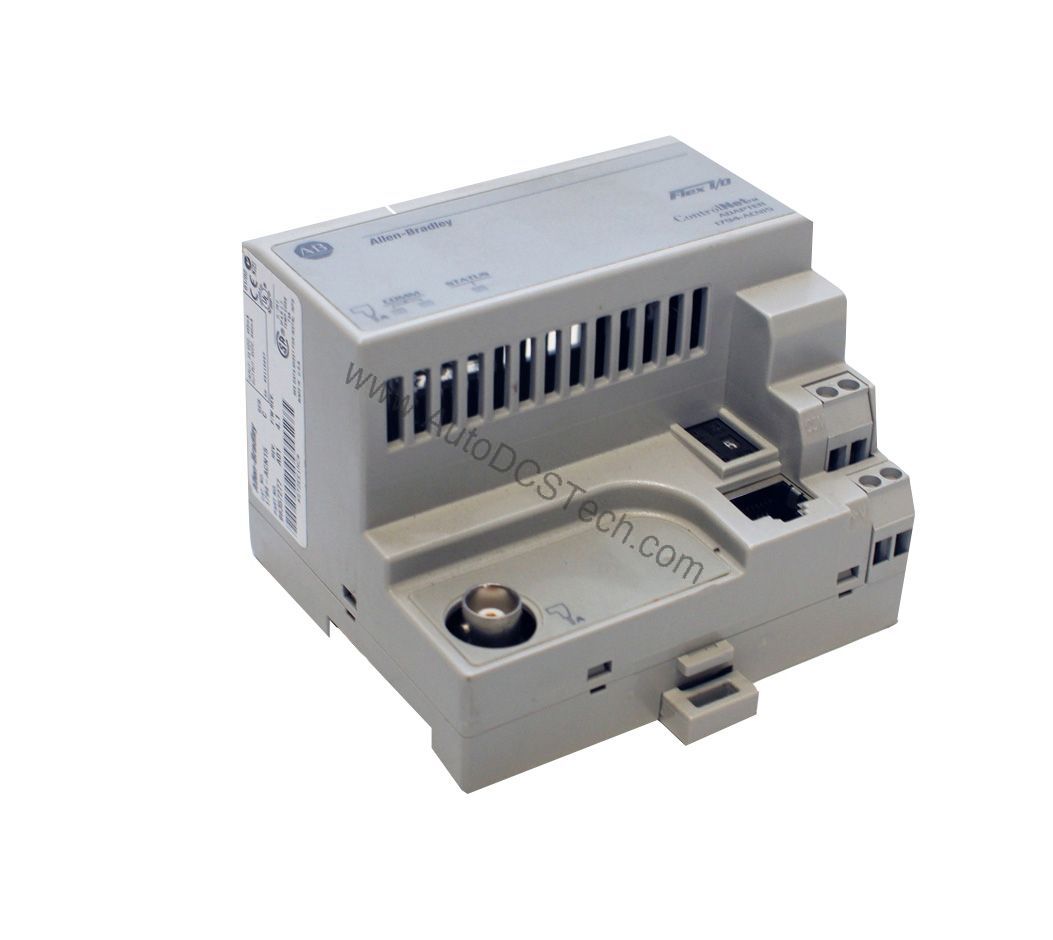
Compatibility and Integration
The 1794-IM16 integrates with any Allen-Bradley Flex I/O adapter, such as the 1794-AENT or 1794-ASB. It communicates via the FlexBus backplane, supporting remote I/O configurations. The non-isolated inputs are compatible with common 240 VAC sensors and switches.
Selection Guide and Purchasing Advice
When selecting the 1794-IM16, verify that your application requires 16 digital inputs at 240 VAC. For lower voltage or isolated needs, consider other Flex I/O modules. AutoDCSTech stocks this module and can assist with availability and lifecycle status. Please verify current lifecycle status and ordering options with AutoDCSTech before purchasing.
Troubleshooting and Common Issues
If an input fails to register, check the field wiring and sensor output voltage. Ensure the input voltage is within the 159 to 264 VAC range. If the module does not communicate, verify the FlexBus connection and adapter configuration. For persistent issues, inspect the backplane for damage.
Availability & Condition at AutoDCSTech
| Part Number | 1794-IM16 |
|---|---|
| Availability | In Stock |
| Condition | New |
| Warranty | One Year |
| Origin | US |