Technical Specifications Breakdown
Key parameters for the 2711P-T12C10D6 are listed below for quick reference:
| Feature | Specification |
|---|---|
| Manufacturer | Allen Bradley |
| Series | PanelView Plus 1250 |
| Part Number | 2711P-T12C10D6 |
| Product Type | Overlay film |
| Screen Type | Touch |
| Screen Size | 12 Inch |
| Display Resolution | 800x600 pixels |
| Light Transmission | Yes |
| Standard Compliance | 80% (meets ASTM D1003) |
| Protection Class | IP20 |
| Maximum Ambient Temperature | 40 degrees Celsius |
| Minimum Ambient Temperature | 0 degrees Celsius |
| Operating Humidity Range | 5 to 95% (non-condensing) |
| Storage Humidity Range | 5 to 95% (non-condensing) |
| Maximum Altitude | 1000m above sea level |
Industry Applications and Operational Benefits
Food & Beverage Processing – In washdown areas where humidity fluctuates, the 2711P-T12C10D6 maintains reliable touch response within the 5% to 95% non-condensing range. The 80% light transmission (ASTM D1003) preserves screen readability even under bright overhead lighting.
Material Handling & Logistics – Conveyor control panels often operate at elevated temperatures. With a maximum ambient temperature of 40°C and a minimum of 0°C, this overlay film suits typical indoor installations without performance degradation. The IP20 protection class provides adequate defense against dust and accidental contact in control cabinets.
Machine Tool Interfaces – For CNC or metalworking equipment, the 12-inch 800x600 resolution display delivers clear operator feedback. The overlay film’s compliance with ASTM D1003 ensures consistent optical quality, reducing eye strain during long shifts.
Installation & Setup Guidance
Before installing the 2711P-T12C10D6, power down the PanelView Plus 1250 terminal completely. Clean the underlying display surface with a soft, lint-free cloth to remove any debris. Align the overlay film carefully with the bezel edges to avoid air bubbles. Apply gentle, even pressure from the center outward. Avoid using sharp tools that could scratch the film. After installation, perform a touch calibration test to confirm accurate response across the entire screen area.
Maintenance & Reliability
Inspect the overlay film periodically for scratches, discoloration, or peeling edges. Clean using a mild, non-abrasive cleaner and a soft cloth. Do not use solvents or abrasive pads, as they can damage the film’s optical properties. Ensure the operating environment remains within the specified temperature and humidity limits to maximize service life. Because the film is rated IP20, it is not intended for outdoor or high-moisture exposure without additional enclosure protection.
Why the Right Overlay Film Matters for Your PanelView Plus 1250
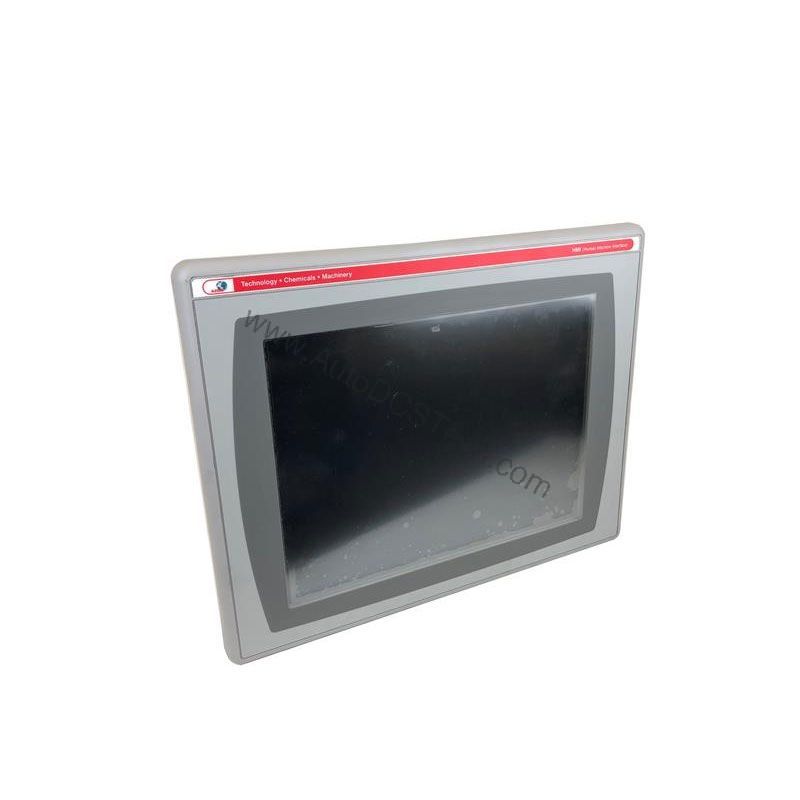
The Allen-Bradley 2711P-T12C10D6 is a genuine 12-inch touch overlay film engineered specifically for the PanelView Plus 1250 series. Using an authentic replacement ensures optical clarity, accurate touch registration, and consistent performance in demanding industrial environments.
This guide helps you evaluate the 2711P-T12C10D6 against your application requirements, covering technical specifications, environmental tolerances, installation considerations, and maintenance practices.
Compatibility & Integration
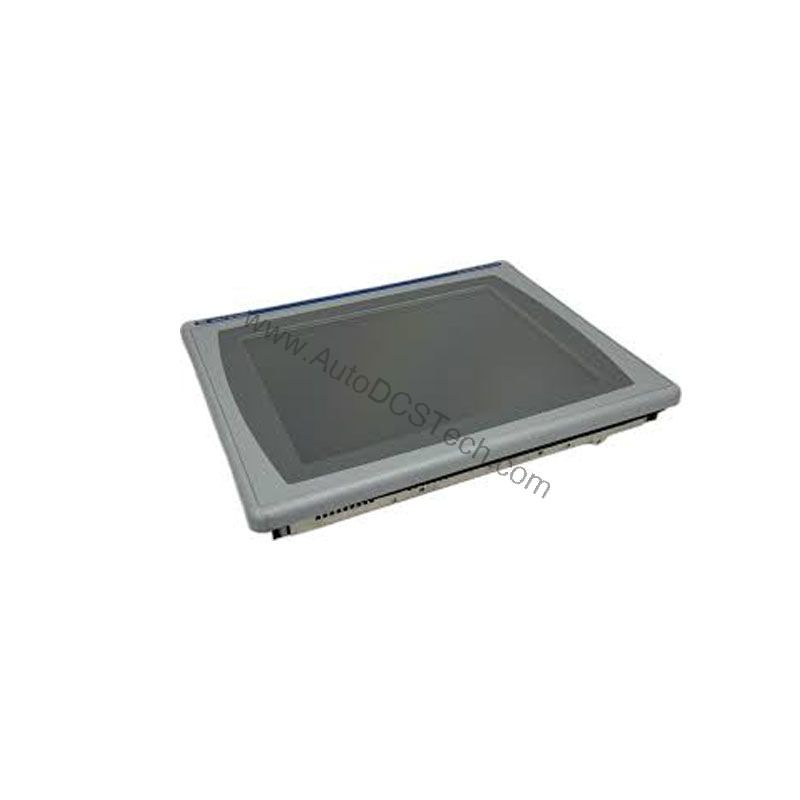
The 2711P-T12C10D6 is designed exclusively for the Allen-Bradley PanelView Plus 1250 series. Verify your terminal’s exact model before ordering to ensure a proper fit. The 12-inch screen size and 800x600 resolution are standard for this series, making this overlay a direct replacement for worn or damaged touch surfaces.
Selection Guide & Purchasing Advice
When selecting a replacement overlay, confirm the part number matches your existing terminal. The 2711P-T12C10D6 is available through AutoDCSTech, a trusted supplier of industrial automation parts. We recommend verifying current lifecycle status and availability with AutoDCSTech before ordering. Our team can assist with compatibility questions and provide fast, reliable delivery to minimize downtime.
Troubleshooting & Common Issues
Unresponsive Touch – If the touchscreen does not respond after installation, check that the overlay film is properly seated and that the terminal’s touch controller is calibrated. Recalibrate using the PanelView Plus setup menu.
Visible Air Bubbles – Air pockets under the film can reduce touch accuracy. Reapply the film slowly, using a soft card to push bubbles toward the edges.
Reduced Brightness – If the display appears dim, verify that the backlight is functioning. The 80% light transmission rating means the film itself should not significantly reduce visibility.
Edge Peeling – Over time, adhesive edges may lift in high-humidity environments. Keep the panel within the specified 5% to 95% non-condensing humidity range to prevent this issue.
For any persistent issues, contact AutoDCSTech for technical support and genuine replacement parts.
Availability & Condition at AutoDCSTech
| Part Number | 2711P-T12C10D6 |
|---|---|
| Availability | In Stock |
| Condition | New |
| Warranty | One Year |
| Origin | US |