Product Overview
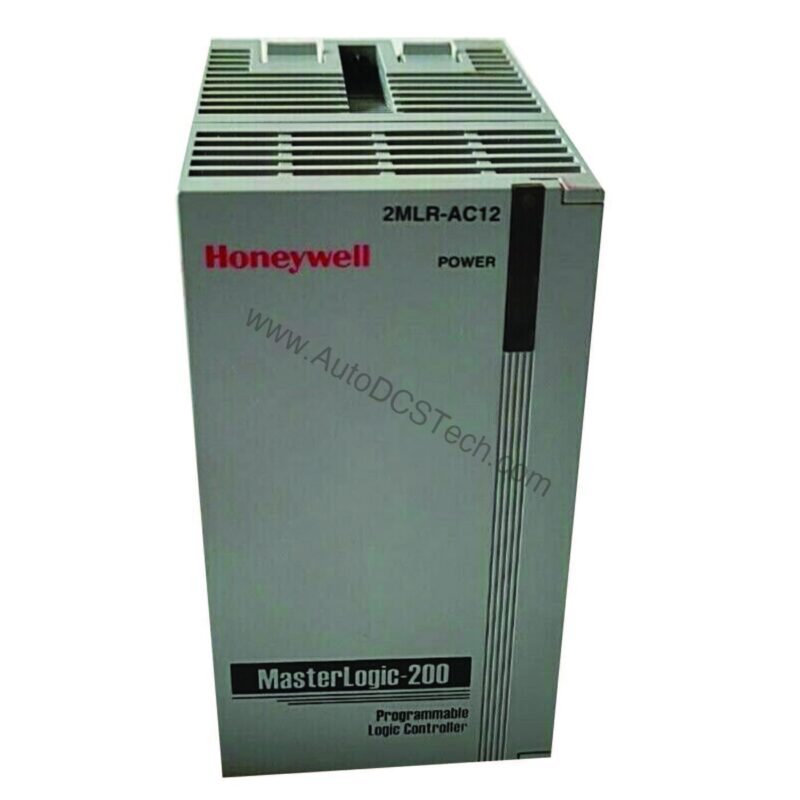
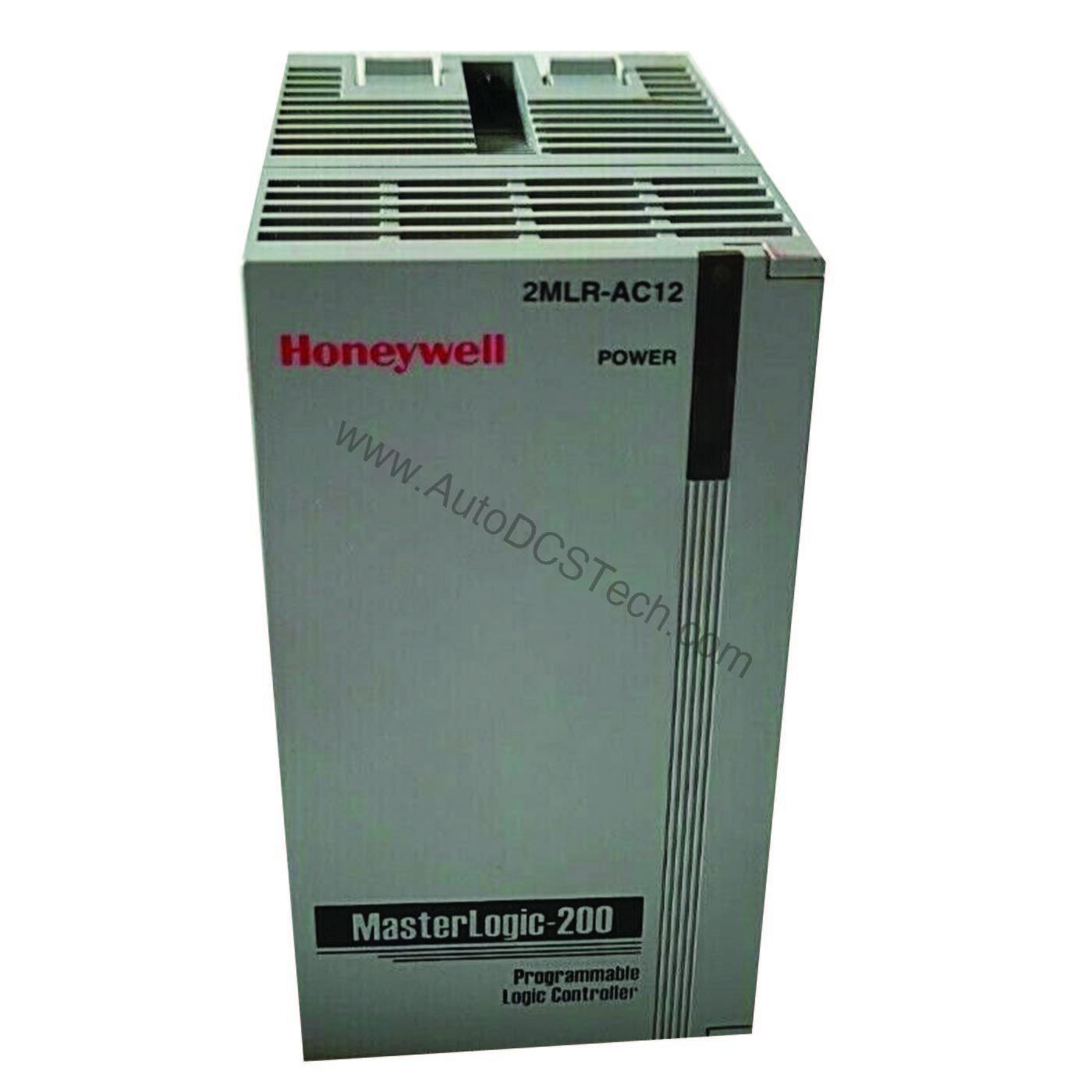
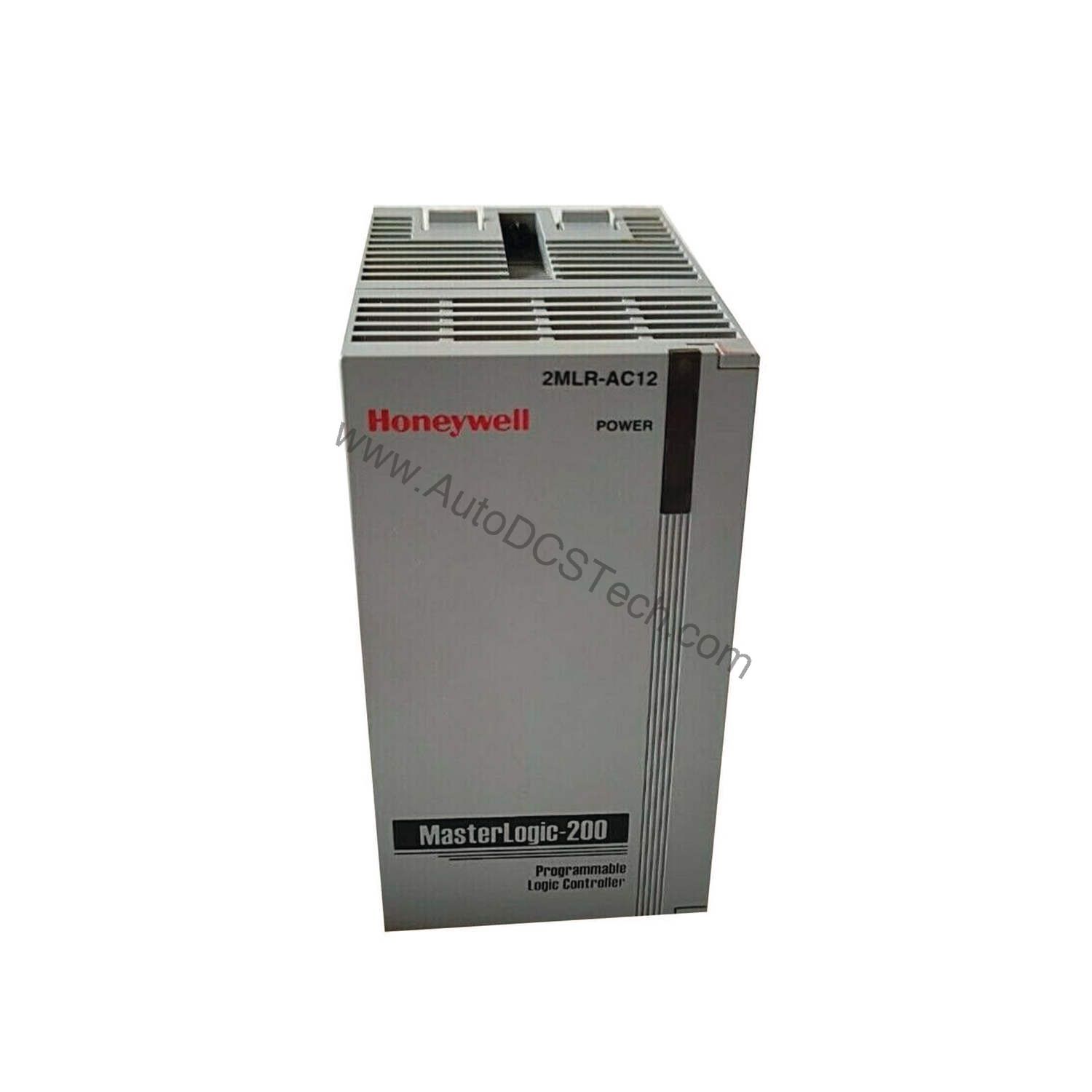
In distributed control systems, maintaining reliable communication between the CPU and remote expansion bases is critical. The Honeywell 2MLR-DBSF I/O Interface Module addresses this need with an optical media interface that extends the distance between expansion bases up to 2 kilometers. This module is engineered for Honeywell control systems, providing a robust link for I/O expansion in large-scale industrial plants.
Technical Specifications Breakdown
Key parameters for the HoneyWell 2MLR-DBSF are listed below for quick reference:
| Feature | Specification |
|---|---|
| Manufacturer | Honeywell |
| Part Number | 2MLR-DBSF |
| Media | Optical |
| Max. distance between Expansion bases (Optical) | 2 km |
| Cable Spec | 62.5/125 Multi-mode |
| Fiber LC type connector | Lucent Connector |
| Return Loss | Over 45 dB |
| Loader connection | Expansion drive USB |
| Range of station no. | 1 ~ 31 (other numbers generate an error) |
| Install position | CPU parts (CPU0 connector) in expansion base |
| Weight | 99 g |
Industry Applications
Long-Distance I/O Expansion in Process Plants
This reduces the need for multiple controllers and simplifies cabling.
High-EMI Environments
Because the module uses optical media, it is inherently immune to electromagnetic interference. In facilities with variable frequency drives or heavy machinery, this ensures stable communication without signal degradation.
Cost-Effective System Scalability
By extending the expansion base distance, the module reduces the cost of additional control cabinets and long copper cable runs. It also supports up to 31 station numbers, allowing for significant system expansion while maintaining centralized control.
Installation & Setup Guidance
Install the module in the CPU0 connector of the expansion base. Ensure the fiber optic cable is 62.5/125 multi-mode and terminated with LC connectors. The return loss must be over 45 dB to guarantee signal integrity. Set the station number within the range of 1 to 31; any other number will generate an error. Use the expansion drive USB connection for loading configuration. Always follow Honeywell's installation manual for precise steps.
Maintenance & Reliability
Periodically inspect the fiber optic connectors for dust or damage. Clean them with appropriate tools if necessary. Verify that the return loss remains above 45 dB. Check that the station number settings have not been altered. The module's lightweight design (99 g) simplifies handling during maintenance. Ensure the optical cable is not bent beyond its minimum bend radius to prevent signal loss.
Compatibility & Integration
The Honeywell 2MLR-DBSF is designed for Honeywell control systems, specifically for use with expansion bases. It integrates with the CPU via the CPU0 connector. The optical interface ensures compatibility with standard multi-mode fiber infrastructure. The USB loader connection facilitates easy configuration. Always confirm compatibility with your specific Honeywell controller model before purchasing.
Selection Guide & Purchasing Advice
When selecting the Honeywell 2MLR-DBSF, consider your required expansion distance and station count. If your plant layout demands distances up to 2 km, this module is a suitable choice. Verify that your existing fiber infrastructure uses 62.5/125 multi-mode cable with LC connectors. AutoDCSTech offers genuine Honeywell modules with expert support. Contact our team to confirm availability and lifecycle status before ordering.
Troubleshooting & Common Issues
If the module fails to communicate, first check the fiber connections and ensure the return loss is within spec. Verify that the station number is set between 1 and 31. Confirm that the module is installed in the correct CPU0 connector. If errors persist, test with a known-good fiber cable. For persistent issues, consult Honeywell technical support or contact AutoDCSTech for assistance.
Availability & Condition at AutoDCSTech
| Part Number | HoneyWell 2MLR-DBSF |
|---|---|
| Availability | In Stock |
| Condition | New |
| Warranty | One Year |
| Origin | US |