Product Overview
When building or maintaining a SLC 500 control system, the power supply is the foundation of reliable operation. The Allen-Bradley 1746-P1 is a dedicated SLC 500 Power Supply designed to provide stable backplane power to modules in a 1746 chassis. It converts line voltage to the DC levels required by the processor and I/O modules, ensuring consistent performance in demanding industrial environments.
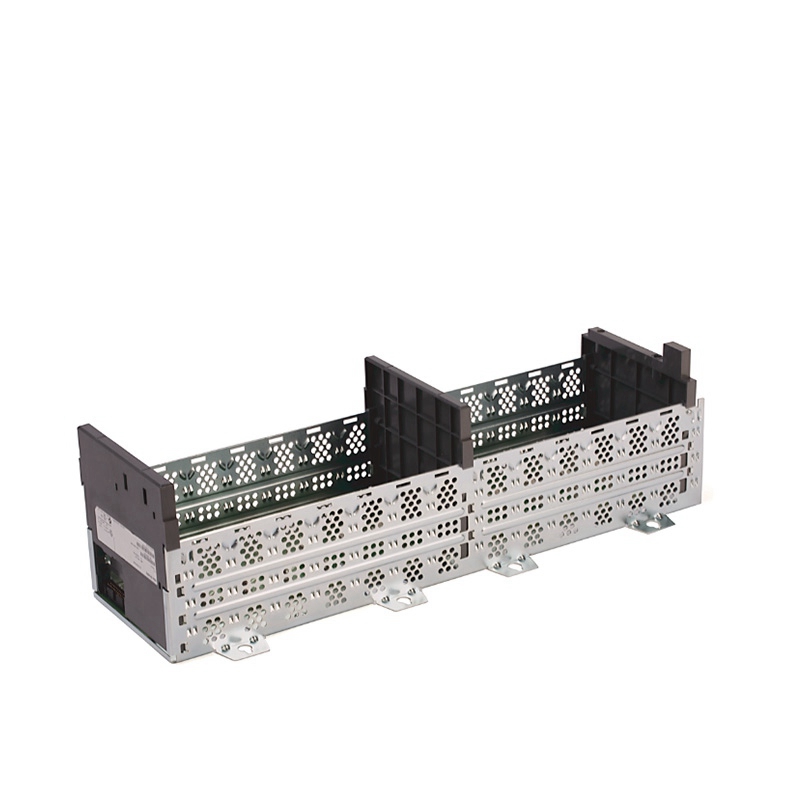
Technical Specifications Breakdown
Key parameters for the 1746-P1 are listed below for quick reference:
| Feature | Specification |
|---|---|
| Manufacturer | Rockwell Automation |
| Brand | Allen-Bradley |
| Part Number/Catalog No. | 1746-P1 |
| Series | SLC 500 |
| Module Type | Power Supply |
| Input Voltage | 120 to 220 Volts AC |
| Input Power | 42 Watts |
| Inrush Current | 20 Amps |
| Internal Current Capacity | 2 A at 5V dc, 0.46 A at 24V dc |
| Output Voltage Range | 18 to 30 Volts DC |
| Backplane Current (5 Volts) | 2 Amps |
| Backplane Current (24 Volts) | 0.46 Amps |
| Frequency | 47 to 63 Hertz |
| Location | 1746 Chassis |
| Weight | 2 pounds (0.9 kilograms) |
| Dimensions | 5.5 x 2.3 x 5.7 inches |
| Operating Temperature | 0 to 60 Celsius |
| Fuse Protection | 1746-F1 or equivalent |
Industry Applications
This power supply module is essential for any SLC 500 rack configuration. It is commonly used in manufacturing lines, material handling systems, and process control skids where a reliable backplane power source is critical. For example, in a packaging line, the 1746-P1 ensures that the processor and I/O modules maintain power even during line voltage fluctuations, reducing unplanned downtime.
In water treatment facilities, the wide input voltage range (120 to 220 Volts AC) accommodates varying site power conditions, while the built-in fuse protection guards against short-circuit faults. The 42-watt input power capacity makes it suitable for small to medium chassis configurations.
Installation & Setup Guidance
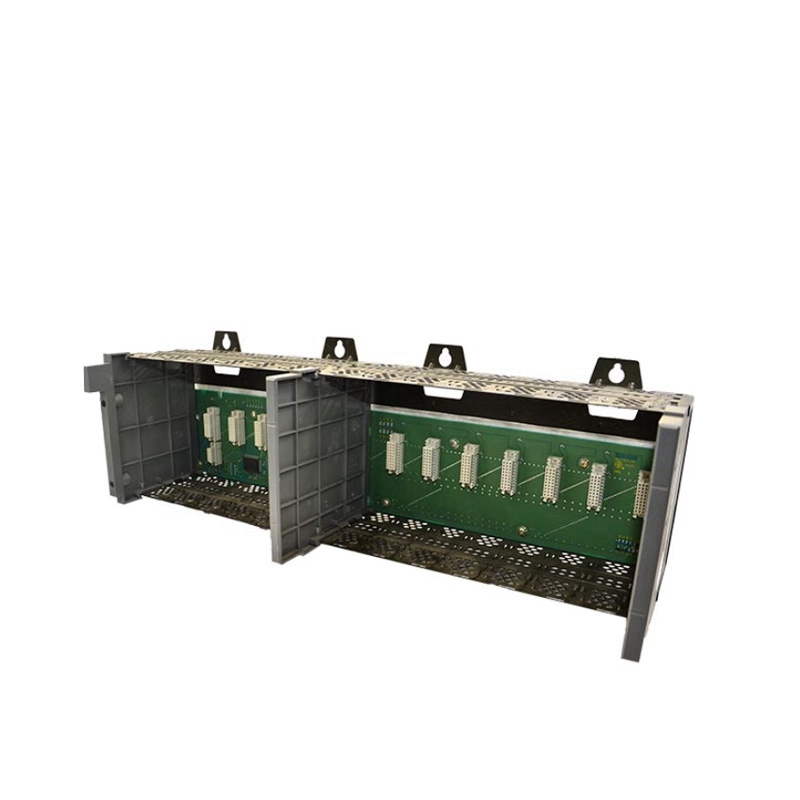
Install the power supply in the leftmost slot of a 1746 chassis. Before applying power, verify that the input voltage selector jumper is set correctly for your line voltage (120V or 220V AC). Only one power supply is needed per chassis. Ensure the chassis is properly grounded per local electrical codes. The module operates within 0 to 60 degrees Celsius; avoid mounting near heat sources.
Maintenance & Reliability
Periodically inspect the power supply for dust accumulation and ensure ventilation openings are clear. The internal fuse (1746-F1 or equivalent) protects against short circuits but does not replace external overcurrent protection. For user-power overcurrent conditions, the response varies by manufacturing origin: units made in Japan may cause a CPU fault requiring program reload, while units made in Malaysia may only shut down the 24V DC user power. Always verify the revision before troubleshooting.
Compatibility & Integration
The 1746-P1 is designed exclusively for the SLC 500 series and fits any 1746 chassis (main, expansion, or remote I/O rack). It provides backplane power at 5V DC (2 Amps) and 24V DC (0.46 Amps) to support processors and I/O modules. The CPU hold-up time is 20 ms at full load and 3000 ms at no load, allowing brief power interruptions without losing program state.
Selection Guide & Purchasing Advice
When selecting a power supply for your SLC 500 system, verify the total backplane current draw of all installed modules does not exceed the 1746-P1's capacity. For higher current requirements, consider other SLC 500 power supply options. AutoDCSTech stocks the 1746-P1 and can help you confirm compatibility with your existing rack. Please verify current lifecycle status and availability with AutoDCSTech before ordering.
Troubleshooting & Common Issues
If the system fails to power up, check the input voltage jumper setting and ensure the line voltage is within 120 to 220 Volts AC. Verify that the chassis is properly connected and the power supply is seated firmly. If the 24V DC user power is lost, inspect the external load for overcurrent conditions. For a CPU fault after overcurrent, reload the user program after correcting the fault.
Availability & Condition at AutoDCSTech
| Part Number | 1746-P1 |
|---|---|
| Availability | In Stock |
| Condition | New |
| Warranty | One Year |
| Origin | US |