Technical Specifications Breakdown
Key parameters for the 2711P-T12C10D2 are listed below for quick reference:
| Feature | Specification |
|---|---|
| Manufacturer | Allen Bradley |
| Series | PanelView Plus 6 |
| Part Number | 2711P-T12C10D2 |
| Product Type | Operator Terminal |
| Display Size | 12 inch |
| Resolution | 800 x 600, 18-bit color graphics |
| Input Type | Touchscreen |
| Numeric Keypad | 40 keys |
| Voltage Class | 24 VDC |
| Power Consumption | 70 W max (2.9 A at 24V DC), 39 W typical (1.6 A at 24V DC) |
| Input Power | DC |
| Display Area (WxH) | 246 x 184 mm (9.7 x 7.2 in.) |
| Operating Temperature | 0 to 55 °C |
| Storage Temperature | -20 to 70 °C |
| Weight | 3.2 kg |
| Memory | 128 MB |
| Communication Port | DeviceNet |
| Color | Yes |
Industry Applications and Operational Benefits
The 2711P-T12C10D2 is engineered for a wide range of industrial control applications. Its 12-inch display with 800 x 600 resolution and 18-bit color graphics provides clear visibility for data interaction, making it suitable for:
- Manufacturing Lines: Monitor production metrics, alarms, and machine status in real time. The touchscreen interface allows operators to acknowledge alarms and adjust parameters quickly.
- Process Control: Display process variables such as temperature, pressure, and flow. The DeviceNet port enables seamless integration with PLCs and sensors, facilitating data exchange and centralized control.
- Material Handling: Use the numeric keypad for rapid data entry, such as batch counts or part IDs. The durable design withstands the vibration and temperature variations common in warehouse environments.
Installation and Setup Guidance
Proper installation ensures optimal performance and longevity. Follow these guidelines when integrating the 2711P-T12C10D2 into your control system:
- Mounting: The terminal is designed for panel mounting. Ensure the cutout dimensions match the display area (246 x 184 mm) to provide a secure fit. The lightweight design (3.2 kg) simplifies handling during installation.
- Power Supply: Connect a 24 VDC power source. Verify that the supply can deliver at least 2.9 A to handle peak power consumption of 70 W. Use appropriate fusing and wiring per local electrical codes.
- Communication: Connect the DeviceNet port to your network. Ensure proper termination and addressing to avoid communication errors. Refer to the DeviceNet specification for cable and connector requirements.
- Environmental Considerations: Install the terminal in a location where the operating temperature stays within 0 to 55 °C. Avoid exposure to excessive dust, moisture, or corrosive gases. For storage, the terminal can withstand -20 to 70 °C, but prolonged exposure to extreme conditions should be avoided.
Maintenance and Reliability
Regular maintenance is essential to keep the operator terminal functioning reliably. Here are some practical tips:
- Inspect the display periodically for scratches or damage. Clean the touchscreen with a soft, dry cloth to maintain touch sensitivity.
- Check the keypad for wear. The 40 keys should respond consistently; if any key becomes unresponsive, contact a qualified technician for service.
- Verify the power supply voltage and current. Fluctuations can affect performance. Use a regulated 24 VDC supply to prevent damage.
- Monitor the operating environment to ensure temperatures remain within the specified range. Excessive heat can reduce the lifespan of internal components.
Operator Terminal for Demanding Industrial Environments
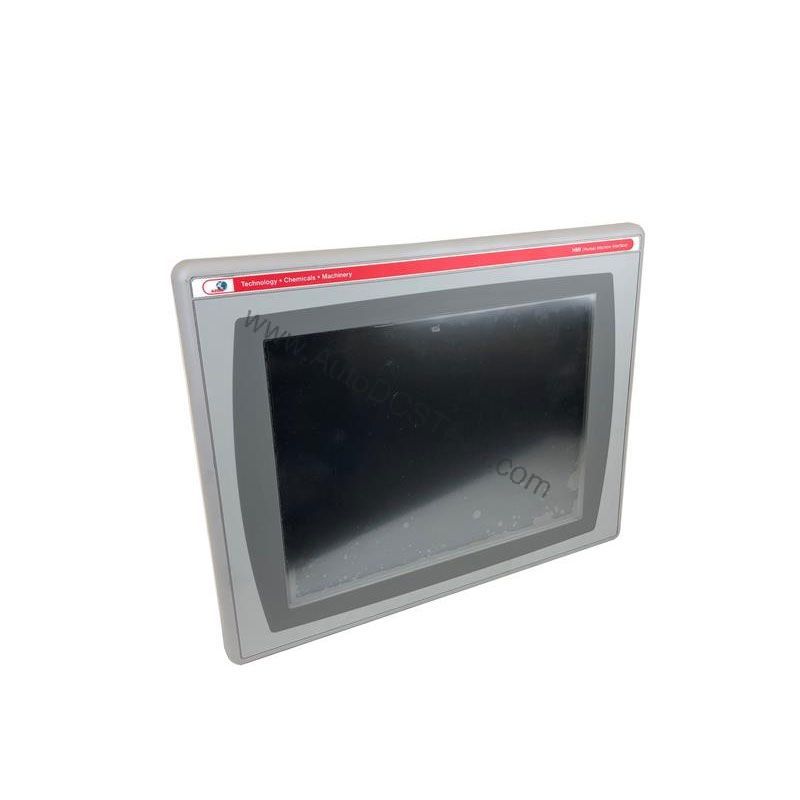
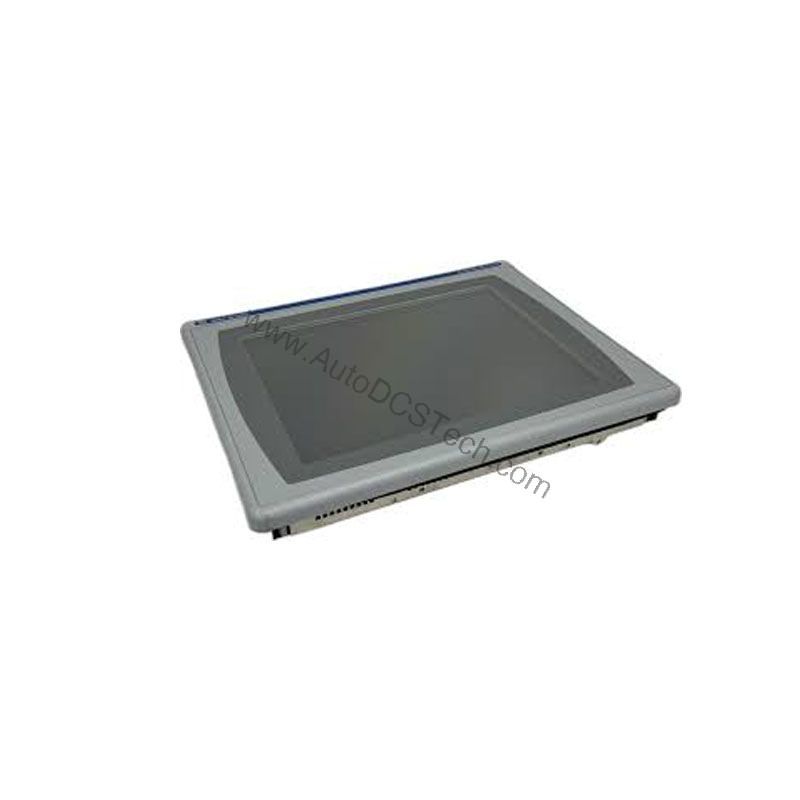
Industrial control systems require reliable and intuitive human-machine interfaces (HMIs). The Allen-Bradley 2711P-T12C10D2, part of the PanelView Plus 6 series, delivers a robust solution for monitoring and controlling automated processes. This operator terminal combines a 12-inch touchscreen with a 40-key numeric keypad, offering flexible data entry for operators.
Compatibility and Integration
The 2711P-T12C10D2 is part of the Allen-Bradley PanelView Plus 6 series, ensuring compatibility with a wide range of Rockwell Automation controllers and software. The DeviceNet communication port allows direct connection to DeviceNet networks, enabling data exchange with PLCs, drives, and sensors. This integration capability makes the terminal a versatile choice for both new installations and upgrades of existing systems.
Selection and Purchasing Advice
When selecting an operator terminal for your application, consider factors such as display size, resolution, input methods, and communication options. The 2711P-T12C10D2 offers a balanced combination of these features, making it a strong candidate for many industrial settings. For purchasing, contact AutoDCSTech to check availability and current lifecycle status. AutoDCSTech specializes in industrial automation parts and can provide guidance on the best solution for your needs.
Please verify current lifecycle status and availability with AutoDCSTech before ordering.
Availability & Condition at AutoDCSTech
| Part Number | 2711P-T12C10D2 |
|---|---|
| Availability | In Stock |
| Condition | New |
| Warranty | One Year |
| Origin | US |